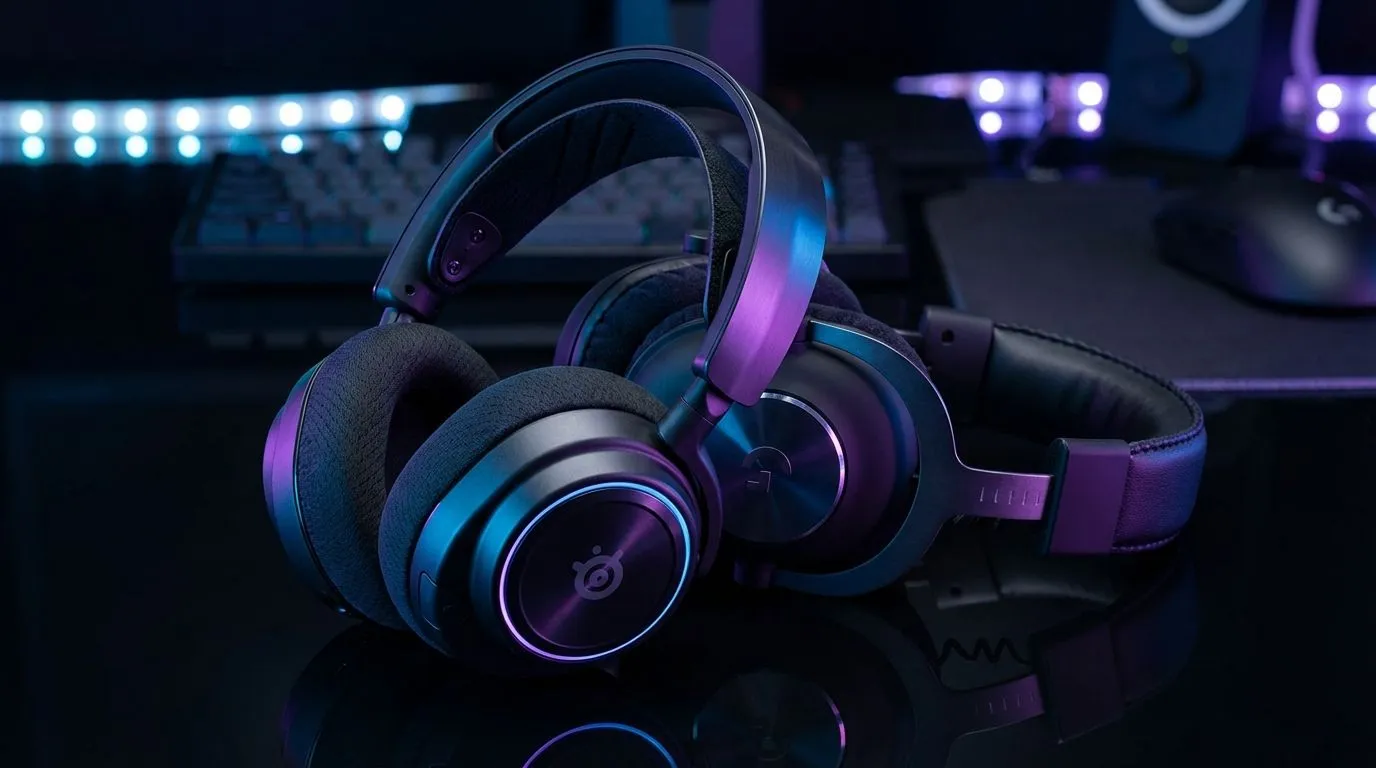
Tired of getting ghosted in the Gulag because you didn't hear a single footstep? In Warzone, sound is your most lethal weapon. If your audio isn't tuned, you are playing at a massive disadvantage. This Warzone audio EQ settings: Best SteelSeries & Logitech guide breaks down exactly how to optimise your gear to hear enemies before they even see you on their mini-map. 🔧
Optimising Your SteelSeries Sonar Settings for Warzone
SteelSeries users have a massive advantage with the Sonar software. It allows for surgical precision over specific frequency bands. For the best results in Warzone, you should focus on the "Smash & Grab" approach to audio. This means boosting the frequencies where footsteps live while cutting out the rumbling bass of distant airstrikes.
In the Sonar EQ, look for the 100Hz to 400Hz range. This is where the "thud" of a boot hitting the floor resides. Give this a slight 3dB boost. Conversely, drop everything below 60Hz. Deep bass sounds great in movies, but in a competitive shooter, it just masks the important stuff. For the crisp sounds of reloading or plates breaking, add a small shelf boost at 6kHz.
Perfecting Logitech G Hub EQ for Competitive Play
Logitech headsets like the G Pro X are staples in the South African competitive scene. To get the most out of them, you need to move away from the "Flat" preset immediately. Within G Hub, use the 10-band equaliser to create a custom profile specifically for Al Mazrah or Urzikstan.
Lower the 80Hz and 160Hz sliders to reduce the "muddiness" of the game world. You want to focus your hearing on the 2kHz to 4kHz range. This is the "presence" frequency. It makes footsteps sound sharper and more distinct against the background noise of the map. If you find the high-end too piercing, you can browse the wider headphone and headsets category to find a pair with a more natural soundstage.
Warzone Audio Pro Tip ⚡
Always set your in-game Audio Mix to 'Headphone Bass Boost' or 'Flex'. These presets work best with external EQ software. Also, ensure 'Mono Audio' is turned OFF in your Windows settings... spatial awareness relies entirely on the stereo image to tell you if an enemy is left or right of your position.
Hardware Matters: Choosing the Right Gear
While software tuning is vital, your hardware provides the foundation. If you are looking for a dedicated gaming solution, the Razer Barracuda X Chroma Wireless is a fantastic option that balances comfort with high-fidelity drivers. It is currently one of the most popular choices for local gamers looking for a clean, white aesthetic under R3,000. 🚀
If you prefer a different brand, exploring the full range of Razer headphones and headsets will show you options with THX Spatial Audio. This technology works alongside your EQ settings to create a 360-degree sound field. This makes tracking a player jumping off a roof much easier than standard stereo setups.
Final Tweaks for South African Gamers
Remember that ambient noise in your room affects how you perceive game audio. If you are playing in a noisy environment, you might need to boost your master volume and lower your EQ peaks to avoid distortion. Always test your settings in the Warzone firing range before jumping into a Resurgence match. Use the crates and walls to test how sound occludes... this will help you get used to your new "super-hearing" capabilities. ⚡
Ready to Hear Every Footstep?
Don't let bad audio cost you another victory. Whether you need the latest SteelSeries, Logitech, or Razer gear, we have the best deals in South Africa. Explore our massive range of gaming headsets and find the perfect pair to dominate the lobby today.