


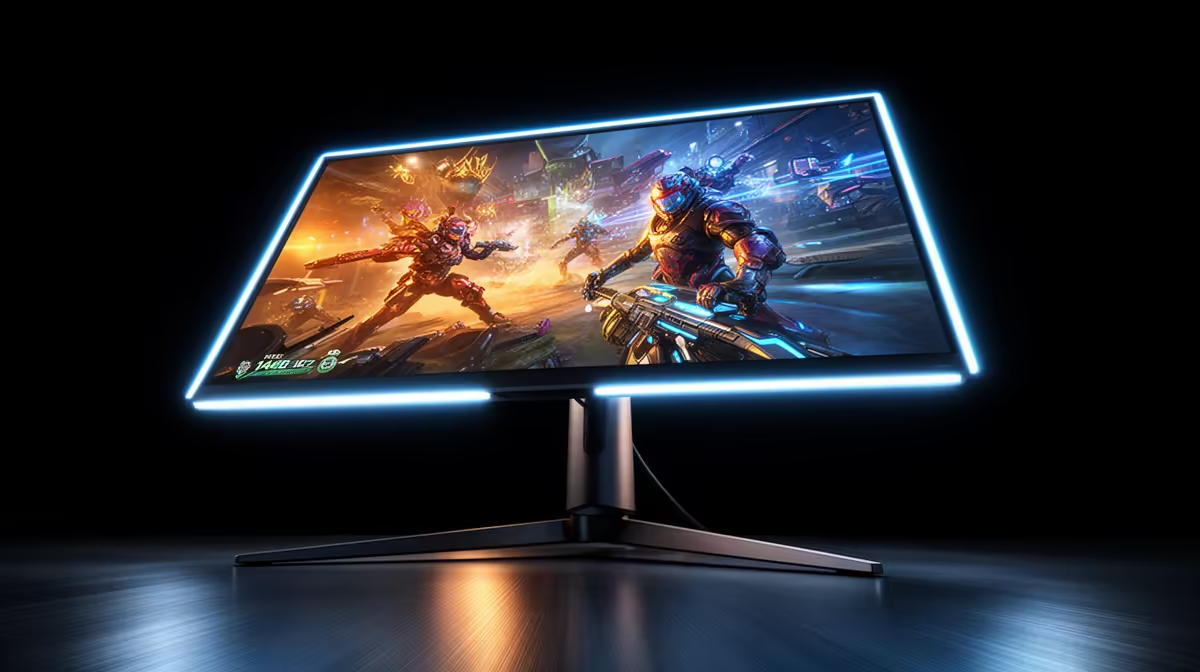
Stuck in a firefight where your screen feels a step behind your mouse? You're not alone. For years, South African gamers have battled on standard 60Hz screens, missing out on crucial frames that can decide a match. The good news? The upgrade to a 144Hz gaming monitor is more affordable than ever, and it’s the single biggest leap you can make for smoother, more responsive gameplay. It's time to see what you've been missing. 🚀
Why is a 144Hz Monitor the New Standard?
Let's break it down simply. Hertz (Hz) is a measure of how many times your monitor updates the image on screen every second. A standard 60Hz monitor refreshes 60 times per second. A 144Hz gaming monitor refreshes a massive 144 times per second.
Think of it like a flipbook. At 60 pages per second, the animation is okay. But at 144 pages per second, it's buttery smooth. This extra visual information means less motion blur, clearer targets, and a direct, almost instant connection between your hand and the action. It's a tangible advantage, not just a number on a box. For a full breakdown of options, you can browse all kinds of PC monitors to see the difference in specs.
The On-Screen Difference: From Lag to Lead
The first time you move your mouse across the desktop on a 144Hz screen, you'll feel it. Everything is fluid. But in-game is where the magic happens. 🎯
Imagine you're holding an angle in Valorant or tracking a sliding enemy in Apex Legends. On a 60Hz screen, fast movements can look blurry or jittery. With a 144Hz monitor, those movements are rendered with incredible clarity. You can track targets more precisely and react faster because you're literally seeing more frames of the action. This smoothness can be enhanced even further with immersive curved monitors, which wrap the action around your field of view.
Pro Tip: Activate 144Hz! 🔧
Just plugging in your new monitor isn't enough. Many default to 60Hz. Right-click your desktop > Display settings > Advanced display settings. Find your monitor, click 'Display adapter properties', go to the 'Monitor' tab, and select '144Hz' from the 'Screen refresh rate' dropdown menu. Apply, and enjoy the smoothness!
Finding the Sweet Spot for Performance and Price
So, why not jump straight to 240Hz or even higher? While faster is technically better, the jump from 60Hz to 144Hz is the most noticeable upgrade you can make. The leap from 144Hz to 240Hz offers diminishing returns and requires a beast of a PC to consistently push those frame rates, especially at higher resolutions.
A 144Hz gaming monitor hits the perfect balance. It provides a massive competitive advantage over 60Hz, is supported by a wide range of modern graphics cards, and offers incredible value for your hard-earned Rands. It's the point where performance meets affordability, making it the ideal choice for the vast majority of gamers. While ultra-high-end 5K & 4K monitors are amazing for cinematic games, 1080p or 1440p at 144Hz is the sweet spot for competitive play.
More Than Just Hertz: Other Specs to Consider
Your monitor journey doesn't end with the refresh rate. To get the most out of your setup, keep an eye on these key features:
Resolution & Size
1080p is still the king for competitive performance, but 1440p (QHD) is becoming the new standard, offering a sharper image without demanding a top-tier GPU.
Response Time
Look for 1ms (GTG) to minimise "ghosting" or trailing images during fast motion. This ensures the pixels can keep up with the high refresh rate.
Portability & Accessories
For the gamer on the go, portable monitors offer a great way to take your high-refresh-rate setup to a LAN party. Also, ensure you're using the right cable (DisplayPort is usually best) and consider a good VESA mount from a range of monitor accessories to perfect your ergonomic setup. ✨
Ready to Experience the 144Hz Difference? Stop letting a slow screen hold you back. An upgrade to 144Hz is the most impactful investment you can make for smoother gameplay and a real competitive edge. Explore our massive range of gaming monitors and find the perfect display to dominate the server.









