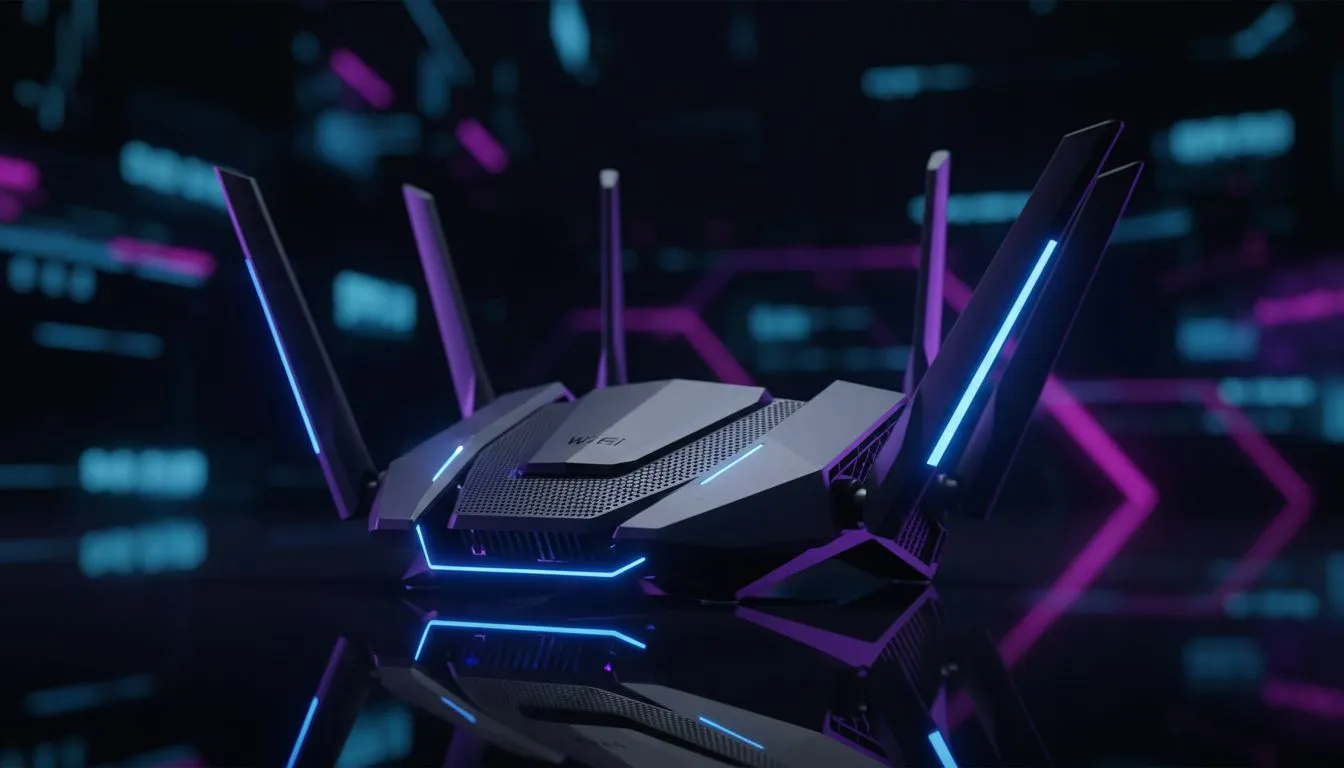
Performance Pulse: Wi-Fi 6 Gaming Latency Explained
Nothing kills a clutch moment in Cape Town or Joburg like a sudden lag spike. You have the enemy in your sights... but your ping jumps to 200ms. It is incredibly frustrating. If you cannot run a long Ethernet cable across your house, Wi-Fi 6 gaming latency improvements are your best bet to stay competitive without the wires. ⚡
Why Wi-Fi 6 is a Win for Ping
The jump from Wi-Fi 5 to Wi-Fi 6 (802.11ax) is not just about raw speed. For gamers, the real victory is how it handles data congestion. Older standards often struggle when multiple devices are active. Wi-Fi 6 uses OFDMA technology to slice channels into smaller sub-channels. This means your gaming packets do not have to wait in a queue behind a Netflix stream.
When you invest in modern wireless networking gear, you are buying stability. Lower jitter and reduced latency are the primary goals. In a fast-paced shooter, a few milliseconds can be the difference between a win and a loss.
Upgrading Your Core Hardware
To see the benefits, your entire signal chain must support the new standard. Your first step is to buy wireless routers that feature Wi-Fi 6 or Wi-Fi 6E labels. These units manage traffic more efficiently than older AC-rated hardware.
However, a great router is only half the battle. Your PC needs to "speak" the same language. If you are still using an old USB dongle, it is time to buy wireless adapters that support the AX protocol. A PCIe card with an external antenna often provides the best signal strength for desktop users.
Ping-Saving Pro Tip ⚡
Always check your router settings for a "Gaming Mode" or "Quality of Service" (QoS) toggle. By prioritising your PC's MAC address, the router ensures gaming packets are sent first... even if someone else is downloading a massive update in the next room.
Eliminating Dead Zones in Your Home
South African homes often have thick brick walls that eat Wi-Fi signals for breakfast. If your setup is far from the router, your latency will suffer regardless of the standard. You might consider wireless range extenders to bridge the gap.
For the best results, look for Wi-Fi 6 mesh systems. Unlike traditional repeaters, mesh nodes maintain a single, high-speed network name. They pass your connection between nodes seamlessly. This keeps your Wi-Fi 6 gaming latency low and your connection rock-solid. 🚀
Final Optimisation Steps
Check your frequency bands. Wi-Fi 6 operates on both 2.4GHz and 5GHz... but 5GHz is your best friend for gaming. It offers more bandwidth and less interference from household appliances. If you have a Wi-Fi 6E router, you can even access the 6GHz band. This is like having a private highway with zero traffic. 🔧
Ready to Cut the Lag?
Don't let a poor connection ruin your rank. Whether you need a high-end router or a new internal card, we have the tech to keep your ping low. Explore our massive range of networking specials and find the perfect gear to dominate the lobby.