Essential Performance Tweaks for 2026
You are deep in a Mythic raid. The boss is at 5%. Suddenly, your screen freezes as a massive spell effect goes off. We have all been there. Finding the best WoW Raid Settings for Max FPS (2026) is the difference between a loot drop and a hefty repair bill. You need to see mechanics clearly to survive the chaos... especially when local ping adds its own challenge. ⚡
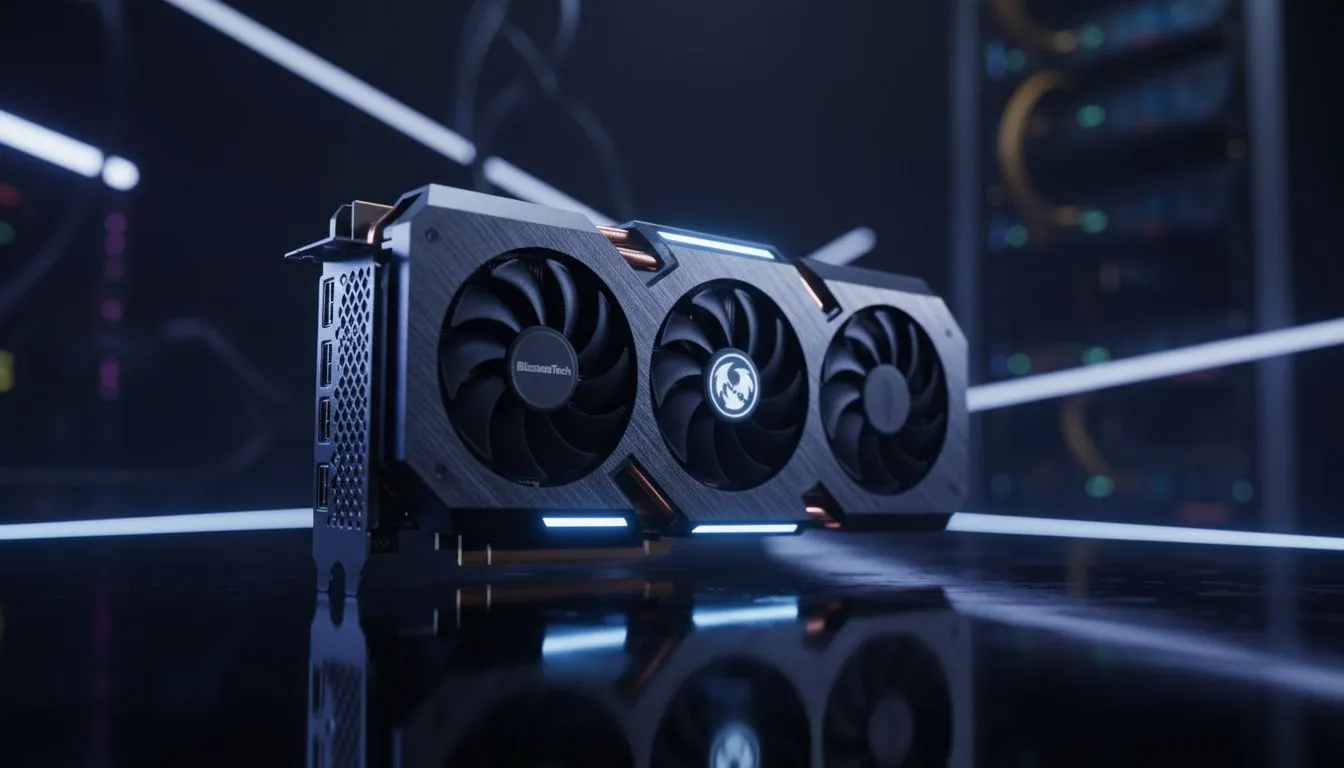
Start with the basics. View Distance and Environment Detail are usually the first to be cranked up. In a raid, you only need to see the platform. Drop these to 3 or 4. This reduces the strain on your CPU significantly. If you are shopping for a new rig, exploring NVIDIA and ATI graphics cards will give you the headroom needed for these adjustments without sacrificing stability.
How to See Mechanics Clearly During Chaos
Visual clutter is your enemy. Set 'Particle Density' to 'Fair'. This keeps essential telegraphs visible without blinding you with unnecessary sparkles. If you want a card that handles these effects without breaking a sweat, MSI graphics cards are known for their robust power delivery and cooling. This is vital for those long summer nights in South Africa where ambient temperatures can throttle your performance.
Raider's Performance Tip ⚡
On Windows, disable 'Compute Effects' in the WoW advanced settings menu. This specific setting adds heavy post-processing to spells that often obscures the ground. Turning it off makes hostile ground effects pop, helping you see mechanics clearly while boosting your 1% lows during heavy combat. It is a literal life-saver for mythic progression.
Hardware Choices for South African Raiders
Sometimes software tweaks aren't enough. If your GPU is over five years old, even the most optimised WoW Raid Settings for Max FPS (2026) won't save your frames. Many local players find that AMD Radeon graphics cards offer the best price-to-performance ratio in ZAR. They handle high resolutions beautifully, ensuring the game looks crisp even at lower settings. 🚀
For those looking at newer tech, Intel Arc graphics cards provide a modern alternative with great driver support for DirectX 12. While some might consider using workstation graphics cards for multi-tasking or rendering work, a dedicated gaming GPU is always the superior choice for consistent performance in Azeroth.
Final Visual Optimisation
Turn off Sunshafts and SSAO. These look pretty in the open world but add nothing to your raid performance. By following these steps, you ensure you can see mechanics clearly and keep your frame rate buttery smooth. Remember... a smooth frame rate is the best buff you can give your character. ✨
Ready to Dominate the Leaderboards?
Don't let lag be the reason your guild misses the kill. For the best deals on hardware in South Africa, we've got you covered. Explore our massive range of graphics cards and find the perfect machine to conquer your world.