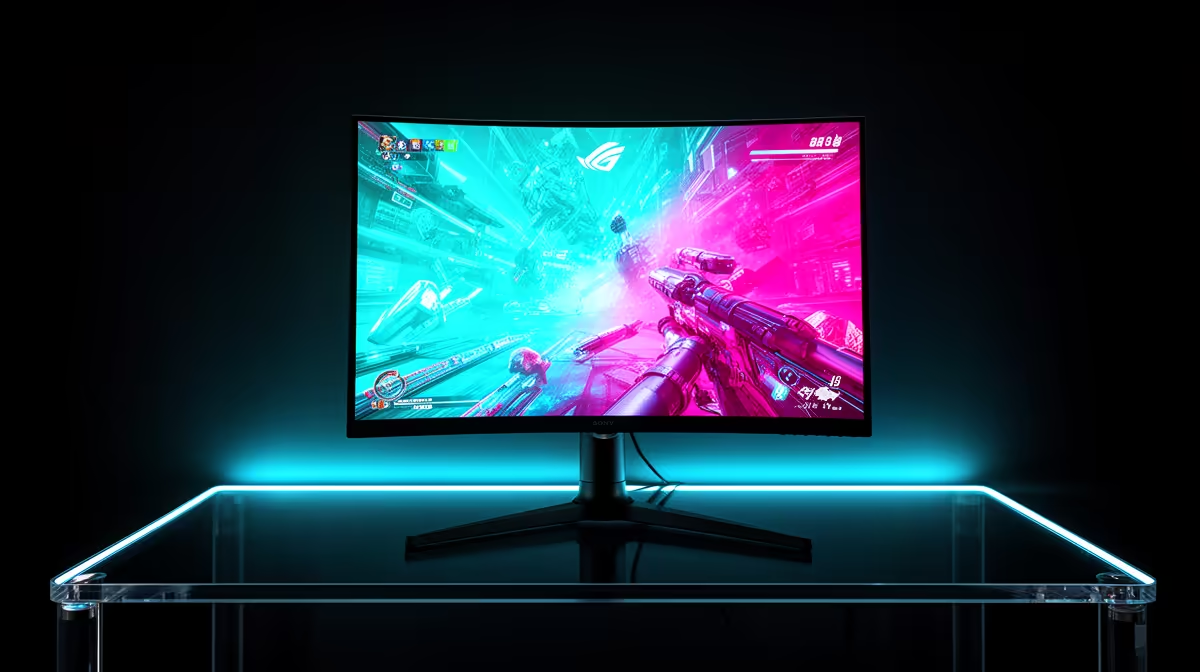
A 1080p 240Hz monitor still makes sense in 2026 when you play competitive shooters and care more about fresh frames than fine detail. The lower resolution lets a modest graphics card chase higher frame rates, though the CPU and game engine can become the ceiling.
Quick Answer
Buy one if your main game holds near 200 to 240fps during real matches and you are happy with 1080p sharpness. A 24- or 25-inch panel is the natural fit. Choose 1440p or a lower refresh tier when you spend more time in detailed single-player games.
Check the exact size, inputs and adaptive-sync range across available gaming monitors. Compare those specifications with popular monitor choices rather than buying on the 240Hz number alone.
Your Real Frame Rate Decides
Run a complete match with the settings you use. Busy fights, smoke and large player counts reveal the lows that a practice range misses. If the system falls to 120fps every time the action starts, much of the 240Hz capacity goes unused.
Reducing resolution shifts work towards the processor. A budget GPU may produce high esports frame rates, yet an older CPU can hold back the final stretch. Watch frame times and GPU utilisation before upgrading the display.
Adaptive sync keeps uneven delivery smoother. Check its operating range and low-frame-rate compensation. Pixel response also needs to fit the short refresh window, since slow transitions can blur several frames together.
Size Protects 1080p Sharpness
At 24 or 25 inches, 1080p remains workable from normal desk distance. At 27 inches, the same pixels spread farther apart and text or distant game detail can look coarse. Move the larger screen back or step up to 1440p.
Inspect overdrive at several refresh rates. The fastest preset may create bright inverse trails when the frame rate drops. A balanced mode across the adaptive-sync range is more useful than one impressive best-case response figure.
Check the Complete Connection
Confirm the monitor reaches 240Hz through the port you will use. A laptop HDMI output, adapter or old cable may expose fewer modes than the panel supports. Use the supplied cable first and select 240Hz in the operating system after connection.
For ranked games, combine the screen with a stable raw frame rate, sensible latency settings and a responsive mouse. Frame generation can improve motion smoothness, but it does not produce a new game simulation or input sample for every generated image.
FAQ
Do I need exactly 240fps for a 240Hz monitor?
No, but the benefit grows as sustained frame rate and lows approach the refresh rate.
Is 1080p too soft at 24 inches?
It remains practical for esports at common desk distances. Larger screens expose the pixel structure more.
Will a budget GPU reach 240fps?
It can in lighter esports games at tuned settings. Test your exact game because the CPU may set the limit.
Record frame-time lows in a full match, confirm your output supports 240Hz and choose the panel only when your games can make use of it.