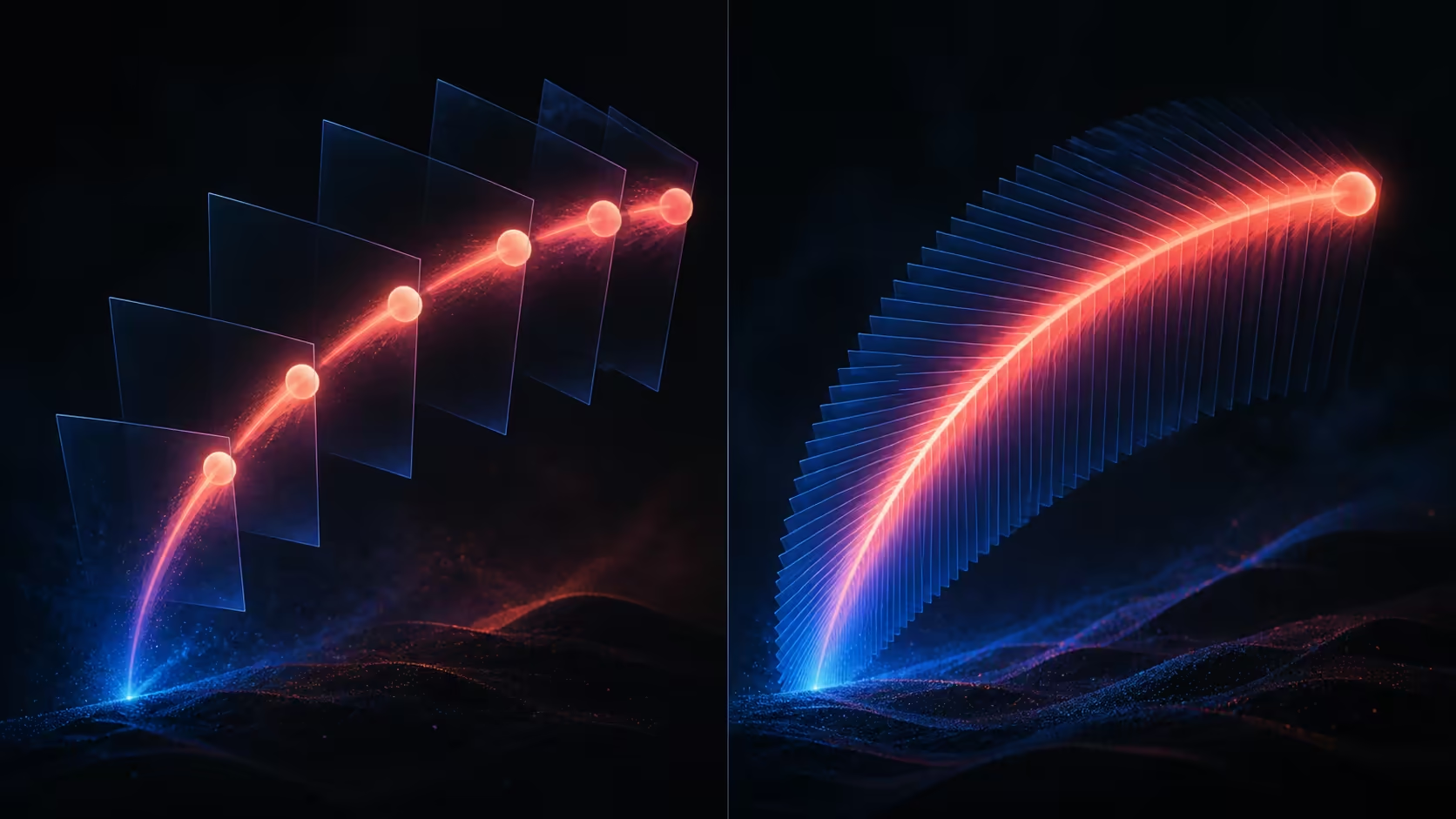
Refresh rate becomes valuable only when the source and content can feed it. A fair 120Hz vs 60Hz portable monitor decision compares the same task at the same resolution, then asks whether the visible change justifies the buyer's budget and setup needs.
Quick Answer
The monitor's 120Hz refresh doubles the update opportunities of 60Hz and is designed to reduce ghosting, blur and trailing in fast gaming scenes.
Choose 120Hz for a compatible source and tasks where more frequent screen updates are useful; 60Hz can remain sufficient for simpler, mostly static work. The R2,499 UPERFECT UGame NxtLED One Plus offers 120Hz at 1920x1080 with a 14ms response figure.
🔄 Read refresh rate correctly
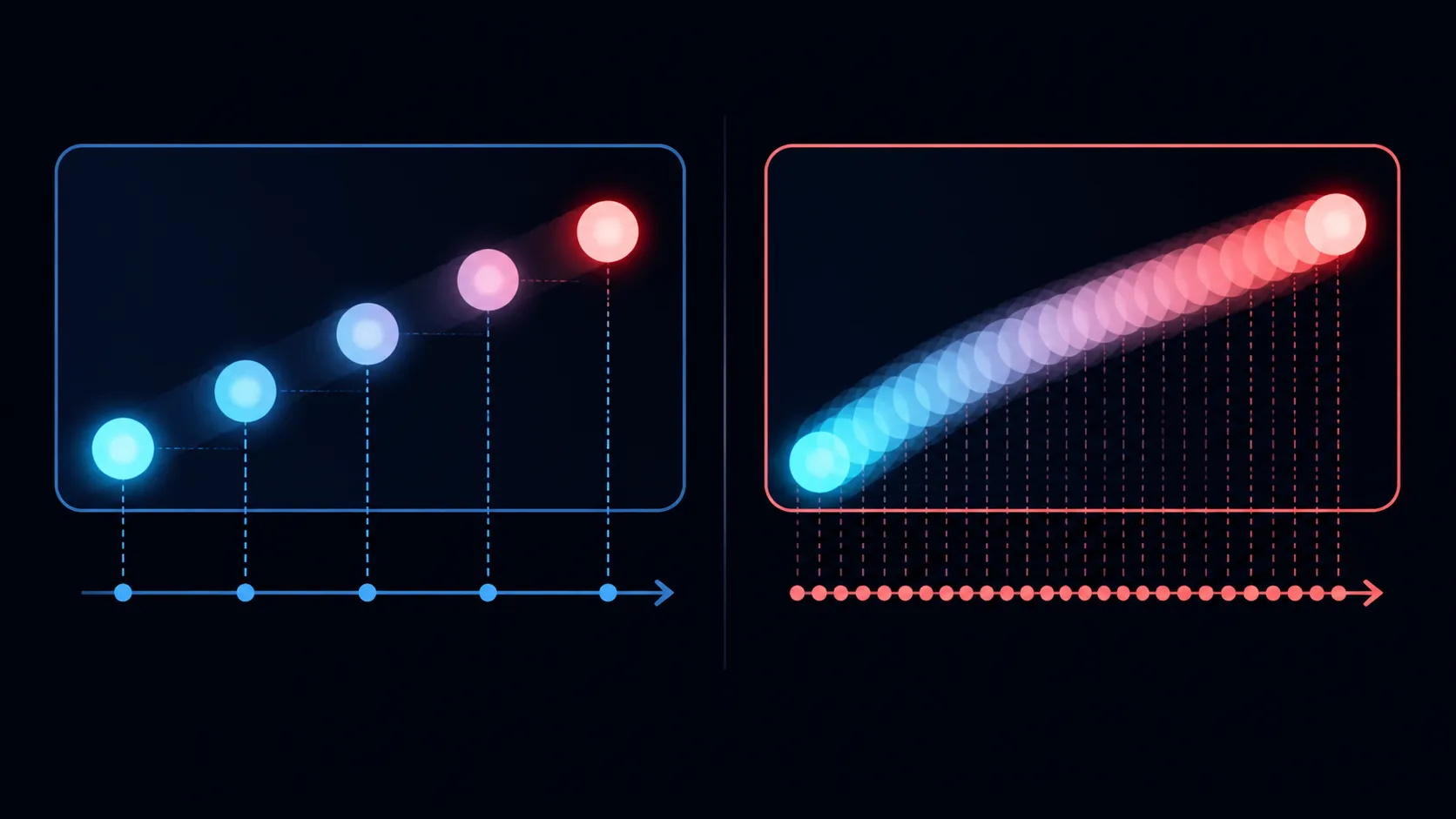
A 120Hz panel can update the image up to 120 times per second, while 60Hz targets half that rate. The source still has to output the chosen mode, and the application must produce useful changes for the extra updates to appear.
Refresh rate is not the same as frame rate. A screen can be set to 120Hz while a video remains authored at a lower rate or a game renders fewer frames. It also does not describe network delay or controller response.
The NxtLED One Plus has an 18.5-inch Full HD IPS panel. Establish 1920x1080 output before comparing refresh choices, because a simultaneous resolution change would make the result difficult to interpret.
Browse the Evetech portable monitor collection when size, resolution or refresh requirements call for a broader shortlist.
🖱️ Match the rate to actual use
Documents, spreadsheets and reading may place more value on layout and legibility than frequent animation. Scroll a long page, move windows and follow the pointer to see whether 120Hz provides a worthwhile improvement for that working style.
Gaming can benefit from higher update frequency when the system and title deliver it, but no refresh figure guarantees a gaming outcome. Test a familiar title at representative settings and note both visual motion and input response separately.
Films and streamed programmes have their own frame characteristics. Use familiar pans and credits instead of assuming that a larger refresh number changes every clip in the same way.
⏱️ Keep response time in its lane
The UPERFECT's 14ms response specification concerns pixel transition behaviour. It should not be added to or subtracted from refresh rate as if both figures measured one delay.
View high-contrast movement, darker transitions and small text during motion. Keep room lighting, source and application constant. If trails or softness matter to the owner, record the scene and setting where they appear.
For everyday selection, score refresh comfort and pixel behaviour on different lines. A strong result in one category should not hide a weakness the buyer notices in the other.
💰 Decide where R2,499 creates value
The panel also includes 100% sRGB coverage, 178-degree viewing and anti-glare treatment. These features may matter more than 120Hz for colour work, shared viewing or bright rooms, depending on the intended use.
List the three most frequent tasks and rank each feature against them. A student using static notes can reach a different conclusion from someone moving timelines or playing supported games.
Use Evetech's monitor accessory range only after a cable or support requirement has been identified. The winning rate is the one that improves meaningful activity without creating unresolved connection or power work.
Run the comparison twice, once near the start of a session and again after ordinary use. A preference that remains noticeable without active searching carries more weight than a difference seen only while rapidly switching menu values.
Its Full HD NxtLED panel pairs that motion rate with a 14ms response specification, so refresh and pixel transition should be considered together. For work, 120Hz can make scrolling and pointer movement feel more fluid; for competitive play, the source must also deliver the required frame rate. The paper-like anti-glare surface keeps ambient reflections from obscuring motion during a bright-room session.
Choose 120Hz when scrolling, aiming or rapid camera movement appears often in the day. A mostly static document screen may place greater value on colour, glare control or size.
Frequently Asked Questions
Does a 120Hz panel make every video smoother?
No. Source output and content frame characteristics still determine what reaches the display in each viewing session.
Which baseline makes comparison clearer?
Use the same 1920x1080 output, source, cable, room and content, changing only the refresh selection.
Is 14ms another refresh-rate measurement?
No. It describes pixel response, which should be reviewed separately from the number of display updates per second.
Who can reasonably remain at 60Hz?
A user whose work is mostly static and who sees no worthwhile difference in a controlled trial may prefer other features.
Ready to choose refresh rate from the tasks you actually perform?
Run a consistent 60Hz and 120Hz comparison, then explore portable monitors and supporting accessories at Evetech.