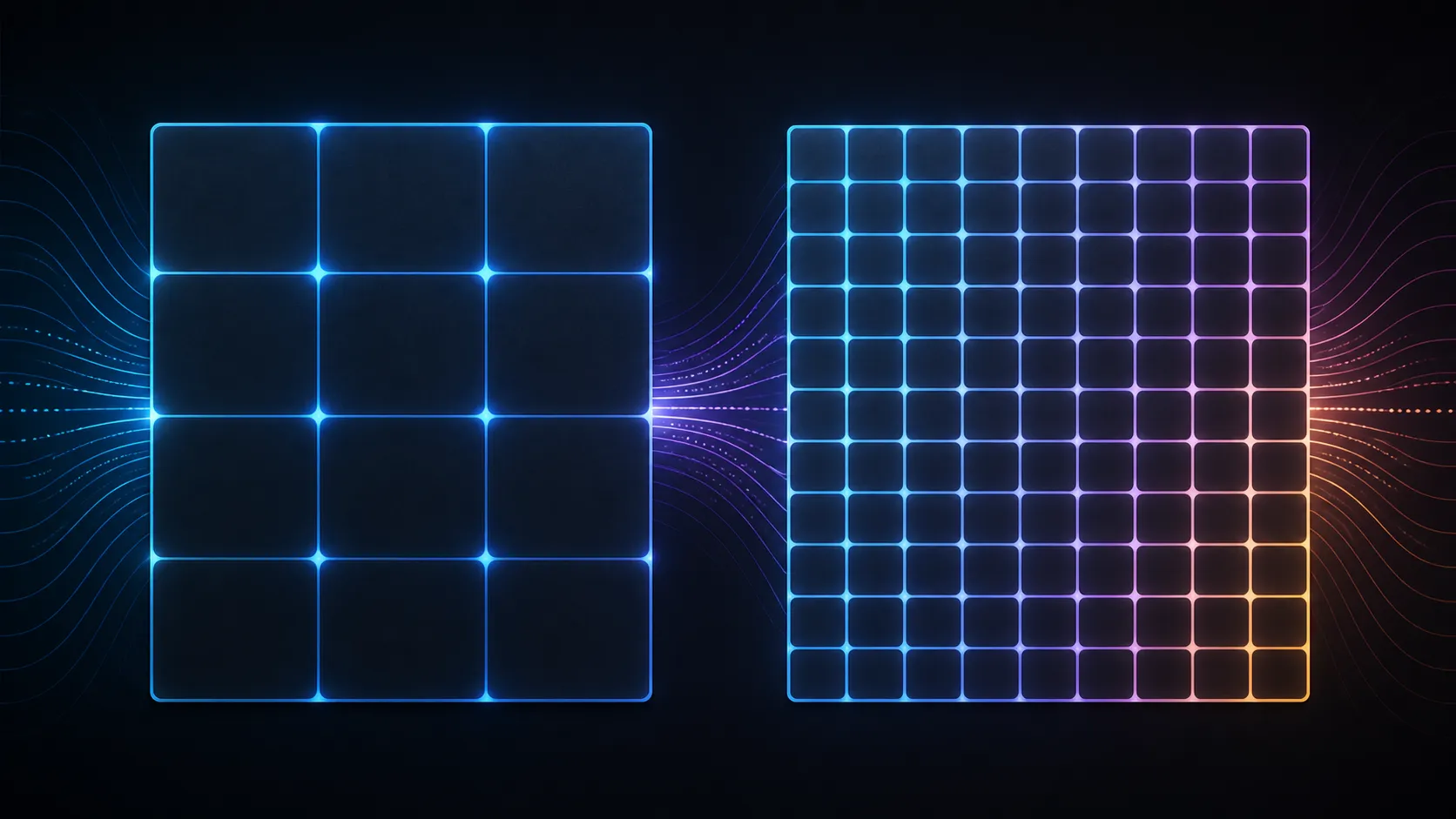
Resolution changes the pixel grid, not the physical dimensions of a display. A useful 2K QHD vs Full HD portable monitor comparison therefore considers source support, scaling, viewing distance and the work or media that must fit on the screen.
Quick Answer
At 14 inches, 2160x1440 provides finer text and more working detail than Full HD, while the 3:2 ratio adds vertical space for documents and code.
The R1,799 UPERFECT UBegin J314 uses 2160x1440 QHD resolution on a 14-inch IPS panel. QHD offers a different pixel count from Full HD, but its value depends on compatible output and comfortable scaling rather than an automatic increase in physical screen space.
🔢 Compare pixel grids honestly
The J314's 2160x1440 figure identifies its horizontal and vertical pixel count. A Full HD option uses a different grid, so the source and content may present detail differently.
Do not reduce the comparison to a label. Record the exact resolution of each candidate and use the same document, image or video when evaluating it.
Browse portable monitors at Evetech to compare defined screen configurations rather than generic resolution names.
📐 Keep physical area constant
A 14-inch panel remains 14 inches regardless of its pixel count. Higher resolution can fit finer interface elements, but usable space depends on scaling and eyesight comfort.
Test the normal viewing distance and choose legible text. If scaling increases substantially, the practical workspace difference may be smaller than the raw pixel comparison suggests.
🔌 Check whether the source reaches QHD
The J314 accepts Type-C and Mini HDMI. Verify that the exact source outputs compatible display video and that the cable carries the selected mode.
Phone and console support cannot be inferred from the monitor inputs. Driver, configuration and power questions also belong to the complete source path.
If the source does not offer 2160x1440, diagnose its mode and cable before blaming the panel. Use the Evetech monitor accessory department only after a missing connection function is identified.
🎯 Make the upgrade earn its cost
Compare text, work layouts and media detail at comfortable scaling. Then include the monitor's 1.4kg weight and the equipment needed to travel.
The 1500:1 contrast ratio, IPS technology and 30ms response are independent characteristics; a resolution upgrade does not alter their roles.
At R1,799, QHD is worth choosing when the source can deliver it and the extra pixel grid improves a frequent task. Resolution alone cannot settle the purchase.
Use a split comparison sheet for detail and workspace. Under detail, inspect fine text, image edges and known source material. Under workspace, count how many useful application elements remain visible at comfortable scaling.
This prevents the higher raw pixel count from winning automatically. A user who must increase scaling substantially may value sharper rendering but gain less additional layout area than expected.
Repeat the comparison from the normal distance and with the same 14-inch physical size where possible. If screen sizes differ, note that variable instead of crediting every observed change to resolution.
Include source cost and effort. A QHD screen that needs a different cable or cannot receive the mode from the intended device changes the completed upgrade calculation.
Save screenshots of settings, not claims about visual quality, when documenting the test. Resolution and scale values make a later comparison reproducible.
Repeat after changing the source device. Different operating systems can choose different scaling defaults even when the same panel and cable are used.
Include application zoom in the record when it differs from system scaling. Two identical resolution settings can still produce different layouts when the programme applies its own view.
The J314 reaches 185 PPI, making interface scaling important for comfort. Its 100% sRGB coverage, 300-nit brightness and 1500:1 contrast strengthen both work and media beyond resolution alone. Full HD may demand less from a source and can remain adequate at this size, but the 2K option is designed for readers, spreadsheet users and creators who repeatedly benefit from denser information.
Run the comparison at identical physical size where possible. A larger screen can appear more useful even when the question is specifically about pixel density and workspace.
Frequently Asked Questions
Which resolution does the J314 use?
Its 14-inch IPS panel contains a 2160x1440 pixel grid, commonly called 2K QHD.
Does QHD equal Full HD?
No. They describe different pixel grids, so compare the exact horizontal and vertical figures for each screen.
Can more pixels enlarge the panel?
No. Physical size stays 14 inches; scaling and interface design determine how the resolution becomes usable workspace.
What must support the QHD signal?
The source output, selected Type-C or Mini HDMI route, cable and operating environment must all handle the chosen mode.
Comparing QHD and Full HD for a screen that travels?
Test both with the same source and scaling, then explore portable monitors and compatible accessories through Evetech.