


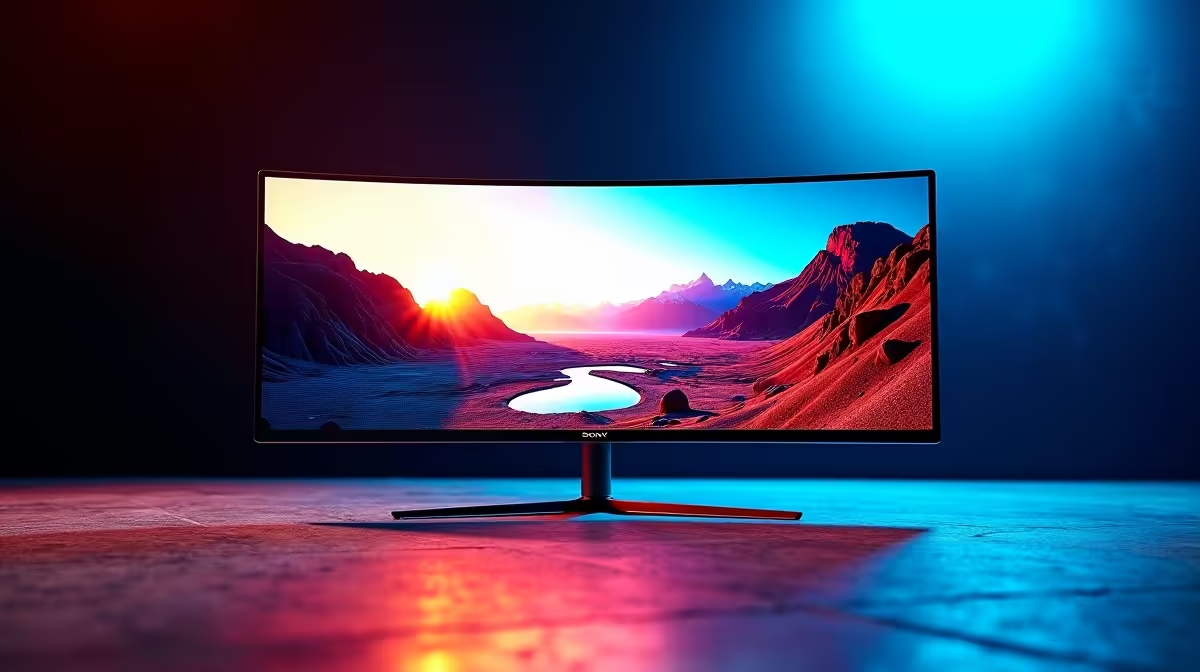
A 32:9 super-ultrawide replaces a dual-monitor setup with one vast curved screen, and SA buyers want to know the resolutions, the GPU you need to drive them, and realistic pricing. Here is the practical read.
Quick Answer
32:9 super-ultrawides like 49-inch Dual-QHD (5120x1440) models around R14,000-R20,000 give the immersion of two 27-inch 1440p screens in one curved panel. They need a strong GPU, an RX 9070 XT or RTX 5070 Ti class card, to drive 100-plus fps, and not all games support the aspect ratio natively, so check before buying.
What a 32:9 Panel Delivers
A 49-inch Dual-QHD super-ultrawide spans 5120x1440, equivalent to two 27-inch 1440p monitors side by side without the central bezel. This is superb for immersive single-player games, sim racing and flight sims, and for productivity it replaces a dual-monitor setup cleanly. The 32:9 aspect ratio fills your peripheral vision on a curved panel, which many find transformative for racing and exploration titles.
Driving 5120x1440 takes real GPU power: an RX 9070 XT or RTX 5070 Ti holds 80-120 fps in many titles at this resolution, with upscaling helping in heavier games.
Game Support and Setup
Most modern AAA and racing titles support 32:9 natively, but some older or competitive games letterbox or stretch the image, so confirm support for the games you play most. For productivity the panel is universally useful. Connect over DisplayPort to reach the full refresh rate, and budget desk depth for a 49-inch curved screen, which is physically large.
FAQ
What resolution is a 32:9 super-ultrawide?
Most are 49-inch Dual-QHD at 5120x1440, equivalent to two 27-inch 1440p screens side by side. Higher-end models reach Dual-4K (7680x2160), which demands a flagship GPU to drive.
What GPU do I need for a 32:9 monitor?
An RX 9070 XT or RTX 5070 Ti class card for 80-120 fps at 5120x1440 in many titles, with upscaling helping in heavier games. Dual-4K panels need a flagship like an RTX 5080 or 5090.
Do all games support 32:9?
Most modern AAA, racing and flight titles support it natively, but some older or competitive games letterbox or stretch the image. Check support for the games you play most before buying.
a 32:9 panel, confirm your most-played games support the aspect ratio natively, and ensure your desk has the depth for a physically large 49-inch curved screen.











