



550W PSU Planning for RTX 5080 Super Builds in SA
550W for RTX 5080 Super needs a full-build check, not a simple yes. Review GPU guidance, CPU draw, transient load, connectors, PSU quality, and upgrade plans before deciding.
Read moreA 4K webcam can make sense for invoicing and quote discussions when sharper video helps explain details to clients. The provided examples span GAMDIAS Hermes P2A R130, Promate Baton R280, Logitech G305 R525, Logitech Pro X2 Superstrike R2,708 and G Pro, so the choice is mainly about usage level.
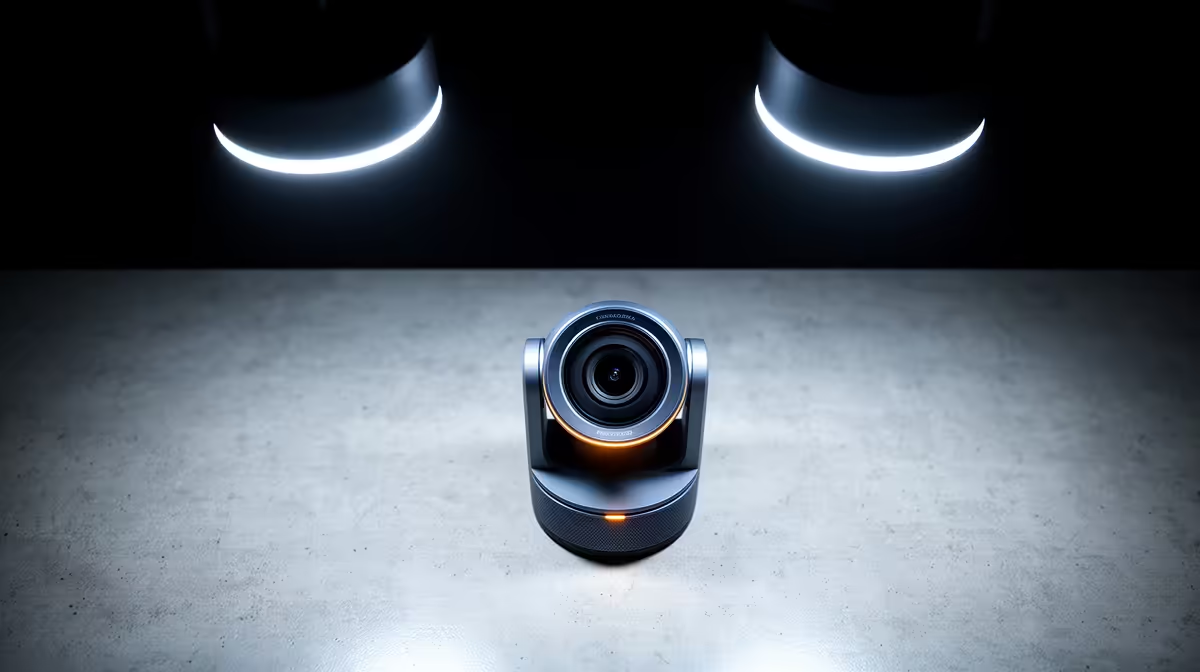
NearStream V08AF 4K R678 suits a small South African business owner who wants sharper document checks, product close-ups, and cleaner client calls from one webcam. For basic quoting and invoice discussions, 4K is useful when you often need to show fine print, serial numbers, packaging details, or desk items on camera, but it is not essential for every counter or admin desk.
The NearStream V08AF 4K R678 is the strongest fit when visual detail matters. Its 4K spec gives more room for readable close-ups than FHD or HD, which helps when a client needs to confirm an invoice line, a quote item, or a product detail during a call.
The Logitech Brio 100 FHD R458 is the better value choice for everyday admin. Its FHD spec is enough for clear face-to-face calls, supplier check-ins, and quick quote explanations without paying for 4K detail that may only be used occasionally.
The Logitech C270 HD R252 makes sense for a simple back-office desk where the camera is mainly for appearing on calls. Its HD spec is basic, but the lower R252 price fits a workstation that only needs occasional video for invoice follow-ups or internal admin.
At a reception desk or sales counter, choose based on what the camera must show. If the call often includes product labels, printed paperwork, or small accessories, the NearStream V08AF 4K R678 is worth the jump. If the person on camera is the main focus, the Logitech Brio 100 FHD R458 is the practical middle ground.
Ready to choose the right webcam? Compare the listed webcam range and choose the model that matches how often your desk setup needs clear close-up detail.
Client-facing quote calls need clean video first, especially when the discussion is about figures, approvals or project details.
For invoicing work, buy for how often video meetings happen rather than treating 4K as automatically necessary.
Confirm the webcam suits the current calling device and desk layout used for invoice reviews and quote walkthroughs.
Light admin calls can stay modest, while frequent quote presentations benefit from a clearer and more dependable camera.
Put visual clarity ahead of extras if the goal is to look credible while explaining invoices or estimates.
A webcam upgrade helps only if the rest of the video-call setup can support a clean, stable client conversation.
550W for RTX 5080 Super needs a full-build check, not a simple yes. Review GPU guidance, CPU draw, transient load, connectors, PSU quality, and upgrade plans before deciding.
Read more
8000Hz polling is overrated for most SA gamers because gains can be tiny next to battery drain and monitor limits. Mbombela players should weigh mouse feel, game support, and system stability before chasing the number.
Read more
Magnetic switches are taking over SA gaming keyboards because actuation can be tuned. For Sandton gamers, rapid trigger, reset control, and profile depth can help, but layout, key feel, and software quality still matter.
Read more
Polokwane oled monitor value questions need cautious SA context because pricing can move with availability, exchange rates, specs, and warranty support. Treat the trend as a planning signal, not a fixed price promise.
Read more
Arc B580 budget builds for Midrand gamers can shift with exchange rates, supply, specs, and model tier. Treat the title as a buying prompt, then compare SA warranty, timing, and build priorities.
Read more
ROG Ally X may beat the LCD Steam Deck for SA gamers who value stronger handheld performance, more memory, and Windows flexibility. Compare battery life, controls, game libraries, and Polokwane support needs before deciding.
Read more
Minisforum's M2 Pro pairs Core Ultra X7, Arc B390 graphics and 32GB onboard memory in 1.8 litres. SA buyers should weigh its fixed memory and $1,439 launch offer against local mini PCs.

Lenovo says Legion Go failures linked to BIOS N3CN42WW are not user error. Affected SA owners should stop retrying the update, preserve proof and open a support case.

Smart monitors can add apps and convenience, but they also add privacy settings and unwanted-software risk. SA buyers should audit the operating system before paying for extras.

A fake 113GB GTA VI ISO reportedly used empty padding around a small malware payload. SA gamers should delete unofficial builds, keep Windows security active and wait for official channels.

ASUS calls the ROG GT-BN98 the first Wi-Fi 8 gaming router. SA buyers should fix coverage and client limits before paying for a future wireless standard.

Apple's M6 Mac mini adds faster AI, graphics and networking in the same compact format. SA buyers should wait for a rand listing before comparing value.

The Vulcan II XP adds hot-swappable switches, sound damping and gaming controls to a full-size wired board. SA buyers should compare feel before features.

Microsoft says Windows on Arm now has over 7,000 verified apps and games. SA buyers should still check each driver, game and work tool before switching.

Xbox Insiders can test disc-to-digital from 31 August 2026. Supported Xbox One and Series X discs gain a digital entitlement, but older discs, regions and title coverage still need exact checks.

ViewSonic's XG2738 pairs QHD QD-OLED with 240Hz and automatic panel care. SA buyers should compare warranty, brightness, ports and burn-in protection against today's R9,999-plus OLED shelf.

NVIDIA's final Windows 10 Game Ready driver is due in October 2026. SA gamers can keep using their GPU, but new game optimisations move on while critical security fixes continue quarterly.

JBL's new Quantum 520, 520X and 120 headsets cover wireless, Xbox-certified and wired use. SA buyers should compare connection, comfort and microphone needs before paying for a new badge.