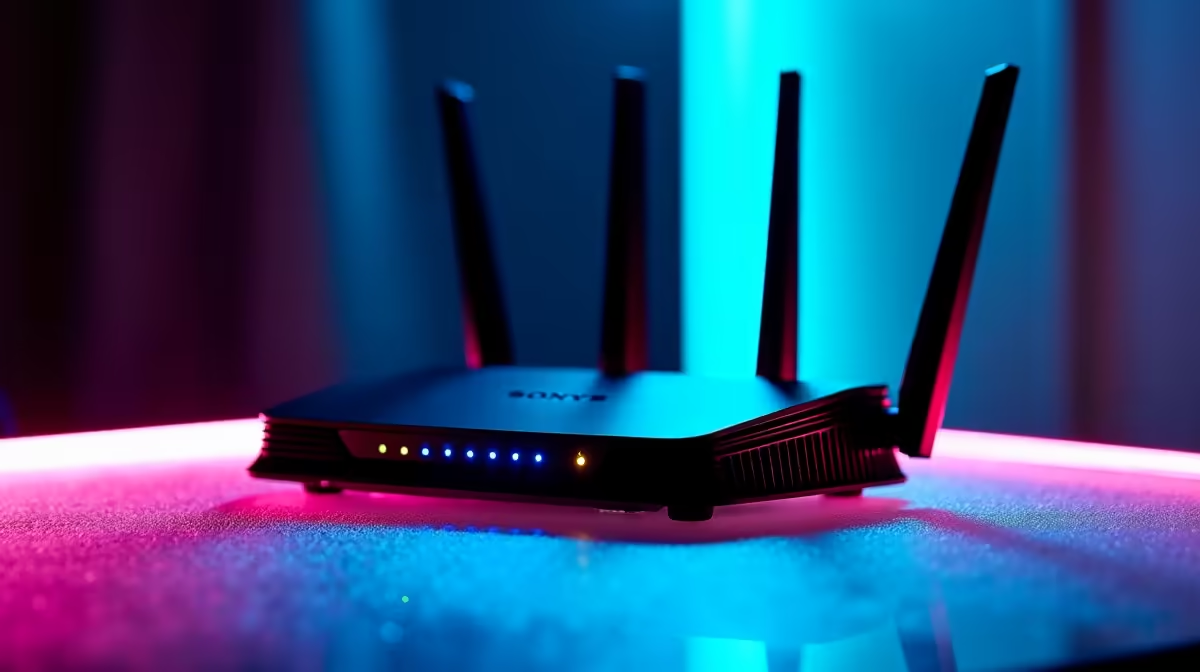
Your 5G router shows full bars yet pages crawl and video buffers. Slow 5G home internet rarely comes down to the obvious culprit, because a strong signal indicator and a fast connection are not the same thing. The speed you actually get depends on signal quality, how busy the cell tower is, and whether your router is even on 5G or has quietly slipped back to slower LTE. Diagnose those three and most slow connections sort themselves out.
Quick Answer
Slow 5G fixed-wireless speeds usually trace to one of three causes: poor signal quality (low SINR), a congested cell tower, or the router silently falling back from 5G to a slower LTE band. Start by running a wired speed test at the router, check the signal quality in the admin panel rather than the bars, and confirm it is locked to 5G. Better placement near a window often fixes the rest.
Bars lie, SINR tells the truth
Signal bars measure raw strength, not usable quality. The number that actually predicts speed is SINR, the ratio of signal to noise and interference. You can have strong bars but poor SINR if there is interference or you are at the edge of a cell, and that drags throughput down hard. Most 5G routers expose SINR in their admin panel, so log in and read the real figure rather than trusting the front-panel bars.
If SINR is poor, the highest-impact fix is placement. Move the router to an elevated, open spot near a window facing the tower. A directional outdoor antenna lifts SINR further when a window placement is not enough. The networking gear in the Evetech networking range covers the antennas and routers that help here.
The silent LTE fallback
The sneakiest cause is your router dropping off 5G NR and reconnecting on a slower LTE band without telling you. The connection still works, the bars stay up, but your speeds collapse to LTE levels. Check the connection type in the admin panel: if it reads LTE or 4G when you are paying for 5G, that is your problem.
Forcing a reconnect often fixes it. Reboot the router, or toggle its connection so it re-scans and grabs the 5G band again. If it keeps falling back, the 5G signal at your location may be too weak to hold, which loops back to placement and antenna improvements. Some routers let you lock the preferred network mode, which can keep a marginal 5G connection from constantly dropping to LTE.
Congestion: a full tower, not a weak one
Sometimes the signal is genuinely strong and the router is on 5G, yet speeds still sag at certain times of day. That points to congestion: too many users on the same cell creating a traffic jam. The give-away is that speeds are fine at 6am and poor at 8pm. There is no setting that clears a busy tower, but you can work around it by scheduling heavy downloads for off-peak hours, and a better antenna can sometimes connect you to a less crowded cell.
A quick diagnostic order
Run through it in sequence so you isolate the cause:
- Test wired, plugged straight into the router by cable, to take your Wi-Fi out of the equation.
- Read SINR and the connection type (5G vs LTE) in the admin panel.
- If it is on LTE, reboot or toggle the connection to force 5G.
- If SINR is poor, raise and reposition the router near a window, or add a directional antenna.
- If everything looks good but speeds dip only at busy times, suspect congestion and test again off-peak.
Once the line is healthy, your home Wi-Fi has to keep up, so a capable router matters. The best-selling accessories at Evetech include the cabling and gear that round out a solid fixed-wireless setup.
Frequently Asked Questions
Why is my 5G home internet slow even with full bars?
Bars show strength, not quality. Poor SINR, a congested tower, or a silent fallback to LTE can all leave you with strong bars and slow speeds. Check signal quality and connection type in the router's admin panel rather than trusting the bars.
What is SINR and why does it matter for 5G?
SINR is the ratio of your signal to noise and interference, and it predicts speed far better than raw signal strength. A weak SINR at the edge of a cell drags throughput down, which is why repositioning the router or adding an antenna helps.
How do I know if my 5G router dropped to LTE?
Log into the router's admin panel and check the connection type. If it reads LTE or 4G when you expect 5G, it has fallen back. Rebooting or toggling the connection usually forces it back onto the 5G band.
Can a better antenna fix slow 5G?
Often, yes. A directional outdoor antenna improves SINR and can lock onto a stronger or less congested cell, which lifts speeds when a simple window placement is not enough. It is one of the most effective hardware fixes.
Why are my 5G speeds slow only at night?
That pattern points to congestion: more users sharing the cell tower at peak times create a traffic jam. No router setting clears a busy tower, but scheduling heavy downloads off-peak and improving your antenna can help.
Wrestling with a slow 5G connection at home? Diagnose signal quality and band fallback first, then upgrade the weak link with the routers and antennas in the Evetech networking range.