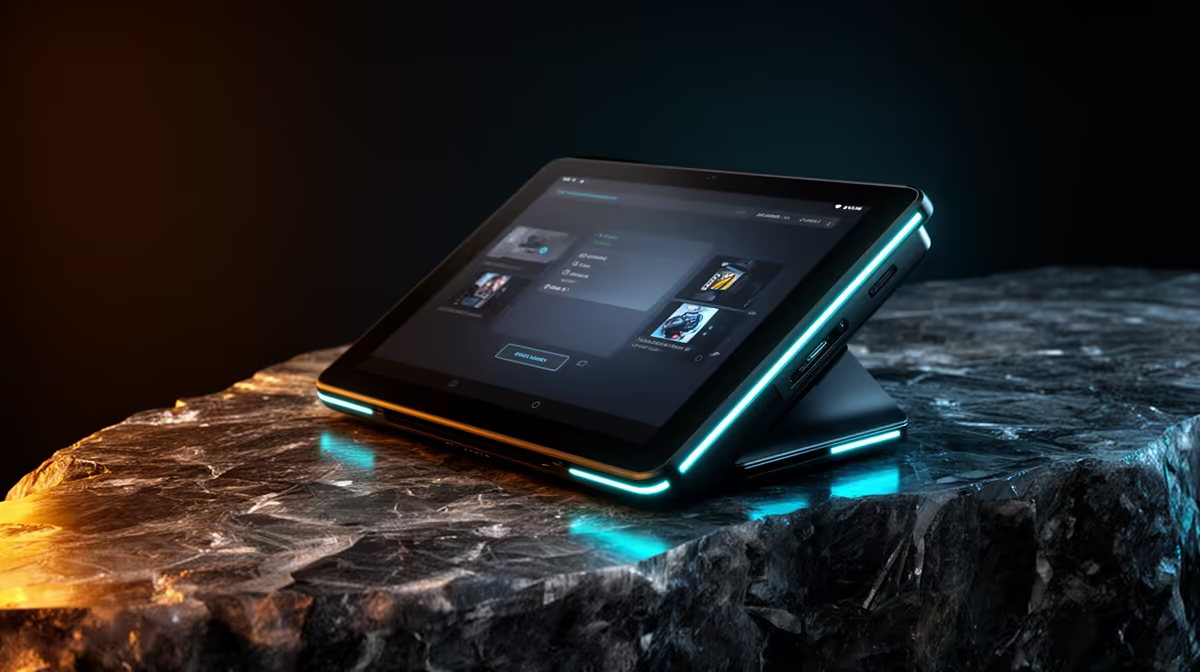
An Android tablet is worthwhile for a small-business POS only when the sales application, card terminal, printer and scanner are explicitly supported on the chosen device. Portability can help a counter or pop-up operation, but consumer hardware should not be assumed ready for payment and customer-data duties.
Run a complete sample sale
Create a test product, process the approved practice transaction, issue a receipt, apply a refund and close the daily report. Check operation when the network is slow or temporarily unavailable. Confirm how staff sign in, which permissions they receive and how transaction data is backed up.
The factpacks do not verify an Android tablet with current pricing. Compare live devices by operating-system version, security-update policy, memory, storage, screen brightness, battery, charging, kiosk controls, peripheral support, repair access and warranty. Ask the POS provider for an exact compatibility list rather than relying on general Bluetooth or USB claims.
Use a locked business account, strong authentication and remote-management controls where appropriate. Prevent personal applications from mixing with sales data. Secure the tablet physically without blocking ventilation or charging, and keep a documented fallback process for outages or damage.
Choose a tablet when the entire transaction rehearsal passes and mobile operation saves real counter space. A supported laptop or dedicated terminal is safer when essential peripherals or updates remain uncertain.
Testing a mobile sales counter? > Compare Evetech devices only after confirming the POS compatibility list.