Quick Answer
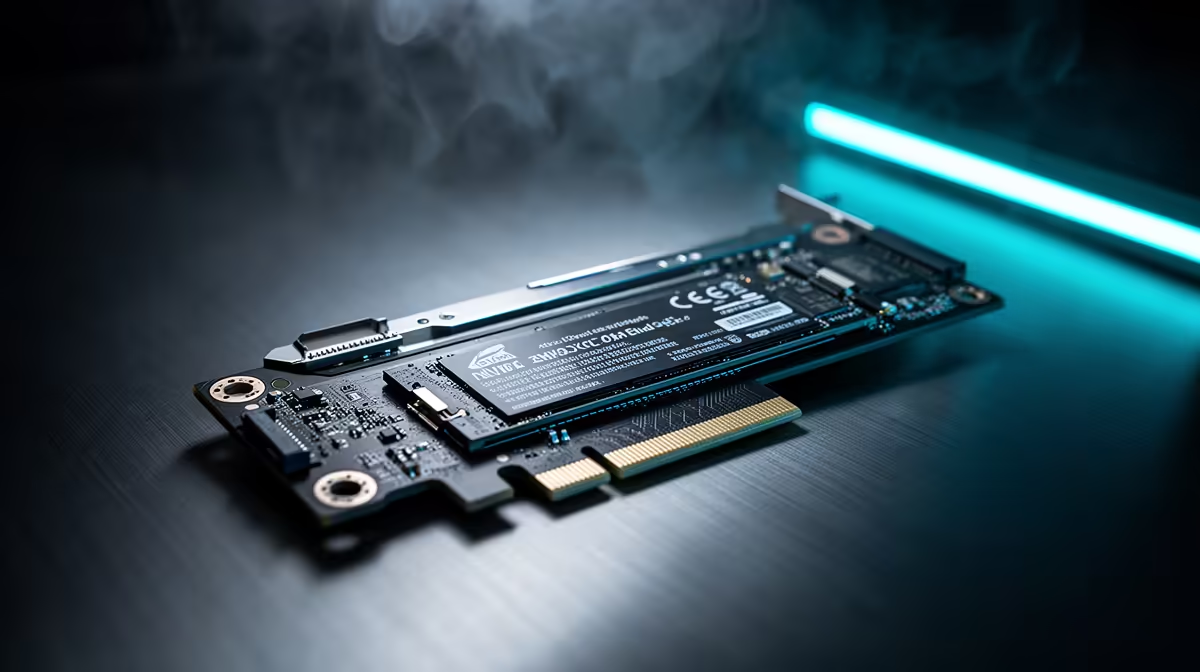
For B650 builders, the right NVMe NVMe choice is the one that matches the board slot, cooling, and workload, not just the largest speed number. Adapter cards and lane sharing are only worthwhile after reading the board manual. A PCIe-to-M.2 card can steal GPU lanes or disable another slot, so the extra drive is not always a free upgrade. A realistic SA price band for 2TB is about R2,200-R5,000, with named drives like Samsung 990 Pro, WD Black SN850X, Crucial T500, Kingston KC3000, Crucial T705, or Corsair MP700 depending on capacity and stock worth comparing when they fit the board.
Board Compatibility First
On B650, confirm the exact M.2 lane map for MSI B650 Tomahawk WiFi or ASUS TUF Gaming B650-Plus or the board you already own before buying extra storage. Read the manual table for M.2_1, M.2_2, SATA disabling, and PCIe slot sharing before ordering. A drive rated for 7,000MB/s or 14,000MB/s is only useful if the slot, airflow, and controller can sustain it.
Performance And Heat Targets
For gaming, a good Gen 4 TLC SSD already loads quickly and keeps the system responsive. Gen 5 becomes more useful for large project files, repeated copies, and creator scratch work, but it also adds heat. Keep controller temperature under control with the motherboard heatsink, a clean front intake path, and enough space below the GPU.
SA Buying Notes
Budget around R2,000-R5,000 for many mainstream 2TB drives and much more for premium 4TB or 8TB options. A B650 motherboard such as MSI B650 Tomahawk WiFi or ASUS TUF Gaming B650-Plus should be chosen for lane layout, BIOS clarity, and warranty route as much as storage speed. If you are building a gaming PC, spend enough on the SSD to avoid stutter from a full drive, then keep money for GPU and monitor quality.
FAQ
Is NVMe NVMe worth it on B650?
It is worth it only when the board exposes the right slot speed and the workload uses it. For normal gaming, a strong Gen 4 TLC drive is still the value baseline.
Should I buy 2TB or a smaller drive?
Buy 2TB if it keeps Windows, games, and active files below about 85 percent full. A smaller drive that is constantly full will feel worse than a larger, slightly slower model.
Do I need a heatsink?
Use a heatsink for Gen 5 drives, cramped cases, or slots sitting under the graphics card. For cooler Gen 4 drives, the motherboard cover is usually enough if airflow is clean.
Slot Check
Before checkout, match the SSD to the exact M.2 slot in the motherboard manual and note any SATA, PCIe, or GPU-lane changes it triggers.