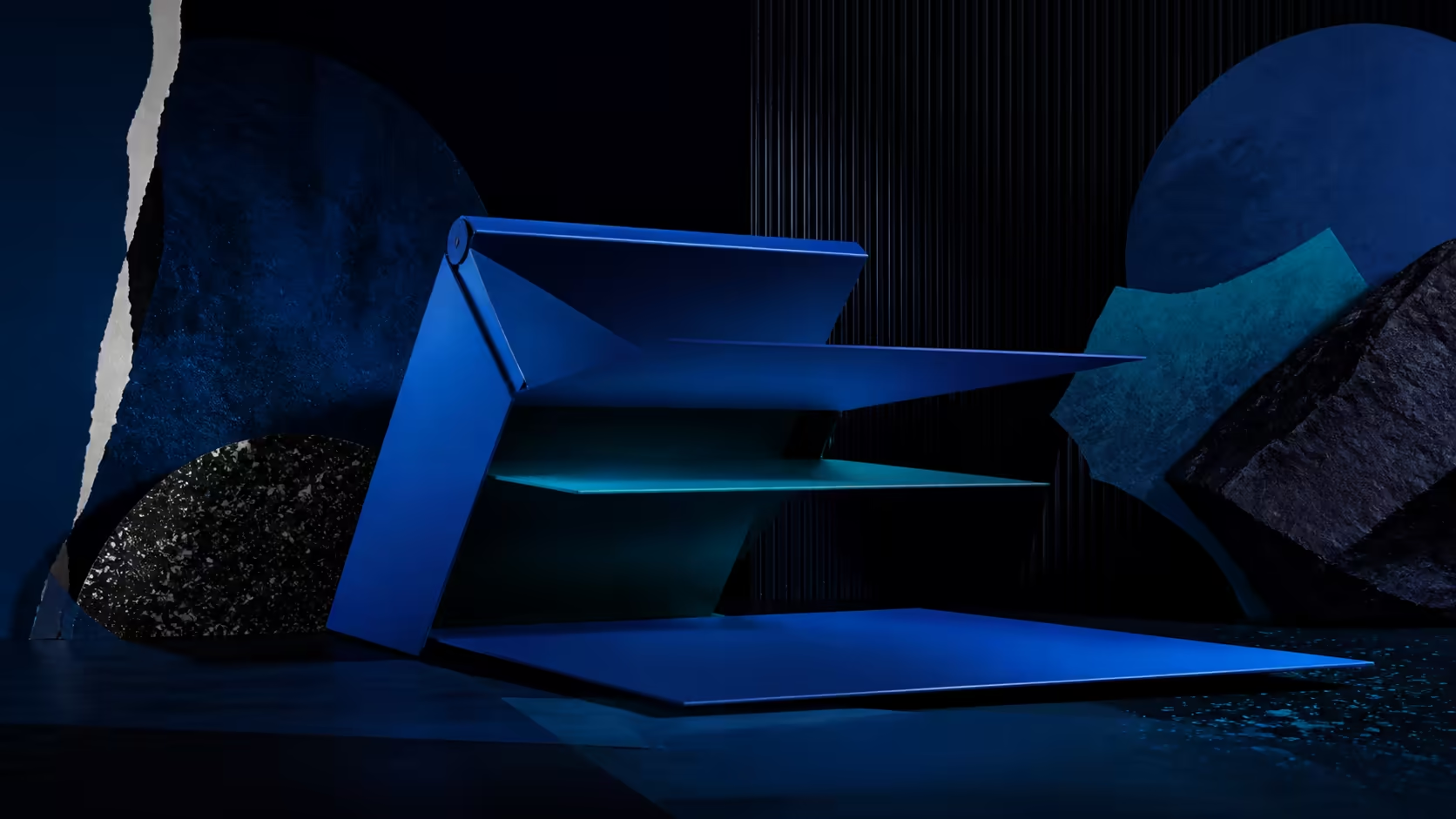
A folding monitor stand for a compact desk can help when its active position and storage form suit the measured space. Folding alone does not create room during use, so the display, stand, cable and neighbouring items should be mapped together.
Quick Answer
Yes. The fold-flat UStand clears a compact desk by lifting a 7-to-15.6-inch device, routing its cable and changing between portrait and landscape.
At R399, the UPERFECT UStand folds flat, covers 7-15.6-inch devices and combines a 135-degree arm with full rotation. It can suit a compact desk when the selected position preserves screen seating, cable access and clearance for the main work area.
📐 Measure the Active Zone
Mark where the base, mounted screen, keyboard and primary device need to sit. Include the screen's path if it will rotate. A small desk may prevent full movement even though the stand mechanism can travel farther.
Do not rely on unspecified exterior dimensions. Use the actual product and display, or obtain exact measurements before purchase when millimetres matter. The 7-15.6-inch compatibility span identifies screen size rather than footprint.
Place the empty aluminium structure on a clean area and confirm the rubber contacts the surface evenly. Leave room for the folding arm to move without striking another object.
🖥️ Build the Screen Position
Seat the chosen display and verify its body, ports and controls clear the supports. Use the arm's 135-degree range to establish its working relationship to the desk. Then rotate only if another orientation improves the task.
A secondary screen may hold messages, references or tools, allowing the main display to remain focused. The stand supplies positioning options without guaranteeing that every small desk layout will improve.
Compare portable monitors at Evetech when matching diagonal and connector side to a limited surface.
🔌 Protect Working Space
Mounted charging is supported, so the screen need not be removed for power. Route the cable along an edge that does not cross the keyboard area or pull across the stand. Add slack only where it cannot become clutter.
Anti-slip rubber contributes grip at intended contact points. It cannot make an overcrowded or unsuitable surface secure. Remove loose papers and avoid placing frequently moved items inside the base or rotation zone.
Use Evetech's monitor accessory range to plan the other desk elements, verifying fit and connector needs independently.
🧳 Reclaim Space After Use
Disconnect the lead, remove the display and fold the UStand flat when the desk must serve another purpose. Store it where the arm will not be forced open by nearby objects.
Tripod and selfie-stick conversions add formats beyond desktop use, but they should not be counted as compact-desk benefits unless the routine actually uses them. Exact device fit needs confirming for each form.
The successful small-desk setup is one that leaves enough room to work during use and clears away predictably afterwards.
Test the layout through one complete task rather than judging it immediately after mounting. Typing, reaching for notes and connecting power expose blocked areas that a static visual check can miss. If the screen interrupts the primary work zone, simplify the arrangement.
Leave a small clear zone for removing the display; a compact setup should not trap the device when the desk needs to change roles.
The aluminium arm folds through 135 degrees, the head rotates through 360 degrees and the anti-tip base controls forward extension. That range can place a reference screen above a keyboard or hold a tablet for calls without adding a permanent arm. After work, the stand folds into a sleeve. Its tripod and selfie-stick modes also replace separate filming hardware in a small room.
When desk depth is limited, portrait orientation can preserve document height without consuming additional horizontal space. That is a concrete advantage over simply placing the screen flat.
Frequently Asked Questions
How can folding help on a small desk?
It lets the unloaded stand close flat between sessions, reducing its storage shape when the surface must serve another task.
What positioning options suit changing desk tasks?
Users can combine 135 degrees of arm travel with full screen rotation, provided the surrounding clearance remains adequate.
Can the display remain powered in position?
Yes. A compatible screen may charge while mounted when its plug remains clear and the lead does not create tension.
What screen sizes fit this desk stand?
The UStand spans 7-15.6-inch diagonals, followed by checks for body seating, connectors and available footprint.
How does rubber help the desk arrangement?
It adds grip around contact zones when the surface is clean and the stand and device are positioned correctly.
Can the stand take a non-desk form?
Tripod and selfie-stick conversions are supported, subject to exact device fit in the selected configuration.
Trying to make a small desk work harder?
Explore portable monitor stands at Evetech after mapping the active screen zone, cable edge and pack-away space.