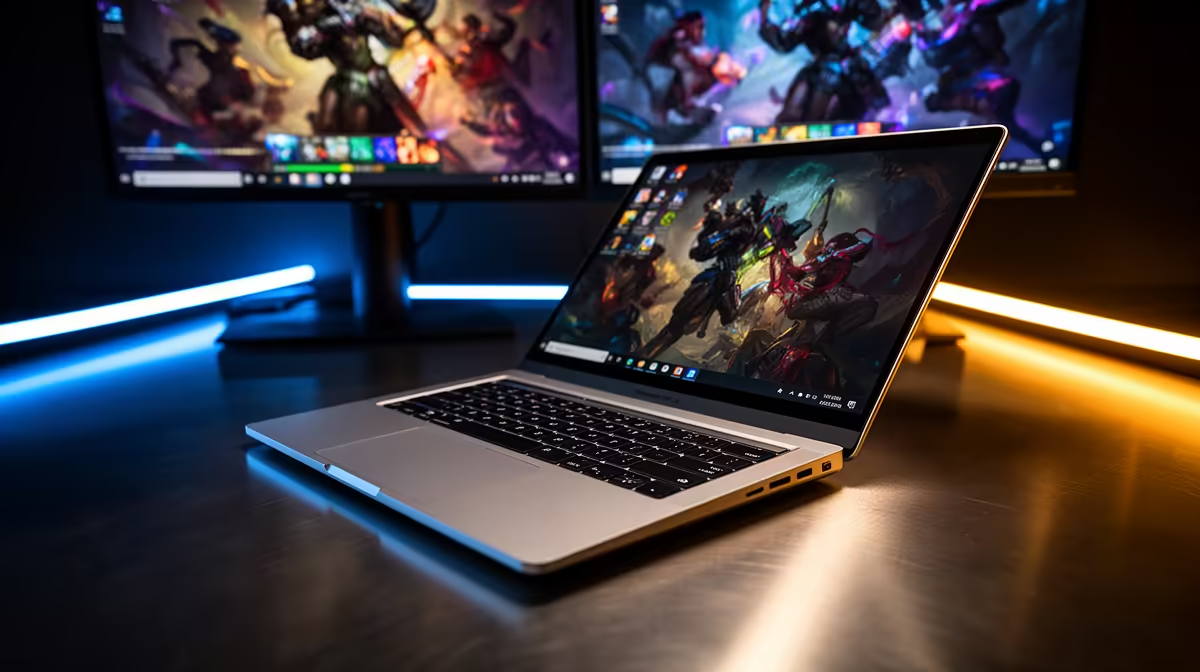
For years the catch with a MacBook Air was simple: it drove only one external display unless you shut the lid. The M5 MacBook Air ends that. It runs two external monitors at the same time with the lid open, both at up to 6K at 60Hz, with no clamshell trick and no third-party dock workaround. If you bought an Air in the M1 to M3 era and learned to live with the limit, this is the change that matters.
Quick Answer
Yes. The M5 MacBook Air drives two external monitors with the lid open, each at up to 6K at 60Hz, plus its own built-in screen. The M3 Air could not do this, it needed clamshell mode (lid closed) to reach a second external display.
What changed from the M3 to the M5 Air
The M3 MacBook Air supported two external displays only with the lid closed. Open the lid and you were back to one. The M5 Air lifts that restriction at the silicon level, so all three screens, the built-in panel plus two externals, run together. For anyone who works with a spreadsheet on one monitor, a browser on the second and email on the laptop screen, this is the difference between a usable desk and a compromise.
The real-world setup
Plug two displays into the Air's Thunderbolt ports, or run them through a Thunderbolt dock if you want a single cable to the desk. Both routes deliver the dual-display capability. macOS treats the three screens as one workspace, so you drag windows across freely. You can compare the current M5 configurations in the MacBook range to confirm port count before you plan your dock setup.
Where the limits still sit
The headline is two externals at 6K each, but read the fine print for your panels. Mixing a 6K and a high refresh display can change the supported combinations, and refresh rate above 60Hz on a 6K panel is a different conversation to 4K at higher Hz. For standard productivity at 4K or 5K and 60Hz on both, the M5 Air handles it without drama.
Frequently Asked Questions
Does the M5 MacBook Air really run two monitors lid-open?
Yes. It supports two external displays simultaneously with the lid open, each up to 6K at 60Hz, alongside the built-in screen. This is a genuine first for the Air lineup.
How was the M3 Air different?
The M3 MacBook Air supported two external displays only in clamshell mode with the lid shut. Opening the lid dropped it to a single external. The M5 removes that restriction entirely.
Do I need a special dock for dual monitors?
No. You can plug both displays into the Air's Thunderbolt ports directly. A Thunderbolt dock is optional and useful only if you want one cable to the desk for power and displays together.
Can both external displays hit 6K at 60Hz?
Yes, each external can reach up to 6K at 60Hz. Very high refresh rates or unusual panel mixes can change the supported combination, so check your specific monitors against Apple's listed limits.
If a two-monitor desk was the only thing keeping you off a MacBook Air, the M5 closes that gap. See current pricing and configurations in the Evetech MacBook range, or browse the laptop best sellers to weigh it against other thin-and-light options.