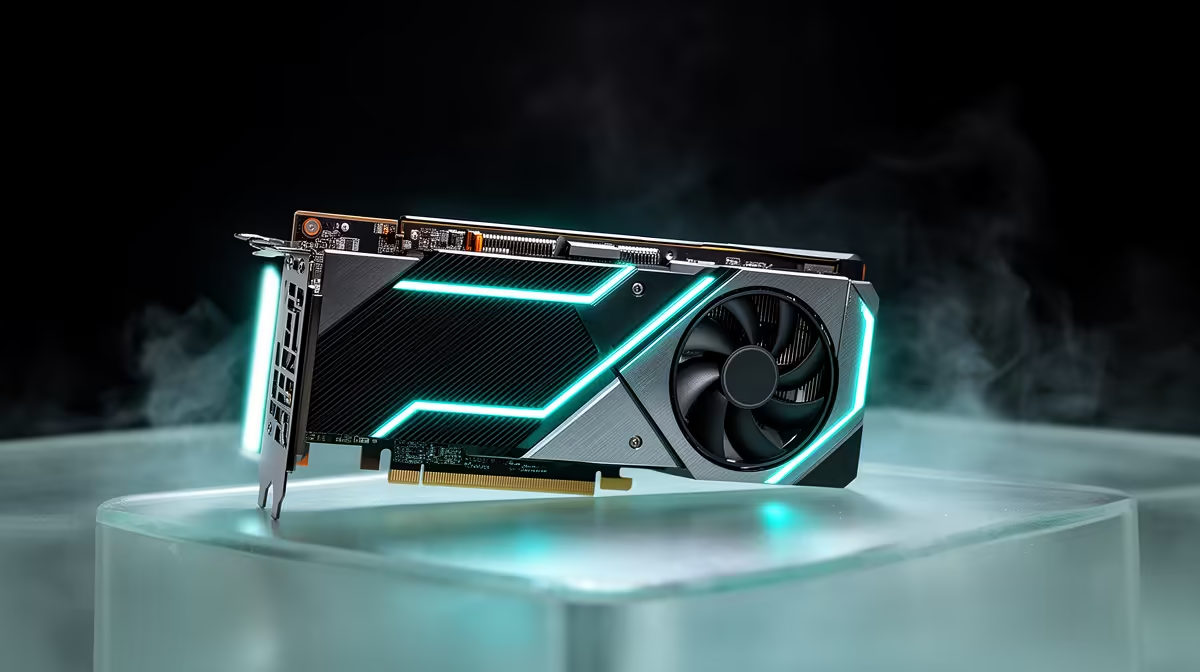
An RTX 5080 can send 240 frames per second to a 4K monitor in esports and lighter games. Demanding AAA titles will spend much of their time below that ceiling, even with DLSS. A 4K 240Hz RTX 5080 setup makes sense when the panel's picture quality and long life matter alongside the top number.
Quick Answer
Expect 4K 144Hz to 165Hz as the broad target. A 240Hz screen adds room for esports, older titles and generated frames, while new ray-traced games use its VRR range. In Evetech's July 2026 in-stock monitor data, R4,499 was the gaming-category median; 4K 240Hz panels sit in a premium class and need an exact current quote.
⚡ Separate base frames from generated output
DLSS upscaling reduces rendering work. Frame generation adds displayed frames after the base game runs. A 240fps counter can look smooth, but input response follows the base frame rate.
Set the game so the base already feels good. Then use frame generation to make camera motion fill more of the panel's range.
Browse Evetech's monitor range for current 4K refresh options.
🎮 Check the games that can reach the ceiling
Competitive games at tuned settings can push toward 240Hz. The CPU becomes critical at those frame rates. Run a full match and watch one-percent lows.
Heavy ray tracing pulls output down. A 4K 240Hz OLED can still earn its price through fast pixels and HDR contrast at 90fps.
🔌 Confirm the full signal mode
Check which input carries 4K, 240Hz, HDR and full colour depth together. Use the rated cable and verify the active mode in Windows.
Test the screen alone before reconnecting a capture device or second monitor. If the link flashes black at 240Hz, try another certified cable and the monitor's other full-bandwidth input. Keep a stable 144Hz profile saved as the troubleshooting baseline.
Evetech's monitor best-sellers give local context, while the RTX 5080 category lets you compare card variants.
Frequently Asked Questions
Can the RTX 5080 truly hit 4K 240Hz?
Yes in lighter and competitive games. Demanding releases will run below the ceiling.
What is a more realistic 4K refresh target for this card?
144Hz to 165Hz covers the widest mix of native and upscaled game output.
Does DLSS 4 change what this card can achieve at 4K?
Upscaling and frame generation can raise displayed performance, while base response remains important.
Is 1440p 240Hz a safer target for this GPU?
Yes when competitive frame rate matters more than 4K detail.
What settings help push closer to 4K 240Hz?
Reduce ray tracing and heavy effects, then use a quality DLSS mode that looks clean.
Should I buy a 4K 240Hz monitor for this card now?
Buy it when esports, premium panel quality and a long ownership plan justify the cost.
What panel type suits the RTX 5080 best?
OLED excels in motion and blacks, while mini-LED suits bright HDR and work-heavy use.
Want 4K 240Hz headroom without pretending every game will fill it?
Compare premium high-refresh monitors at Evetech, then judge the panel on your base frame rate and favourite games.