


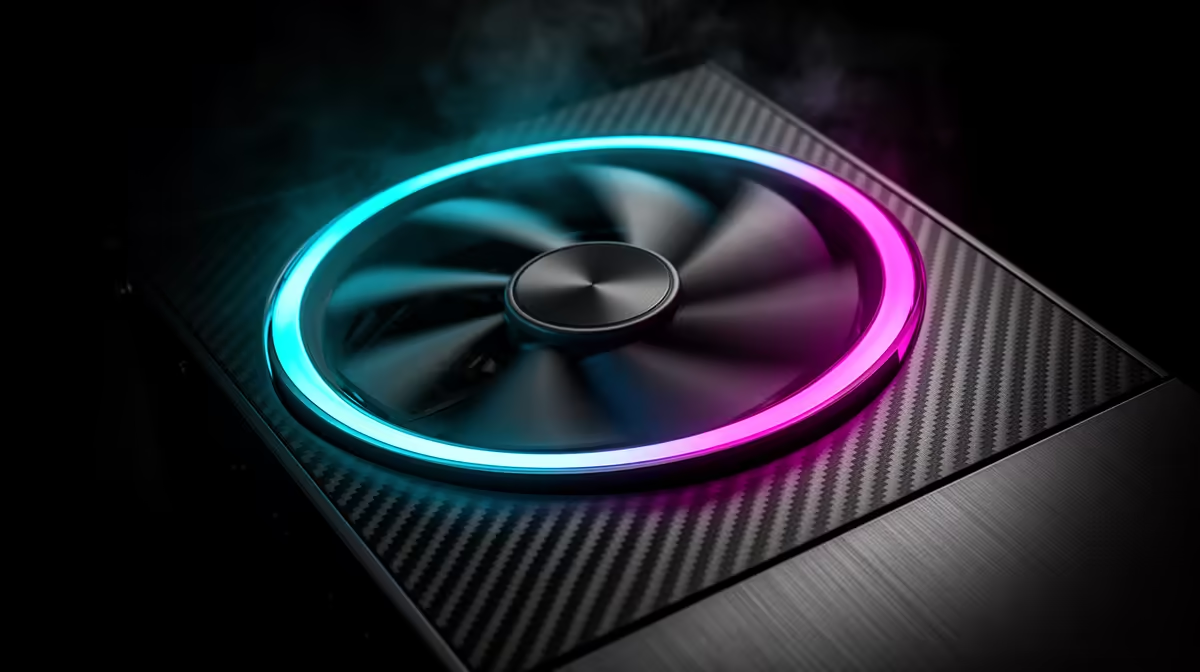
Case fans punch above their price in SA gaming builds, and gamers want clear guidance on count, size and configuration. The short answer: run two intakes and one exhaust as a minimum, use PWM fans, and spend from around R150 each at Evetech.
Quick Answer
Quality case fans cost roughly R150 to R400 each in SA at Evetech, so a complete three-to-five-fan kit lands near R1,000. A gaming PC benefits from three to five fans arranged as two front intakes, one rear exhaust and optional top exhausts; this airflow path can lower GPU temperatures by 5 to 10C and let fans spin slower and quieter under load, with each 140mm fan drawing under 3W.
Choosing The Right Fans
Pick PWM fans so the motherboard controls speed by temperature, keeping the system near silent at idle and ramping only when gaming. Favour 140mm fans where the case allows, as they move more air at lower noise than 120mm. Match fan type to the job: static-pressure fans for radiators and dense mesh, airflow fans for open intakes. A fan in the 1,500 to 2,000 RPM range balances cooling and noise for hot cards like an RX 7800 XT.
SA Build Configuration Notes
Run slightly more intake than exhaust for positive pressure, with dust filters on intakes to keep the dusty SA air out of your components. Use a PWM hub or daisy-chaining to keep cabling tidy. Better bearings (fluid dynamic or magnetic) mean quieter operation and a longer lifespan. RGB is purely cosmetic; airflow and pressure determine cooling. Evetech stocks 120mm and 140mm case fans across airflow, pressure and RGB lines to suit any build.
FAQ
What is the best case fan setup for gaming?
Two front intakes plus one rear exhaust as a baseline, adding top exhausts for hot builds. This intake-to-exhaust path channels cool air over the GPU and CPU and expels heat efficiently.
Do PWM fans matter?
Yes. PWM fans let the motherboard adjust speed by temperature, so the build stays quiet at idle and only ramps under load, unlike fixed-speed fans that run constantly.
Does fan bearing type matter?
It affects noise and longevity. Fluid-dynamic or magnetic-bearing fans run quieter and last longer than basic sleeve bearings, which is worth the small extra cost for a quiet build.
fans on a hub so the motherboard can ramp them with CPU and GPU temperature; the build stays near silent during browsing and only spins up when a game actually loads the system.











