



OLED monitors Context for SA PC Builders — Updated 2026
OLED monitors talk for Randburg buyers should be treated as market context, not a live claim. Compare demand, specs, warranty, platform fit, and total build value.
Read moreNo, for pure note-taking a creator laptop is excessive, though it pays off if you also edit media or run heavy coursework. Note apps barely touch the 16GB and 512GB study baseline on Windows 11.
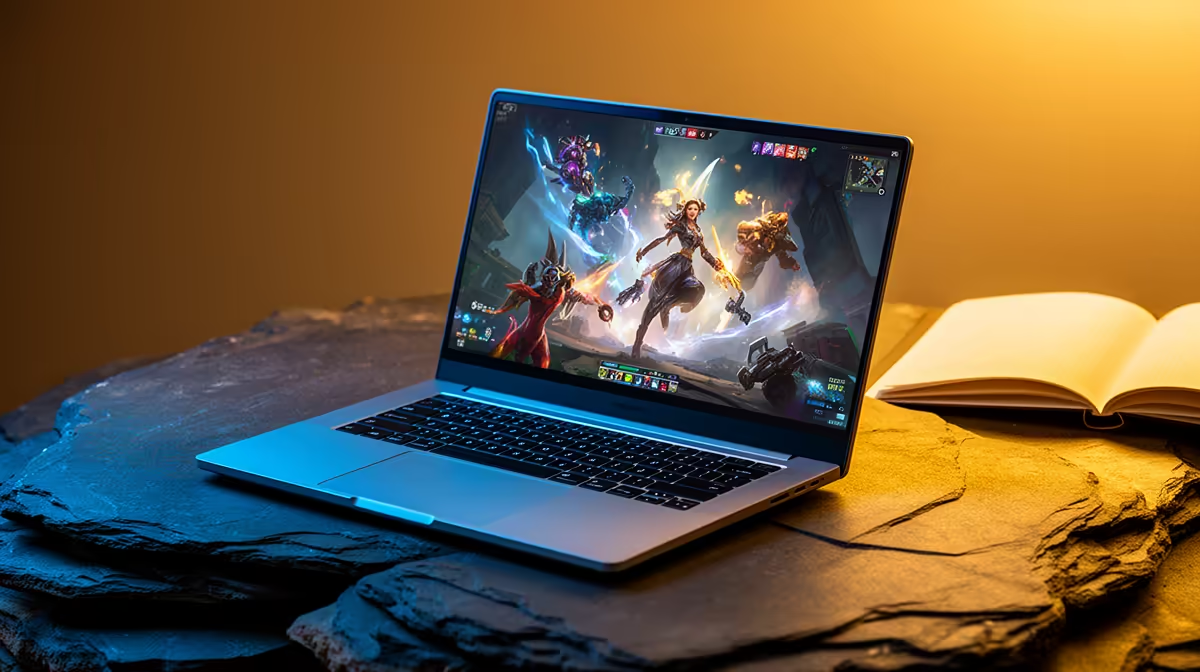
ASUS Vivobook S14 OLED at R10,719 is the best fit for students who want a creator-leaning laptop for lecture notes, reading slides, and light visual work without jumping straight to a gaming machine.
The ASUS Vivobook S14 OLED at R10,719 makes sense because the OLED screen is the standout spec here. For note-taking, it gives you a sharper, more comfortable panel for PDFs, lecture slides, browser research, and late-night assignment drafts. It is also more student-friendly than chasing extra graphics power you may barely use in class.
The ASUS ExpertBook P1503 i5 at R9,858 is the more practical budget pick if your work is mainly typing, spreadsheets, LMS portals, and research tabs. Its i5 spec is enough for everyday campus admin, and the lower price leaves more room for a bag, mouse, or external storage.
If your course mixes notes with heavier creative software, the Lenovo IdeaPad Slim 3 i7 at R13,400 and ASUS Vivobook X1504VA i7 at R13,999 are better step-up options. The i7 spec gives more breathing room for multitasking than the i5 ExpertBook, especially when you have lecture recordings, browser tabs, and document editing open together.
A creator-style machine is worth it only when the screen or processor improves the daily study flow. The Lenovo LOQ RTX3050 at R9,500 has the strongest listed graphics spec, but RTX3050 is more useful for gaming or GPU-assisted creative tasks than plain note-taking. For most lecture use, the ASUS ExpertBook P5405 at R12,700 is the cleaner productivity alternative if you want the ExpertBook line at a higher price point.
Ready to choose the right laptop? Use ASUS ExpertBook P1503 i5 at R9,858 as the creator desk benchmark, then check whether its listed spec matches the space, workload, and upgrade path.
Yes. Note apps are featherweight, so a creator GPU stays idle and the premium goes to waste for typing alone.
Long battery, a comfortable keyboard and light weight beat raw power for carrying between lectures all day.
Only if you sketch diagrams or annotate slides; for typed notes a stylus is a nice extra, not a need.
Very little. Notes are tiny, so 512GB leaves ample room for readings, media and everything else a student stores.
Often not on one charge. Powerful GPUs drain batteries faster, so a lighter laptop usually lasts longer between plugs.
Only if your course adds media or CAD work; for note-taking alone a business laptop is the smarter long-term buy.
OLED monitors talk for Randburg buyers should be treated as market context, not a live claim. Compare demand, specs, warranty, platform fit, and total build value.
Read more
Ryzen X3D chips stand out in SA gaming PCs because extra cache can help frame consistency in many games. Durban builders should still compare motherboard cost, cooling, BIOS support, and GPU balance before choosing a CPU.
Read more
Ryzen X3D chips dominate many SA gaming PC discussions because extra cache can lift performance in CPU-sensitive games. Kimberley gamers should compare GPU pairing, cooling, platform cost, and upgrade timing before buying.
Read more
ROG Ally X can beat LCD Steam Deck when Windows game access, battery, and handheld performance matter most. SA buyers in Mbombela should compare controls, storage, screen, weight, and how much setup friction they will accept.
Read more
USB-C charging is becoming the standard because it cuts cable clutter and supports more modern peripherals. For SA buyers, it makes keyboards, mice, headsets, and controllers easier to charge across mixed setups.
Read more
Will the RTX 5090 handle Dragon Ball Sparking should be shortlisted around the job it must do. South African buyers should compare GPU tier, VRAM, cooling, and PSU headroom, warranty path, and upgrade room before treating any pick as best.
Read more
NVIDIA lists 550W required system power for the RTX 5060 reference specification, based on a high-end test system. A quality 550W unit can be enough, but CPU draw, transient load, connectors and ageing decide real headroom.

80+ Gold vs 80+ Platinum for couch co-op gaming is about PSU efficiency, heat, fan behaviour, quality, and wattage headroom, not direct FPS. SA buyers should compare the whole build.

Upgrade your setup with the best USB-C hubs for creators. Discover why high-capacity card readers and dual 4K output are essential for professional South African content production. 🚀💻

B850 motherboard FPS drops needs a methodical troubleshooting pass. Review drivers, thermals, power settings, background apps, cables and game settings before replacing parts in an SA gaming setup.
NVIDIA lists 550W required system power for the RTX 5060 reference specification, based on a high-end test system. A quality 550W unit can be enough, but CPU draw, transient load, connectors and ageing decide real headroom.

OpenRGB's master branch now carries changes labelled for 1.0 final, including translation and platform work, but the official tags page still lists 1.0rc3.1 as the newest packaged release. Stable users should wait for the signed release channel.

A motherboard can remain useful for many years when power, cooling and connectors stay healthy. Replace it for confirmed faults, damaged power delivery or a blocked platform need, not simply because the calendar reaches a fixed age.

The VAIO T combines a 13.3-inch display with a multi-flip mechanism for laptop, tablet and outward-facing viewing modes. Orders begin in Japan on 18 September; South African availability is unconfirmed.
OLED monitors talk for Randburg buyers should be treated as market context, not a live claim. Compare demand, specs, warranty, platform fit, and total build value.

Wi-Fi 7 vs Wi-Fi 6e for aaa single-player gaming comes down to router support, latency goals, device compatibility, and coverage. SA buyers should match the choice to the real network setup.
Ryzen X3D chips stand out in SA gaming PCs because extra cache can help frame consistency in many games. Durban builders should still compare motherboard cost, cooling, BIOS support, and GPU balance before choosing a CPU.

Wi-Fi 7 and Wi-Fi 6E affect AAA single-player gaming through downloads, updates, cloud saves, and remote features. The real world difference between wi fi 7 and wi fi depends on your router, fibre speed, and SA home layout.