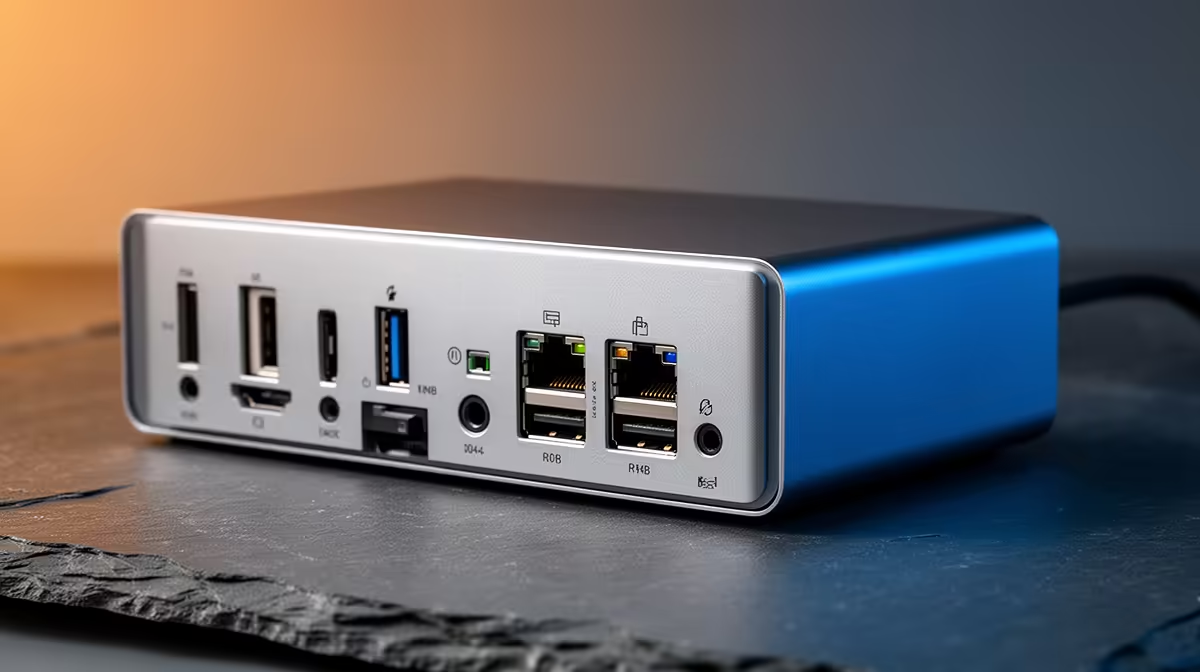
In a hardware plan this part matters only when it removes a real bottleneck. A docking station earns its place when one USB-C cable has to power, display and connect your whole desk. For data-science coursework, screen real estate and reliable I/O for external drives beat gaming-grade extras.
Quick Answer
A docking station is worth it when one USB-C laptop drives a monitor, keyboard, mouse and Ethernet from a single cable. A basic USB-C hub starts around R600-R1,200, a powered dock with 65-100W charging and dual-display runs roughly R1,800-R3,500, and a Thunderbolt 4 dock sits at R4,500+ at Evetech.
What a dock does and which ports to check
A good dock collapses your desk into one USB-C cable: power delivery (65W for ultrabooks, 100W for bigger machines), video to one or two monitors, Gigabit Ethernet and a few USB-A ports. Confirm your laptop's USB-C port supports video output before buying a video dock.
Wattage, displays and Thunderbolt
Match charging wattage to the laptop: 65W for a thin-and-light, 100W for a 15-inch creator or gaming laptop. A USB-C dock handles dual 1080p or a single 1440p; Thunderbolt 4 docks add dual 4K-at-60Hz and fast storage but cost R4,500+. A R600-R1,200 hub rarely charges the laptop, so you still need the adapter.
When this part of the plan matters
In a hardware plan, a docking station matters when it removes a real bottleneck and not before. Slot it in once the core components are sorted, and skip it if your use does not need it. Sequencing the plan this way keeps the budget on the things that move the needle.
For data-science coursework
Data-science work means juggling external drives, a second screen and long-running notebooks. Reliable I/O and screen real estate beat gaming extras here. A multi-monitor layout and stable storage connections save more time than any peripheral upgrade.
FAQ
Does this help with data-science coursework?
Yes, if it improves I/O or screen space. Reliable connections for external drives and a second screen save more time on a docking station than gaming-grade extras.
Do I need a docking station or just a USB-C hub?
For one-cable charging plus a monitor, get a powered dock (R1,800-R3,500). A plain hub (R600-R1,200) adds ports but usually will not charge the laptop.
How much charging wattage does my laptop need?
65W suits most ultrabooks; pick 100W for a 15-inch creator or gaming laptop. Underpowering slowly drains the battery under load, so match the adapter rating.
dock's charging wattage to your laptop (65W ultrabook, 100W gaming) and confirm the USB-C port supports video before buying.