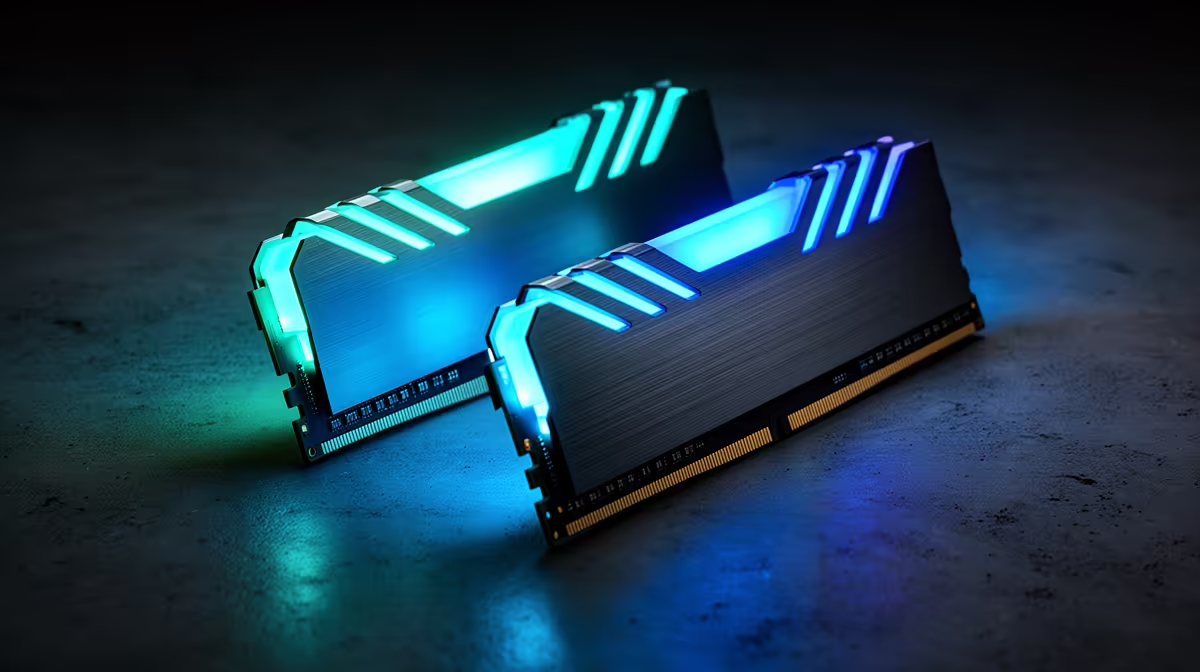
An enormous DDR5 speed number can force Ryzen into a divider that gives latency back. DDR5-8000 on Ryzen deserves tuning evidence against a stable lower-speed kit before bandwidth alone wins the purchase.
Quick Answer
DDR5-8000 is worth testing on Ryzen when you own a board, CPU and kit validated for that speed and enjoy memory tuning. It is a poor default gaming purchase. High data rate can require the memory controller to run at a divided clock, adding latency that offsets bandwidth in some games. A stable DDR5-6000 or nearby configuration with sound timings can beat an unstable or loosely tuned 8000 profile. Ryzen generations and silicon samples differ, so avoid one universal sweet spot. Compare bandwidth, latency, game lows and error-free stability on the exact platform.
Data rate and controller ratio work together
DDR5-8000 describes transfers, not complete memory response. Ryzen's memory clock, controller clock and fabric behaviour affect latency. At high rates, the controller may use a divided relationship that eases frequency but costs cycles.
Firmware can change training and supported ratios. Read current AMD and motherboard guidance for your processor generation. A rule learned on one AM5 chip may not transfer to another.
The board and module layout matter
Two-DIMM enthusiast boards can reach higher memory clocks than four-slot boards because their trace layout is easier to control. Populating four modules adds electrical load and can lower the stable rate.
Check the board's qualified-memory list for the exact kit, capacity and module count. QVL presence is a tested reference, not a guarantee for every CPU memory controller.
Test the profile before tuning it
Boot supported defaults and update firmware through the documented route. Enable the kit profile, allow memory training to finish and run long memory tests before changing timings or voltage.
Then measure a game that is sensitive to memory and one that is GPU-limited. Record low-frame behaviour, latency and complete-system stability. A bandwidth score without application gains is a hobby result, not a gaming reason.
Capacity comes before headline speed
Choose enough memory for the workload first. A 32GB or 64GB kit at a moderate rate can be more useful than a small 8000 kit that forces paging. Compare exact timing, voltage and warranty terms as well as the printed transfer rate.
Keep a recovery route
Memory training can create long blank-screen periods after a change. Learn the board's status lights, clear-CMOS process and safe firmware recovery before tuning. Do not cut power during a documented training cycle because it feels slow.
Save one stable profile with its test results. If the PC begins cold-booting twice, dropping USB devices or logging memory errors, return to supported defaults and prove the hardware again before raising voltage.
Browse DDR5 memory kits and memory best sellers for live specifications.
FAQ
Does DDR5-8000 always run the Ryzen controller at 2:1?
Platform and settings decide the ratio. Confirm the actual clocks on your CPU and BIOS rather than assuming.
Is DDR5-6000 always fastest for games?
No universal rate wins every Ryzen generation, kit and game. It is a practical comparison point, not a law.
Can four DIMMs run at 8000?
High rates become harder with more modules. Use the board's supported configuration and test the exact setup.
Compare DDR5 kits by verified Ryzen support, controller ratio, latency and game lows.