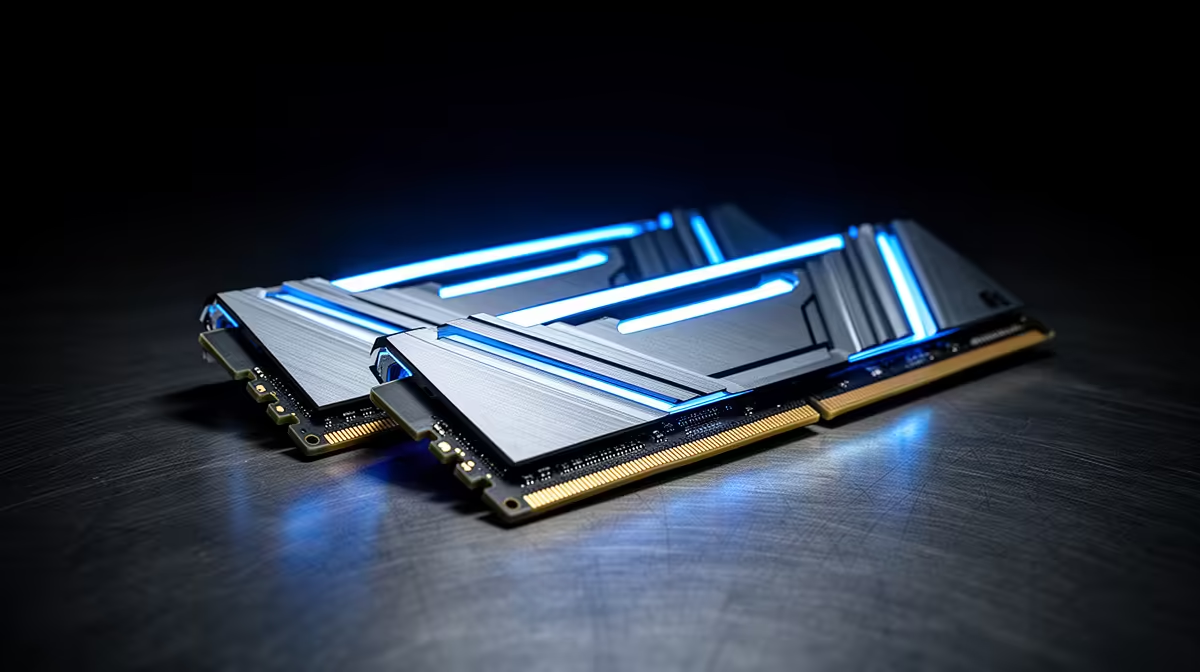
Picking DDR5 RAM kits is easier once you separate the specs that matter from the ones that just sound good on a box.
Quick Answer
For SA gaming builds, a 32GB DDR5-6000 CL30 kit is the sweet spot, balancing speed, capacity and price; 16GB is the bare minimum and 64GB suits heavy creators. The sections that follow cover the specs, the trade-offs and the SA buying notes that matter.
Speed And Latency
What matters in SA: DDR5-6000 CL30 is the practical sweet spot for both AMD and Intel platforms, offering the best blend of bandwidth and latency without exotic pricing. In practice, weigh that against your real budget rather than the headline spec sheet.
Capacity Choices
16GB is the floor for gaming, 32GB is the comfortable standard, and 64GB is for 4K editing, heavy multitasking or large 3D scenes. For an SA buyer that translates into a part you can actually find in stock and get serviced locally.
EXPO And XMP
DDR5 ships at a slow default speed; enable EXPO on AMD or XMP on Intel in BIOS to get the rated speed you paid for. Keep it in mind when you compare two models that look similar on paper.
What SA Buyers Should Check
A neat, breathable case layout keeps thermals sane through a Highveld summer afternoon. Confirm availability at an SA supplier before settling on a specific model, and allow a little Rand headroom on imported pricing.
FAQ
Is faster than 6000 worth it?
Past 6000, gains shrink and stability gets fussier, so most SA buyers are best served sticking with a solid 6000 CL30 kit.
Can I mix two kits?
Put simply, it is best avoided; mismatched kits can fail to run at rated speed. Buy a single matched kit for the capacity you want.
Does RAM affect gaming fps?
The honest answer: faster, lower-latency DDR5 helps 1% lows and CPU-bound titles, so it is worth getting a good kit rather than the cheapest sticks.
Pro Tip
Buy 32GB DDR5-6000 CL30 as a single matched kit and enable EXPO or XMP in BIOS on first boot.