



550W PSU Planning for RTX 5080 Super Builds in SA
550W for RTX 5080 Super needs a full-build check, not a simple yes. Review GPU guidance, CPU draw, transient load, connectors, PSU quality, and upgrade plans before deciding.
Read moreDirectStorage lets games stream compressed assets from the SSD straight to the GPU without routing through the CPU, but only a handful of shipped titles fully use it as of 2026. Evetech's Gen4 and Gen5 drives both support it already.
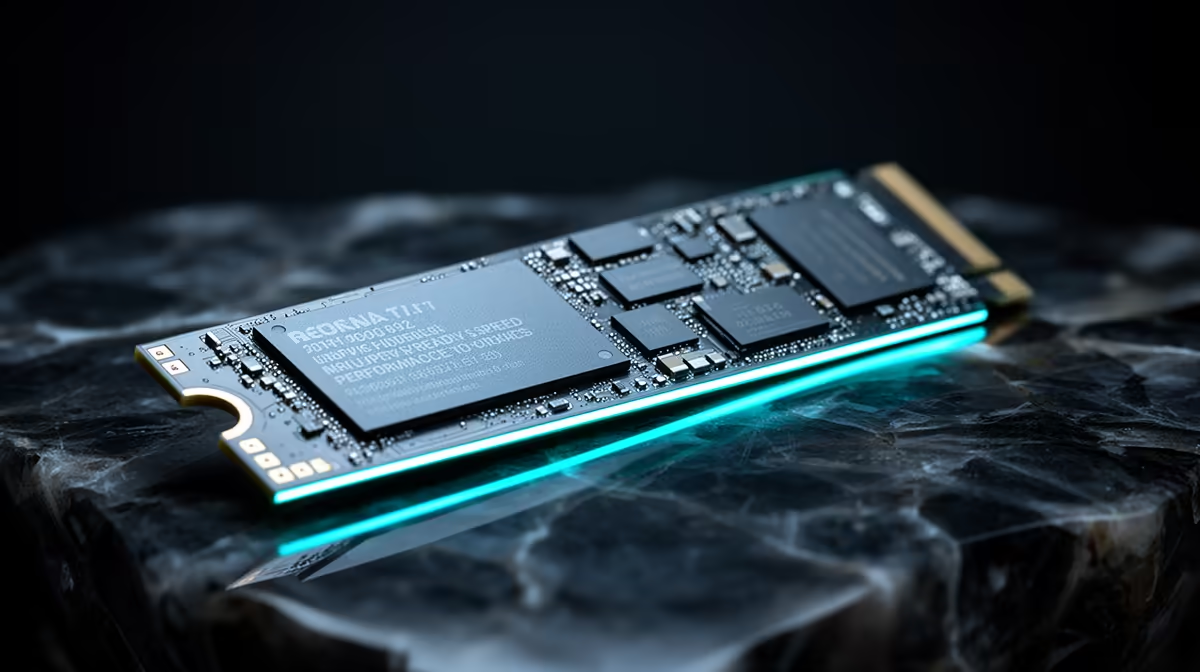
DirectStorage can shorten the path between game assets and the GPU, but software support decides whether it happens. Buying a faster SSD for DirectStorage gaming makes sense after the title, drive and rest of the platform can use it.
DirectStorage is not a reason by itself to buy the fastest SSD in 2026. It gives supported Windows games a modern path for high-throughput storage requests and can support GPU decompression when the game, operating system, driver and graphics hardware use that route. Implementation is game-specific. A sound NVMe SSD can meet the useful baseline, while the gap between Gen4 and Gen5 depends on the title and complete system. Buy enough capacity and a compatible drive, then use current same-game load and streaming tests before paying for peak sequential speed.
DirectStorage can reduce overhead from many storage requests and let games build asset pipelines around NVMe. It does not send every file straight from NAND into GPU memory without other work. Data still passes through hardware, drivers, memory and the game's own engine.
GPU decompression is another capability in the chain. The title must implement it, and supported graphics plus software are required. A game carrying a DirectStorage label may use different parts of the technology.
Use the developer's current documentation or trustworthy tests for the named game. Support and patches can change. Avoid a fixed count of compatible titles because that figure ages as soon as another release ships.
Compare launch load, level transition and traversal streaming. A stopwatch at boot can miss smoother asset delivery during play, while a fast synthetic read can miss CPU-bound decompression.
Run the same game, save, GPU, driver and Windows build. Keep drive free space and temperature similar. If the load difference sits inside run-to-run variation, the interface premium has not proved itself.
Capacity can have the larger effect on ownership. A roomy Gen4 SSD keeps more games local and free space available. A small Gen5 drive can force the same storage moves DirectStorage was meant to streamline.
Confirm the SSD runs on its intended PCIe link, firmware is supported and cooling prevents throttling. Keep graphics drivers and Windows current through official routes. Back up data before storage firmware work.
A developer may require a specific Windows build, GPU feature or storage path for its DirectStorage mode. Check those notes and verify the game is installed on the tested drive. Moving only a launcher or cache folder can leave the main assets elsewhere.
Capture a repeatable load after a reboot and after the game has cached data. The two results answer different questions, and neither should be compared with another PC's edited video.
Explore current SSD options and compare them with popular storage models.
No. The game decides which features it implements, with platform and graphics support also required.
No universal Gen5 requirement applies. Check the game and compare compatible NVMe drives on the same system.
Its main targets are loading and asset streaming. Frame-rate effects depend on how a title's pipeline was limited.
Compare NVMe SSDs with current tests from the DirectStorage games you play, not synthetic speed alone.
No. The game decides which features it implements, with platform and graphics support also required.
No universal Gen5 requirement applies. Check the game and compare compatible NVMe drives on the same system.
Its main targets are loading and asset streaming. Frame-rate effects depend on how a title's pipeline was limited.
550W for RTX 5080 Super needs a full-build check, not a simple yes. Review GPU guidance, CPU draw, transient load, connectors, PSU quality, and upgrade plans before deciding.
Read more
8000Hz polling is overrated for most SA gamers because gains can be tiny next to battery drain and monitor limits. Mbombela players should weigh mouse feel, game support, and system stability before chasing the number.
Read more
Magnetic switches are taking over SA gaming keyboards because actuation can be tuned. For Sandton gamers, rapid trigger, reset control, and profile depth can help, but layout, key feel, and software quality still matter.
Read more
Polokwane oled monitor value questions need cautious SA context because pricing can move with availability, exchange rates, specs, and warranty support. Treat the trend as a planning signal, not a fixed price promise.
Read more
Arc B580 budget builds for Midrand gamers can shift with exchange rates, supply, specs, and model tier. Treat the title as a buying prompt, then compare SA warranty, timing, and build priorities.
Read more
ROG Ally X may beat the LCD Steam Deck for SA gamers who value stronger handheld performance, more memory, and Windows flexibility. Compare battery life, controls, game libraries, and Polokwane support needs before deciding.
Read more
Minisforum's M2 Pro pairs Core Ultra X7, Arc B390 graphics and 32GB onboard memory in 1.8 litres. SA buyers should weigh its fixed memory and $1,439 launch offer against local mini PCs.

Lenovo says Legion Go failures linked to BIOS N3CN42WW are not user error. Affected SA owners should stop retrying the update, preserve proof and open a support case.

Smart monitors can add apps and convenience, but they also add privacy settings and unwanted-software risk. SA buyers should audit the operating system before paying for extras.

A fake 113GB GTA VI ISO reportedly used empty padding around a small malware payload. SA gamers should delete unofficial builds, keep Windows security active and wait for official channels.

ASUS calls the ROG GT-BN98 the first Wi-Fi 8 gaming router. SA buyers should fix coverage and client limits before paying for a future wireless standard.

Apple's M6 Mac mini adds faster AI, graphics and networking in the same compact format. SA buyers should wait for a rand listing before comparing value.

The Vulcan II XP adds hot-swappable switches, sound damping and gaming controls to a full-size wired board. SA buyers should compare feel before features.

Microsoft says Windows on Arm now has over 7,000 verified apps and games. SA buyers should still check each driver, game and work tool before switching.

Xbox Insiders can test disc-to-digital from 31 August 2026. Supported Xbox One and Series X discs gain a digital entitlement, but older discs, regions and title coverage still need exact checks.

ViewSonic's XG2738 pairs QHD QD-OLED with 240Hz and automatic panel care. SA buyers should compare warranty, brightness, ports and burn-in protection against today's R9,999-plus OLED shelf.

NVIDIA's final Windows 10 Game Ready driver is due in October 2026. SA gamers can keep using their GPU, but new game optimisations move on while critical security fixes continue quarterly.

JBL's new Quantum 520, 520X and 120 headsets cover wireless, Xbox-certified and wired use. SA buyers should compare connection, comfort and microphone needs before paying for a new badge.