


Quick Answer
For competitive gamers, dock compatibility is worth paying for when you game on a laptop and need a wired Gigabit Ethernet port plus a high-refresh display output that the dock actually supports; many cheap docks cap at 60Hz over HDMI. A dock with native DisplayPort 1.4 and Gigabit Ethernet (about R1,500 to R3,500) keeps your 144Hz monitor and low-latency wired connection intact.
Why compatibility, not ports, decides it
A competitive setup lives or dies on a wired connection and full refresh rate. The trap with budget docks is that many use DisplayLink or HDMI 2.0, which can cap your monitor at 60Hz, killing the 144Hz or 240Hz advantage you paid for. Compatibility worth paying for means a dock with native DisplayPort 1.4 (1440p at 144Hz) and a true Gigabit Ethernet port, so your laptop runs at full refresh on a wired link with no added input lag. That's the R1,500 to R3,500 tier, and it's money well spent for ranked play.
Where the wired Ethernet matters most
Wi-Fi adds jitter that costs rounds; a dock's Gigabit Ethernet port gives a stable, low-latency wired path from a laptop that may lack its own LAN port. Confirm the dock passes through your monitor's native resolution and refresh without a DisplayLink bottleneck, and that the Ethernet is true Gigabit, not 100Mbps. Power delivery of 65W to 100W keeps the laptop charged through long sessions. Pay for the compatible dock when you compete; the cheap one that caps refresh or speed quietly undoes your other upgrades.
FAQ
Will a cheap dock limit my refresh rate?
Often yes. Budget docks using DisplayLink or HDMI 2.0 can cap a monitor at 60Hz. For 144Hz or higher, you need a dock with native DisplayPort 1.4 output that passes your monitor's full refresh rate.
Is wired Ethernet through a dock worth it for gaming?
Yes. A dock's Gigabit Ethernet port gives a stable, low-latency wired link that beats Wi-Fi jitter, which matters in competitive play. Confirm it's true Gigabit and not a 100Mbps port.
Does docking add input lag?
Native DisplayPort and USB pass-through add no meaningful lag. The risk is DisplayLink video, which can introduce latency and cap refresh, so choose a dock with native display output for competitive use.
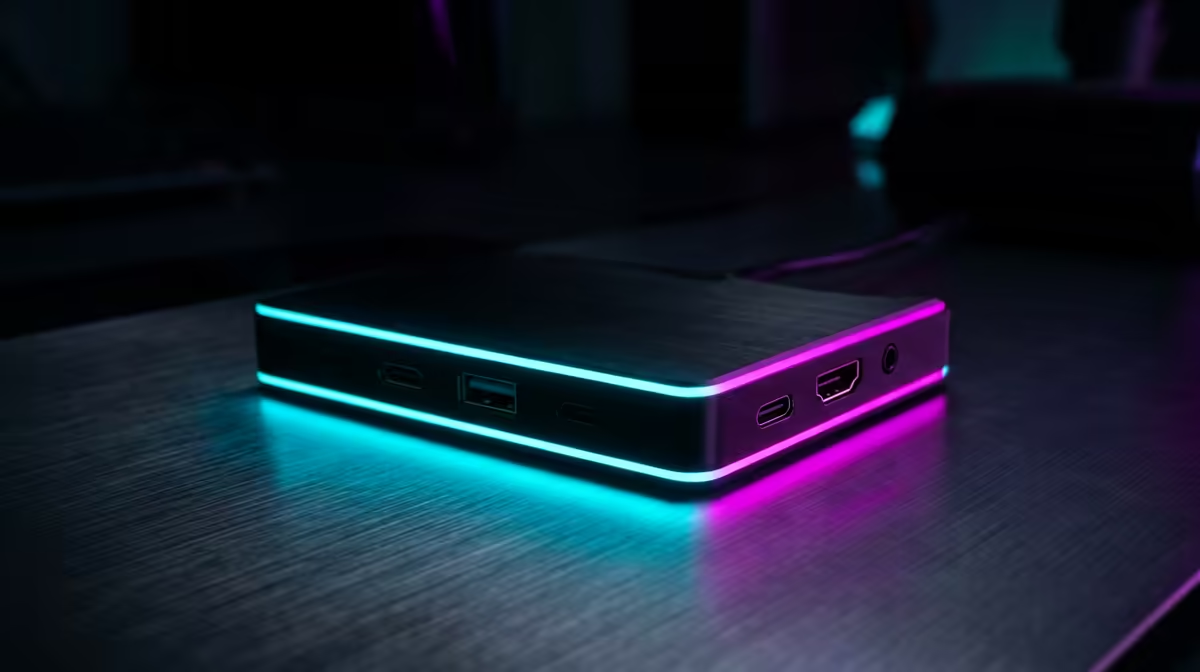
dock uses native DisplayPort 1.4 and true Gigabit Ethernet, so your 144Hz monitor and wired connection both run at full performance for ranked sessions.











