


Quick Answer
For a first build, extra USB ports are worth paying for once your peripheral count grows past keyboard, mouse and headset; a six-port USB-C dock around R1,200 to R1,900 saves constant unplugging. If you run only the basics, a four-port dock is cheaper and enough.
When A First Build Needs More Ports
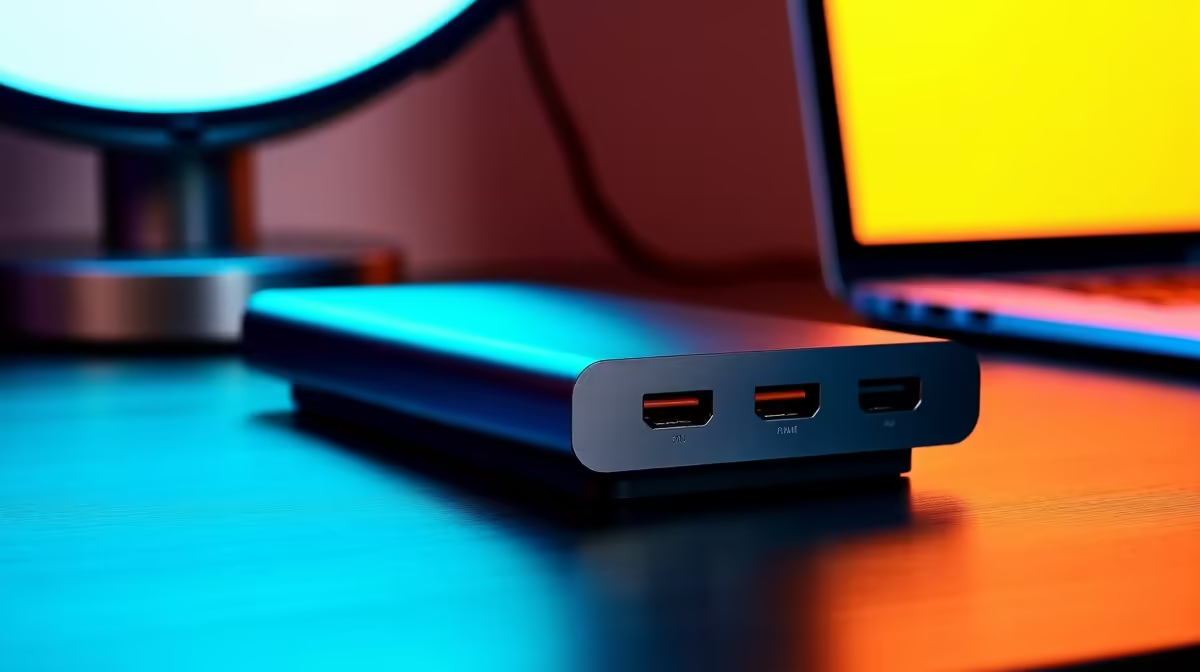
New builders add gear quickly: a controller, an external SSD, a webcam, a stream deck, a phone to charge. Each wants a port, and a motherboard's rear cluster fills fast. A dock with several USB-A ports plus a USB-C lane keeps everything connected and your case tidy. Count what you plug in over a week, then add one spare port for the next purchase.
Group your devices by how often you actually use them before buying, then put the everyday keyboard, mouse and headset on the dock's standard ports and reserve a fast 10Gbps port for the external drive, so a single mid-range dock covers a first build without you reaching back to the case to swap cables.
Pick The Right Port Speeds
Ports differ: a 10Gbps USB 3.2 Gen 2 port matters for fast external NVMe enclosures, while 480Mbps USB 2.0 is fine for a keyboard or mouse. A dock that mixes both lets you put the fast drive on the fast port and the basics on slower ones, so you pay only for the speed you use rather than an all-fast dock.
FAQ
How many USB ports does a first build need?
Tally your daily devices and add one spare; four to six ports cover most first builds without overspending on capacity you will not fill.
Should I get a powered dock?
If you run several power-hungry devices or charge phones from it, a powered dock keeps every port stable. For light loads a bus-powered dock is fine.
Do faster USB ports matter for gaming?
For peripherals, no; a mouse and keyboard work on slow ports. Fast ports matter only for external storage where transfer speed counts.
Count your devices, add one spare port, and choose a dock that mixes fast and standard USB so you pay only for the speed you need.











