


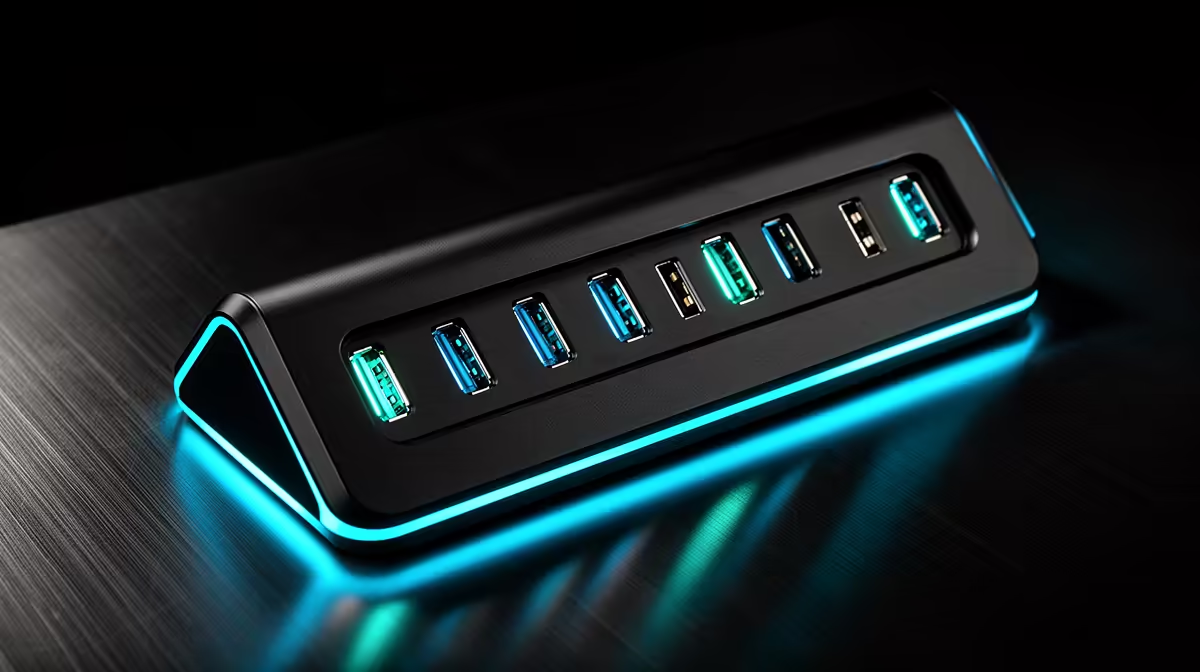
New PC builders often add a docking station for a laptop alongside the build, and USB port choices can be confusing. Knowing when extra ports are worth paying for avoids both overspending and frustrating shortages. This guide helps South African first-time builders decide how many USB ports a dock genuinely needs.
Quick Answer
For new PC builders, paying for more USB ports is worth it when you connect a keyboard, mouse, headset, drive and phone together; a basic four-port dock fills fast. Prioritise at least one 10Gbps USB-C and two or three USB-A ports plus one fast port for storage. A R1,500 to R2,500 dock with six ports suits a growing setup.
Why New Builders Underestimate Port Needs
First-time builders often count only their current peripherals and buy a small dock, then run short as the setup grows. A keyboard, mouse, headset, webcam, external drive and phone charging add up quickly. Thinking ahead, a dock with six ports rather than four leaves room to expand without buying again. For someone new to PC setups, allowing this headroom avoids the common early mistake of a too-small dock.
Which Ports Are Worth Paying For
Prioritise the ports you will genuinely use at speed: at least one 10Gbps USB-C port for fast external storage, two or three USB-A ports for everyday peripherals, and a display output if the dock drives a monitor. A fast port for an SSD matters because slow USB 2.0 bottlenecks transfers. Pay for a couple of quality high-speed ports rather than a long list of slow ones that look good on paper.
Match The Dock To The Whole Setup
Consider how the dock fits your build and laptop. Match the power delivery to your laptop (often 65W), choose a dock that mounts tidily, and ensure it supports your monitor resolution. A R1,500 to R2,500 six-port dock covers a new builder's needs with room to grow. Right-sizing now, rather than buying the cheapest small dock, saves the cost and clutter of adding hubs later as the setup expands.
FAQ
How many USB ports does a new builder's dock need?
Around six is a safe target: at least one 10Gbps USB-C, two or three USB-A ports, and a display output. This leaves headroom as you add a webcam, drive and other peripherals over time.
Which dock ports are worth paying extra for?
A genuine 10Gbps USB-C port for fast storage and reliable USB-A ports for daily peripherals. Pay for a couple of quality fast ports rather than a long list of slow USB 2.0 sockets.
What mistake do first-time builders make with docks?
Buying a too-small dock based only on current peripherals, then running short as the setup grows. A six-port dock with room to expand avoids buying again or adding cluttered hubs later.
should size a dock for the setup they will grow into, not just today's peripherals. A R1,500 to R2,500 dock with six ports, including a 10Gbps USB-C, leaves room to expand without adding hubs.










