


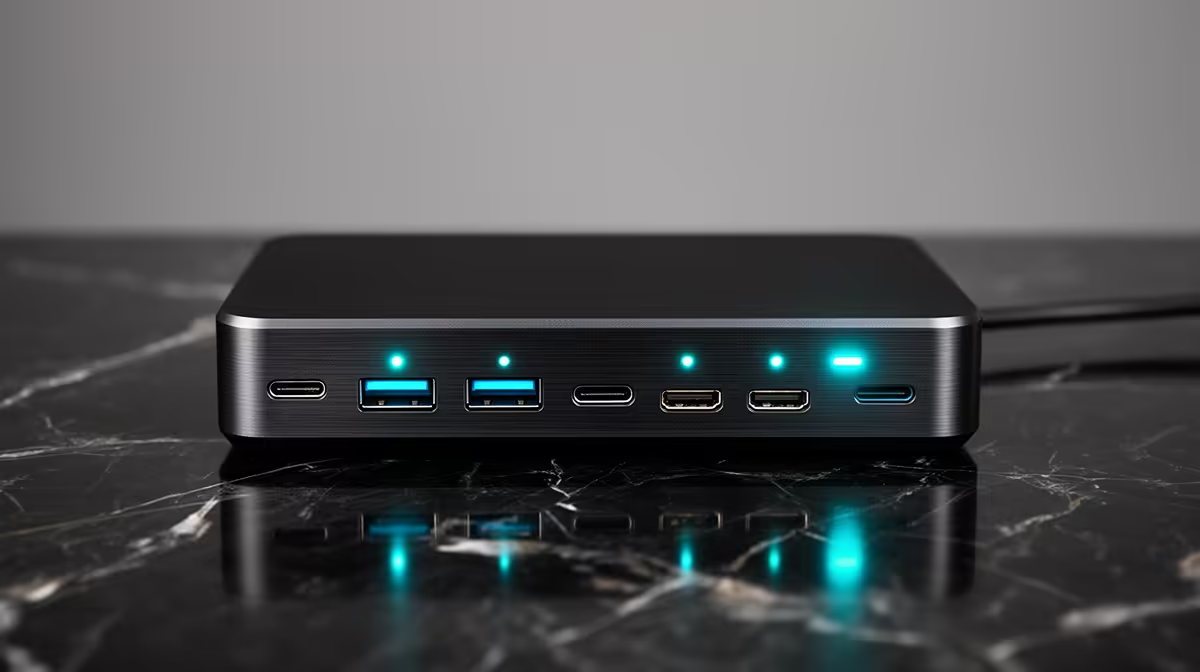
For students, a docking station's USB ports decide how many devices you can connect to a single laptop at your desk. Buying too few ports frustrates daily use; too many wastes money. This guide helps South African students judge when paying for extra USB ports on a dock is genuinely worth it for study life.
Quick Answer
For students, paying for more USB ports is worth it when you connect a keyboard, mouse, drive and phone together at your desk; a basic two-port dock fills instantly. Prioritise at least three or four useful USB ports including one fast 10Gbps port for storage. A R1,200 to R2,000 dock with enough ports covers typical student needs.
When Extra Ports Are Worth It For Students
Even a simple study setup connects several things at once: an external keyboard and mouse, a USB flash drive or SSD, and a phone charging. A two-port dock runs out immediately. Paying for a dock with three or four useful ports means you can leave peripherals plugged in and just connect the laptop. For a student who docks daily between lectures, that everyday convenience is worth the modest extra cost.
Which Ports Genuinely Matter
Prioritise a fast 10Gbps USB port for transferring assignment files and backups quickly, plus a couple of USB-A ports for everyday peripherals. A display output is valuable if you add a second screen for study. You do not need a dozen ports; three or four well-chosen ones, including one fast port, cover a student's real needs without paying for sockets that sit empty.
Right-Size For A Student Budget
Balance port count against cost. A R1,200 to R2,000 dock with three or four ports, including a fast one and a display output, suits most students well. Avoid both extremes: a too-small dock that frustrates daily use, and an expensive 10-port dock you will never fill. Match the dock to your actual peripherals plus one spare, and the spend stays sensible for student finances.
FAQ
How many USB ports does a student dock need?
Three or four useful ports usually suffice: one fast 10Gbps port for storage, a couple of USB-A ports for peripherals, and ideally a display output. That covers typical study needs without waste.
When is paying for more dock ports worth it?
When you connect a keyboard, mouse, drive and phone together and a basic two-port dock fills instantly. Extra ports let you leave peripherals plugged in and just connect the laptop daily.
Should students buy a big 10-port dock?
Usually not. A R1,200 to R2,000 dock with three or four well-chosen ports fits most student needs. A large 10-port dock costs more and leaves sockets empty, which is wasted budget.
For study, choose an Evetech dock with three or four useful ports including a fast 10Gbps one and a display output; it covers everyday peripherals without the cost of ports you will never fill.











