Quick Answer
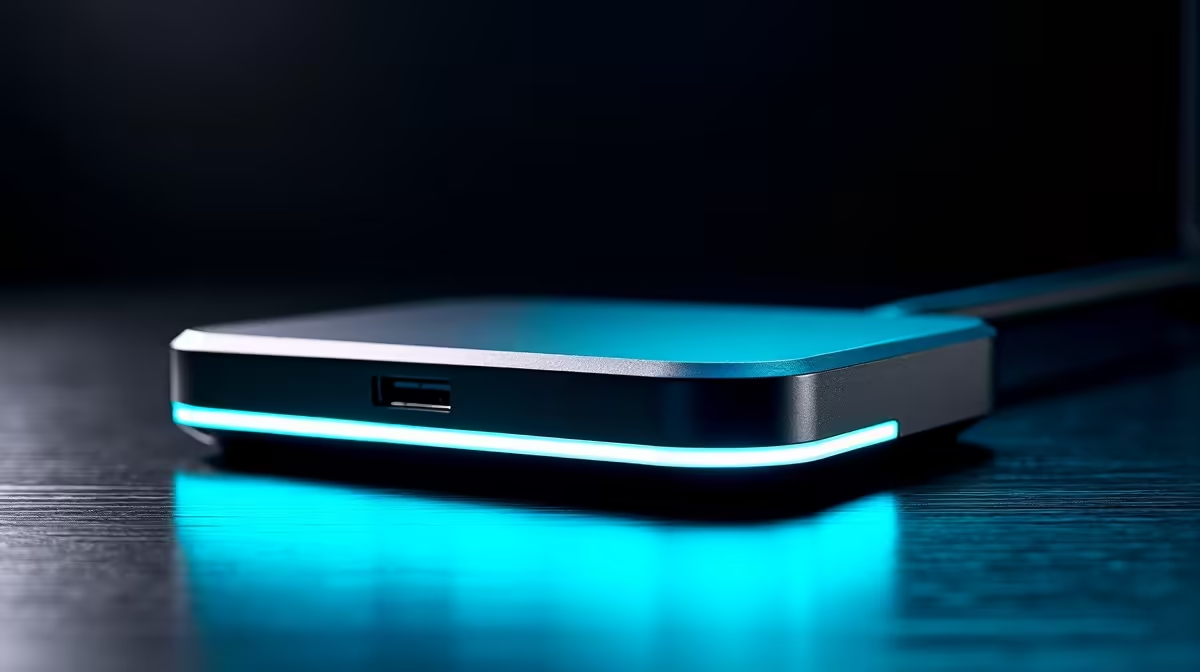
Most new PC builders need a single 100W power-delivery dock, not a Thunderbolt unit. Expect R1,500-R3,000 for one HDMI 2.1 output plus 100W charging, versus R4,000-R7,000 for dual-4K Thunderbolt 4. The dock is only as fast as the port it plugs into, so check the spec sheet first.
Power Delivery: 65W vs 100W
PD wattage must clear your laptop's charger rating with headroom. A 13-inch ultrabook is happy on 65W; a 15-inch creator laptop or gaming laptop wants 100W, and many gaming laptops over 140W still need their barrel charger for full performance. A 100W PD dock (R1,500-R3,000) covers most new PC builders. Pushing a high-wattage laptop off an underpowered dock just trickle-charges it under load.
Display Outputs Done Right
Count outputs and their refresh ceilings, not just ports. A single HDMI 2.1 dock pushes one 4K display at 60Hz, fine for study and office work. Dual-monitor work needs HDMI plus DisplayPort and a Thunderbolt 4 / USB4 dock (R4,000+) to hit 4K 60Hz on both. On a data-only USB-C port no dock will output video at all, so verify DisplayPort Alt Mode support first.
look up your laptop's USB-C spec for DisplayPort Alt Mode and PD support, then match the dock to a 100W PD rating and HDMI 2.1 output.
FAQ
Will any docking station charge my laptop?
Only if both the dock supports USB Power Delivery and your laptop's USB-C port accepts PD charging. A 100W PD dock (R1,500-R3,000) covers most ultrabooks; high-wattage gaming laptops still need their original charger for full speed.
Do I need Thunderbolt 4 or is USB-C enough?
USB-C with DisplayPort Alt Mode is enough for one 4K display and basic ports. Thunderbolt 4 or USB4 (R4,000+) is only worth it for dual 4K monitors or fast external SSDs.
Why doesn't my external monitor work through the dock?
Usually because the laptop's USB-C port is data-only and lacks DisplayPort Alt Mode. Check your laptop spec sheet; if it has no Alt Mode, no dock can output video from that port.