


Quick Answer
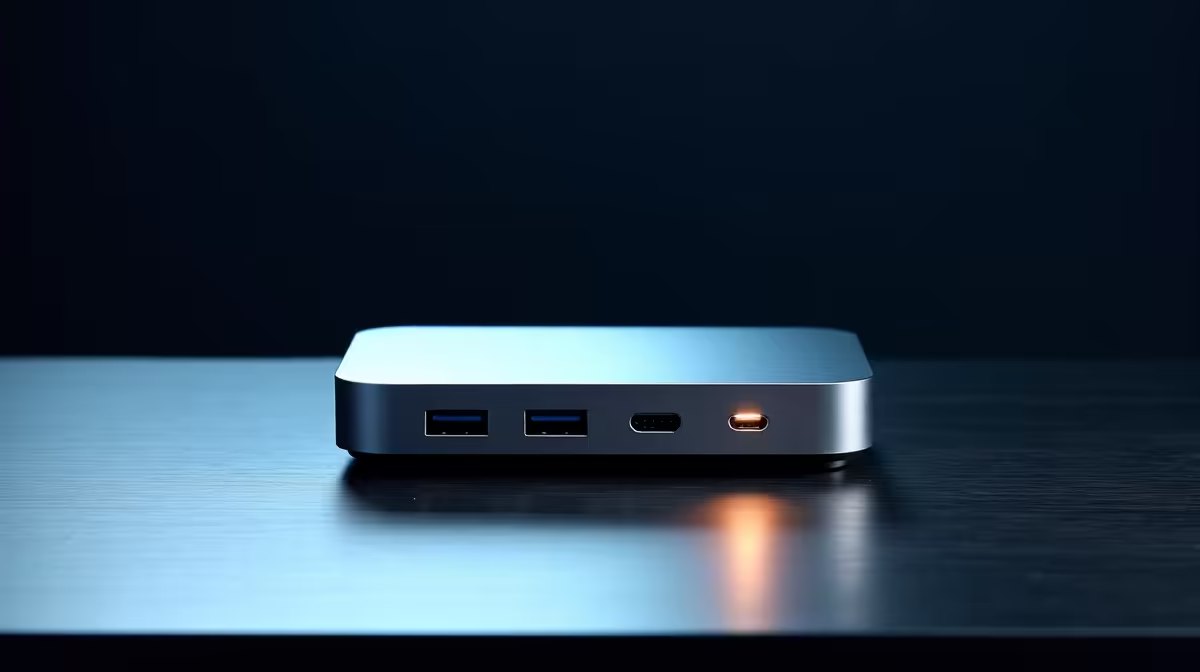
For quiet-setup builders, USB-C power delivery on a dock is worth paying for when you run a laptop you want to charge and game on through one silent cable - aim for 90-100W. A dock has no fans, so it adds zero noise. Capable USB-C docks at Evetech run R1,800-R4,500, with 100W models at the top of that band.
Why Power Delivery Matters For A Quiet Build
A quiet setup means minimal cables and no extra noise sources. A single USB-C dock connects monitors, peripherals and Ethernet while charging the laptop over one cable - and because docks are passively powered, they make no sound. The key spec is power delivery: 100W keeps a 15-inch gaming laptop charged even under gaming load, while a 65W dock drains the battery during long sessions and forces a second charger onto the desk.
Matching Wattage To Your Laptop
A thin 13-14 inch ultrabook charges fine at 65W. A 15-16 inch gaming laptop with an RTX-class GPU wants 90-100W to stay topped up while you play. Check your laptop's charger wattage and match or exceed it with the dock's PD output so you never run down mid-session.
Keeping The Setup Silent
Pair the dock with a fanless approach where you can: SSD storage over a spinning drive, and a quiet case if you're also building a tower. The dock itself contributes nothing to your noise floor, which is exactly what a quiet builder wants.
FAQ
How much power delivery does my laptop dock need?
Match or exceed your laptop's charger. A 65W dock suits ultrabooks; a 15-inch gaming laptop wants 90-100W to stay charged under gaming load.
Do docking stations make noise?
No. Docks are passively powered with no fans, so they add nothing to a quiet setup's noise floor while consolidating your cables.
Will a low-wattage dock drain my laptop while gaming?
Yes. A 65W dock can't keep a gaming laptop charged under load, so the battery slowly drains. Choose 100W to avoid plugging in a second charger.
Pick a 100W USB-C dock at Evetech to charge and connect a gaming laptop over one silent cable for a truly quiet desk.











