



550W PSU Planning for RTX 5080 Super Builds in SA
550W for RTX 5080 Super needs a full-build check, not a simple yes. Review GPU guidance, CPU draw, transient load, connectors, PSU quality, and upgrade plans before deciding.
Read moreGame mode on a router is quality of service in a marketing wrapper: it prioritises gaming traffic ahead of downloads and streaming, helping on a busy connection and doing little on a quiet line. Evetech routers expose these QoS controls directly for you to see.
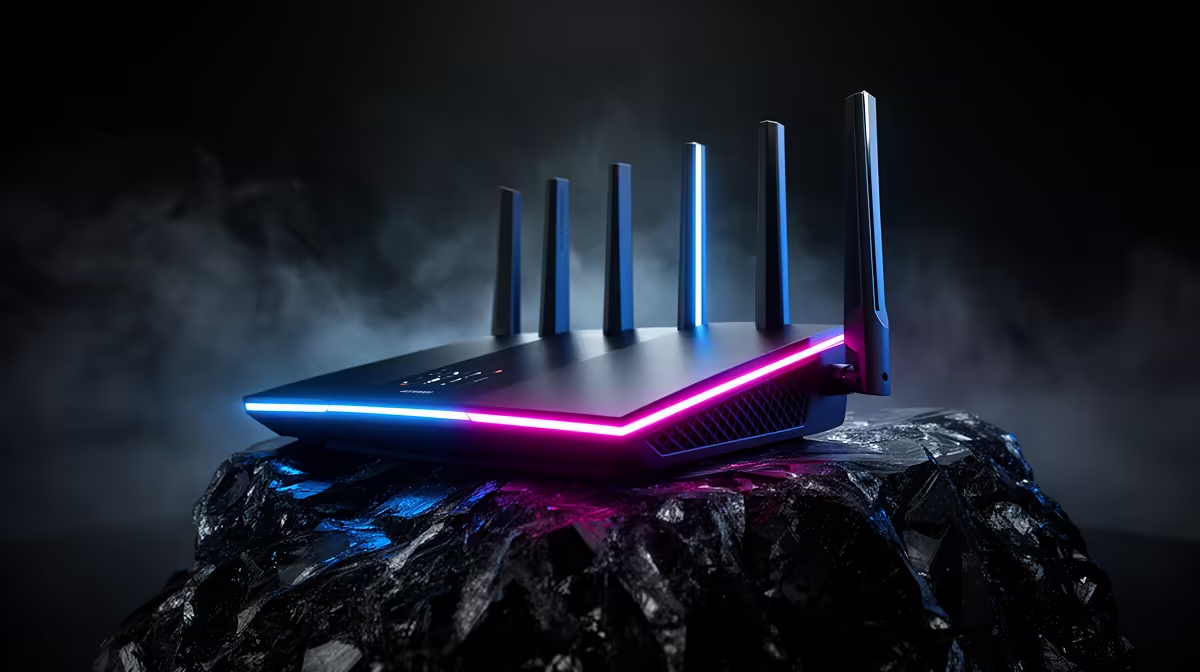
A router's game mode usually changes traffic priority rather than the physical route to a server. Router game mode helps when other devices create queues, and does little for an otherwise quiet connection with high distance latency.
Router game mode usually applies traffic classification, priority or queue management to protect gaming packets when the connection is busy. It can reduce spikes caused by a download or upload inside your home. On a quiet line, it may change little. It cannot lower the physical distance to a server, fix provider loss or improve a PC that is dropping frames.
Review the actual controls and port capacity in Evetech's router and networking range. Use current accessory best sellers for a suitable cable or supporting device. The model manual should explain what its game feature changes.
One router may prioritise a chosen device. Another detects game traffic, controls queues or changes wireless behaviour. Read the maker's current documentation. Do not assume two buttons named game mode perform the same work.
Record the original configuration and update firmware through the manufacturer before testing. Avoid enabling several acceleration, priority and bandwidth features at once.
Measure in-game latency and loss on a quiet connection. Then start a controlled download and upload on another device. Repeat the same match or network test.
Enable game mode and run the busy test again. Improvement during congestion shows value. No change on the quiet test is normal. A worse result suggests poor classification, inaccurate line-rate settings or a feature the router cannot process at full speed.
Test voice chat too. A rule that protects the game while making squad audio break up needs adjustment.
Some households benefit from setting measured upload and download capacity, then giving gaming and voice sensible priority. Others need per-device limits so a launcher cannot fill the line.
Do not give the gaming PC absolute priority over classes, calls or work. The goal is a short fair queue, not making every other user fail.
Some router features reduce maximum throughput because traffic must pass through extra inspection or queue logic. Run a wired transfer and loaded-latency test with the feature on and off. A game mode that steadies ping while cutting speed beyond household needs can still be useful; one that overloads the router needs another plan.
Check whether hardware acceleration, parental controls or security features conflict according to the model manual. Do not disable protection blindly for a benchmark.
Give the configuration a plain name and save a backup where the router supports it. If an update resets settings, you can restore the known test instead of guessing.
It can remove local queuing delay under load. The remote route and distance remain.
Keep it when repeatable busy-line tests improve without harming other traffic. Otherwise return to the documented baseline.
No. Save wired tests and timestamps, then raise the upstream fault through the provider's support route.
Benchmark quiet and busy conditions, learn what your router's game mode changes, and keep it only when the same loaded test proves a cleaner queue.
It can remove local queuing delay under load. The remote route and distance remain.
Keep it when repeatable busy-line tests improve without harming other traffic. Otherwise return to the documented baseline.
No. Save wired tests and timestamps, then raise the upstream fault through the provider's support route.
550W for RTX 5080 Super needs a full-build check, not a simple yes. Review GPU guidance, CPU draw, transient load, connectors, PSU quality, and upgrade plans before deciding.
Read more
8000Hz polling is overrated for most SA gamers because gains can be tiny next to battery drain and monitor limits. Mbombela players should weigh mouse feel, game support, and system stability before chasing the number.
Read more
Magnetic switches are taking over SA gaming keyboards because actuation can be tuned. For Sandton gamers, rapid trigger, reset control, and profile depth can help, but layout, key feel, and software quality still matter.
Read more
Polokwane oled monitor value questions need cautious SA context because pricing can move with availability, exchange rates, specs, and warranty support. Treat the trend as a planning signal, not a fixed price promise.
Read more
Arc B580 budget builds for Midrand gamers can shift with exchange rates, supply, specs, and model tier. Treat the title as a buying prompt, then compare SA warranty, timing, and build priorities.
Read more
ROG Ally X may beat the LCD Steam Deck for SA gamers who value stronger handheld performance, more memory, and Windows flexibility. Compare battery life, controls, game libraries, and Polokwane support needs before deciding.
Read more
Minisforum's M2 Pro pairs Core Ultra X7, Arc B390 graphics and 32GB onboard memory in 1.8 litres. SA buyers should weigh its fixed memory and $1,439 launch offer against local mini PCs.

Lenovo says Legion Go failures linked to BIOS N3CN42WW are not user error. Affected SA owners should stop retrying the update, preserve proof and open a support case.

Smart monitors can add apps and convenience, but they also add privacy settings and unwanted-software risk. SA buyers should audit the operating system before paying for extras.

A fake 113GB GTA VI ISO reportedly used empty padding around a small malware payload. SA gamers should delete unofficial builds, keep Windows security active and wait for official channels.

ASUS calls the ROG GT-BN98 the first Wi-Fi 8 gaming router. SA buyers should fix coverage and client limits before paying for a future wireless standard.

Apple's M6 Mac mini adds faster AI, graphics and networking in the same compact format. SA buyers should wait for a rand listing before comparing value.

The Vulcan II XP adds hot-swappable switches, sound damping and gaming controls to a full-size wired board. SA buyers should compare feel before features.

Microsoft says Windows on Arm now has over 7,000 verified apps and games. SA buyers should still check each driver, game and work tool before switching.

Xbox Insiders can test disc-to-digital from 31 August 2026. Supported Xbox One and Series X discs gain a digital entitlement, but older discs, regions and title coverage still need exact checks.

ViewSonic's XG2738 pairs QHD QD-OLED with 240Hz and automatic panel care. SA buyers should compare warranty, brightness, ports and burn-in protection against today's R9,999-plus OLED shelf.

NVIDIA's final Windows 10 Game Ready driver is due in October 2026. SA gamers can keep using their GPU, but new game optimisations move on while critical security fixes continue quarterly.

JBL's new Quantum 520, 520X and 120 headsets cover wireless, Xbox-certified and wired use. SA buyers should compare connection, comfort and microphone needs before paying for a new badge.