Space-limited setups, a small flat or a single desk, still benefit from wired connections for the devices that matter. Whether LAN ports matter depends on how many devices you can and want to plug in directly.
Quick Answer
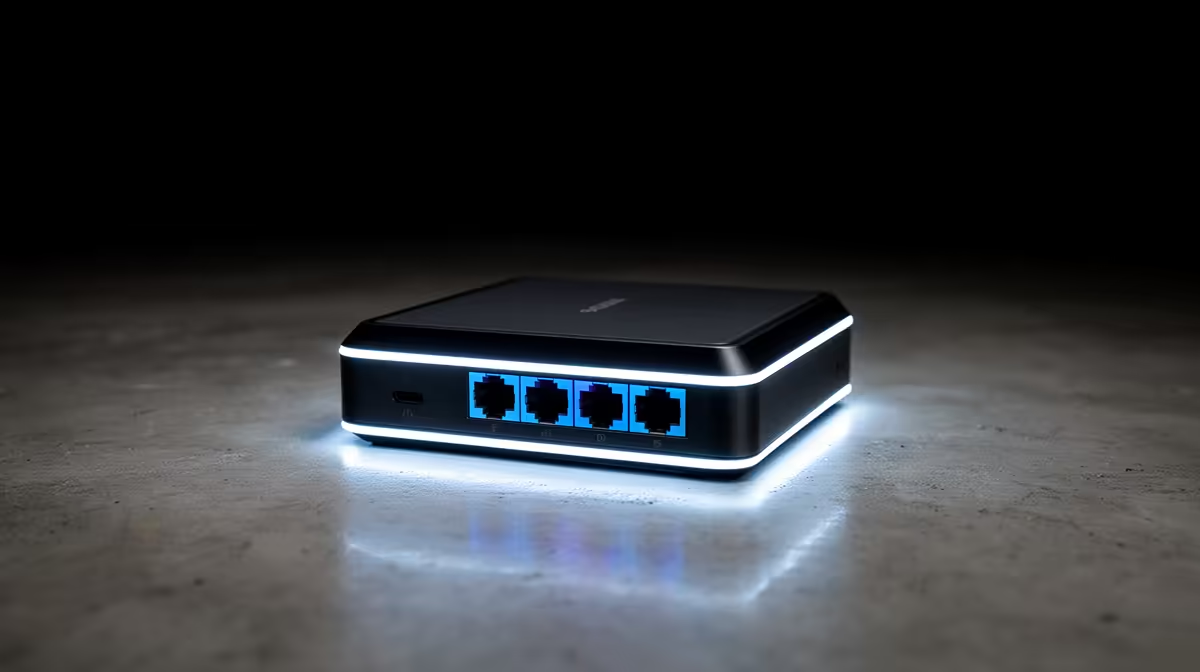
For space-limited buyers, LAN ports on a Wi-Fi router matter if you have even one or two devices, a PC, console, or smart TV, worth wiring for stability. A router with four Gigabit LAN ports near R1,200 to R2,000 lets you hardwire key devices; if everything is wireless, a router with fewer ports saves space and money.
When LAN ports earn their place
If a gaming PC or console sits near the router, a Gigabit LAN port gives a rock-steady, low-jitter connection that beats Wi-Fi for gaming and large downloads. Even in a small space, wiring one or two key devices is worth it, so a router with four Gigabit LAN ports near R1,200 to R2,000 covers a PC, console, and TV. The ports cost little and pay off in stability.
When you can do without many ports
If your space is genuinely tiny and every device is wireless, a phone, a laptop, a tablet, then a router with one or two LAN ports is fine and may be smaller and cheaper. You can always add a compact unmanaged switch near R300 later if you need more wired ports. Do not pay for an eight-port router you will never fully use in a small setup.
Wired stability in a small SA setup
For a space-limited fibre setup, the practical move is to wire the device that most needs stability, usually the gaming PC, with a R120 cable to a Gigabit LAN port, and leave the rest on 5GHz Wi-Fi. This gives the best of both: a steady wired gaming link and tidy wireless for everything else, without needing a large router crowding a small space.
FAQ
Do I need LAN ports if I have a small setup?
If you have even one device worth wiring, like a gaming PC or console, yes. A Gigabit LAN port gives a steadier connection than Wi-Fi for gaming and downloads. A four-port router near R1,200 covers most small setups.
How many LAN ports should a small-space router have?
Four Gigabit ports cover a PC, console, and TV with room to spare. If everything is wireless, one or two ports suffice, and you can add a compact R300 switch later if your wired needs grow.
Is wired better than Wi-Fi for gaming in a small flat?
Yes, when the cable can reach. A R120 Ethernet cable to a Gigabit LAN port removes Wi-Fi jitter and holds steadier ping. Wire the gaming device and leave the rest on 5GHz Wi-Fi for the best balance.
Wire your gaming PC to a Gigabit LAN port with a R120 cable for steady ping, and leave phones and laptops on 5GHz Wi-Fi; a four-port router covers most small setups.