Quick Answer
For a first build, monitoring is a nice-to-have, not essential; basic surge protection and a clean shutdown matter more. A UPS with USB software that auto-shuts-down your PC is worth the small premium, but a R1,800 to R3,500 1,000VA / 600W unit without fancy LCD telemetry still protects a R15,000 rig perfectly well.
What UPS monitoring actually gives you
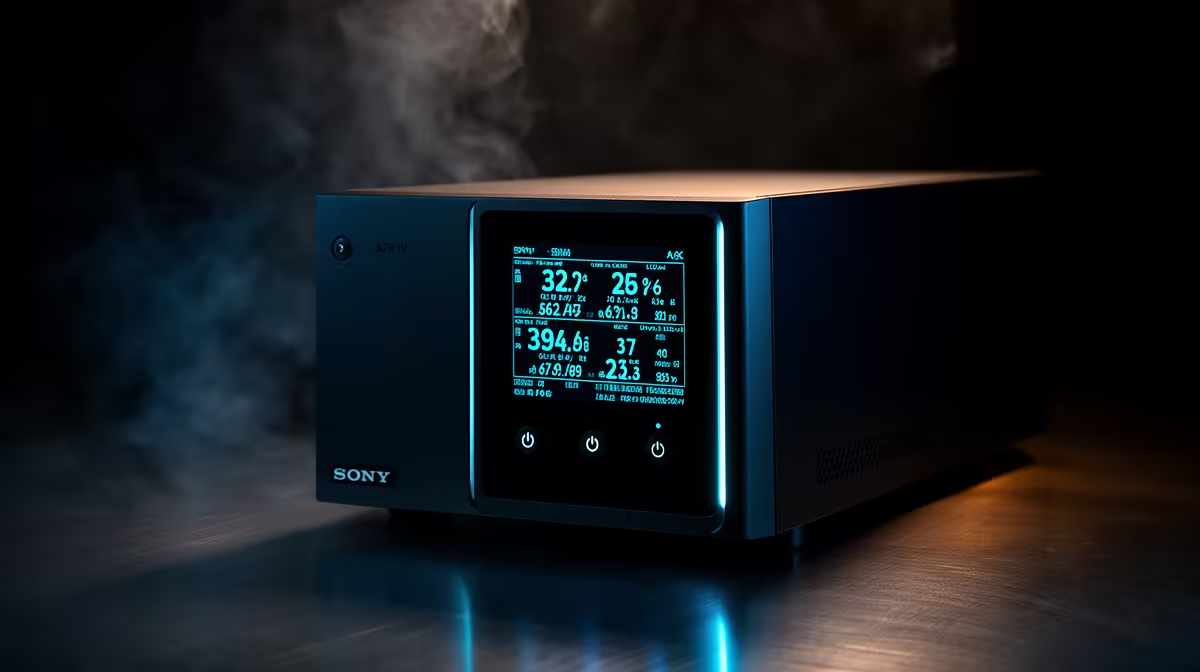
Monitoring ranges from a simple status light to USB software that triggers an automatic, safe shutdown when the battery runs low. That auto-shutdown is the genuinely useful feature for a first-time builder, since it saves your work even when you are not at the desk. An LCD showing exact load and runtime is handy but not essential. The protection itself comes from the UPS hardware, not the readout.
Which monitoring is worth paying for
Prioritise USB connectivity with shutdown software over a flashy display. On a 1,000VA / 600W unit protecting a Ryzen 5 plus RTX 4060 build near 400W, the software lets Windows shut down gracefully during an outage. Detailed telemetry, battery health percentages and load graphs are nice for tinkerers but add cost a first builder can skip. A clean shutdown protects your data; the rest is information.
Spending sensibly on a first UPS
A R1,800 to R3,500 line-interactive UPS with USB shutdown covers a first build well. Do not pay a large premium purely for an LCD and app dashboards; put that rand into the PC or a pure sine wave model, which protects an active-PFC power supply better than any readout. Test the auto-shutdown once installed so you know it triggers correctly.
FAQ
Do I need a UPS with monitoring for a first build?
Not strictly. The most useful feature is USB software that auto-shuts-down your PC during an outage. A basic 1,000VA / 600W UPS without an LCD still protects a R15,000 rig; the auto-shutdown is what matters most.
What is the difference between UPS monitoring types?
A status light just shows on or off; USB software triggers a safe automatic shutdown; an LCD adds load and runtime readouts. The auto-shutdown software is the genuinely useful tier for a first builder.
Is an LCD display on a UPS worth it?
For a first build, not really. The LCD shows load and runtime, which is handy but not essential. Prioritise USB auto-shutdown and pure sine wave output over a display.
UPS with USB shutdown software over a flashy LCD, then confirm it powers your PC down safely during a test outage. Stock spans R1,800 to R3,500 at Evetech.