Quick Answer
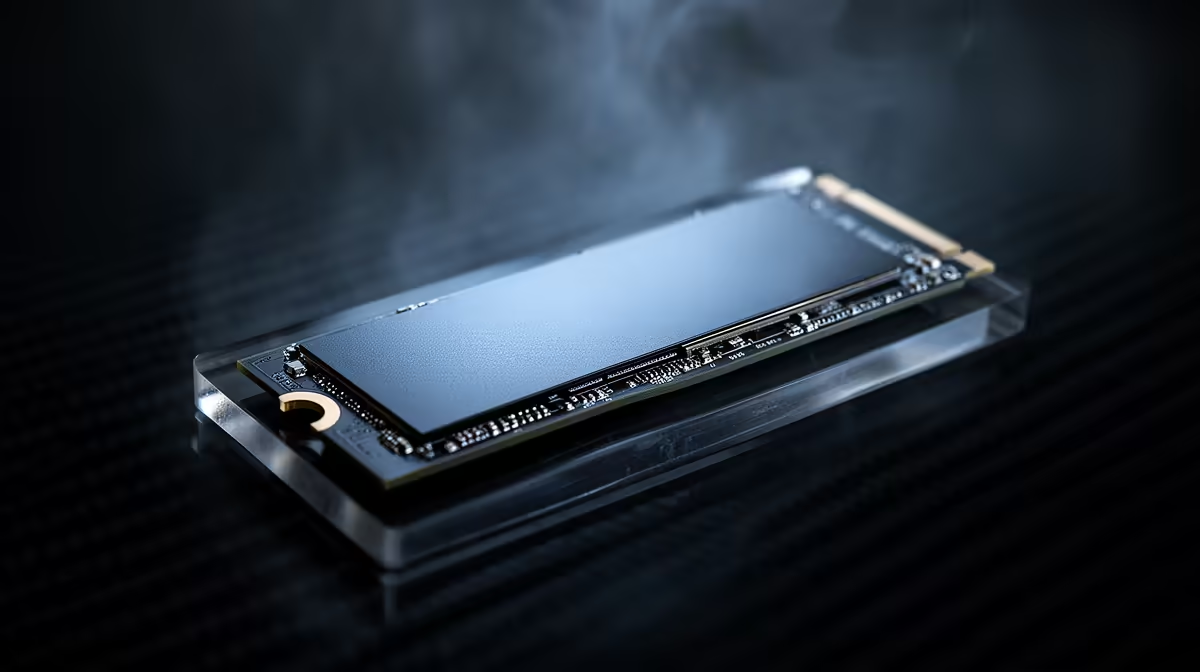
PCIe generation matters less than console switchers expect: a Gen4 NVMe is the sweet spot, and Gen5 brings little real-game benefit for more heat and cost. A Crucial T500 Gen4 2TB (around R2,200 at Evetech) delivers near-instant loads, while Gen5's extra bandwidth mainly shows in benchmarks, not gameplay.
Gen3, Gen4 And Gen5 In Plain Terms
PCIe generation sets the drive's maximum bandwidth: Gen3 tops out around 3,500 MB/s, Gen4 around 7,000 MB/s, and Gen5 can exceed 12,000 MB/s. Games rarely use that headroom, so the felt difference between Gen3 and Gen4 is small, and between Gen4 and Gen5 smaller still. The meaningful jump for a console switcher is moving to any NVMe. Gen4 is the practical sweet spot: fast, cool and affordable, with broad motherboard support on AM5 and modern Intel boards.
When Gen5 Actually Earns Its Place
Gen5 makes sense only for specific professional workloads, like moving huge video files or scientific datasets, where sustained sequential speed is the bottleneck. For gaming, even with DirectStorage, a quality Gen4 drive keeps loads near-instant while running cooler and using less power, important in a compact build. Check that your board has a free Gen4 or Gen5 M.2 slot, then choose capacity over chasing the highest generation number, which buys little for the way games actually load.
FAQ
Is a Gen5 SSD worth it for gaming?
Generally no. Games rarely use Gen5's extra bandwidth, so a Gen4 drive gives near-instant loads for less money and heat. Gen5 mainly benefits professional sequential workloads, not gameplay.
Will a Gen4 SSD work on my motherboard?
Most AM5 and modern Intel boards have Gen4 M.2 slots, and Gen4 drives also run in Gen5 slots at Gen4 speed. Check your manual for a free M.2 slot and its supported generation before buying.
Does PCIe generation affect load times noticeably?
Only slightly between Gen4 and Gen5 in real games. The large improvement is from a hard drive to any NVMe. After that, capacity and keeping favourites on the drive matter more than the generation number.
Choose a 2TB Gen4 NVMe for the best balance of speed, heat and price, and put the saving toward capacity rather than a Gen5 drive games barely use.