Quick Answer
For quiet setup builders, USB-C power delivery on a docking station matters when you dock a laptop and want one cable to charge it and drive displays - and since docks are fanless, this adds capability, not noise. Match the dock's PD wattage to your laptop: 65W to 100W covers most. Capable docks run R1,500 to R2,500 at Evetech; PD does not affect silence.
What USB-C Power Delivery Does
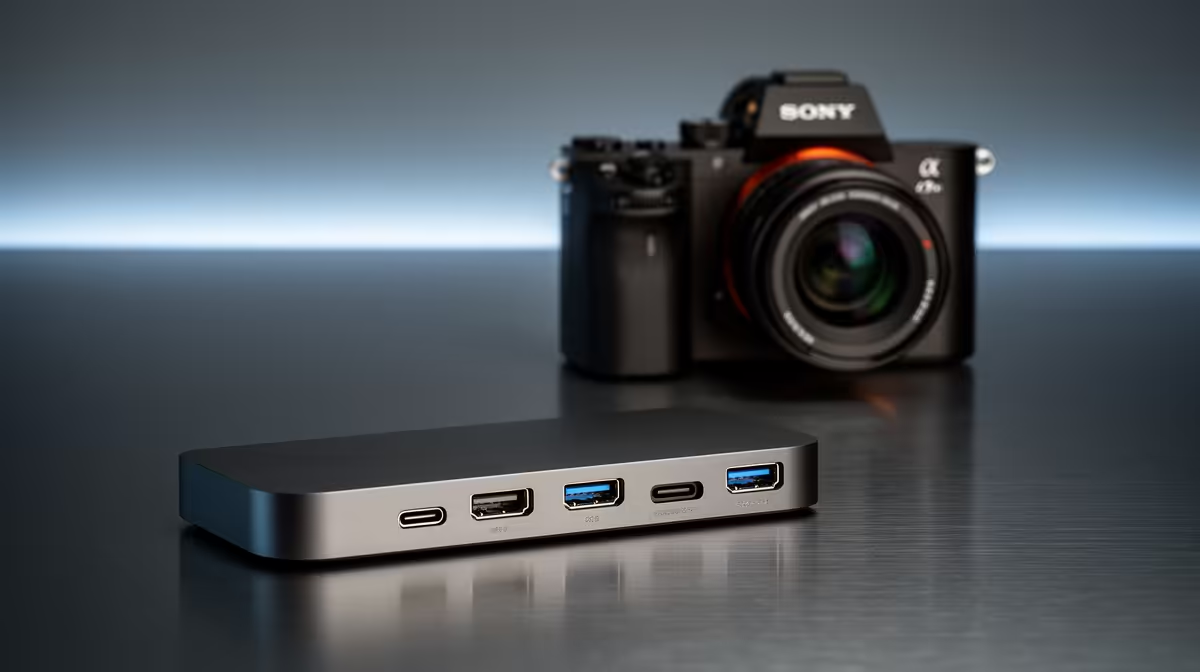
Power delivery (PD) lets the dock charge your laptop through the same USB-C cable that carries video and data. For a quiet, tidy build that means one cable powers and connects everything - no separate charger cluttering the desk. The dock itself stays silent; it has no fan, so PD is purely about capability.
The number that matters is wattage. A thin laptop charges fine on 65W; a heavier or gaming-class laptop may need 90W to 100W or its own charger. Match the dock's PD output to what your laptop requires.
Why It Fits A Quiet Build
A quiet setup values tidiness and simplicity, and a single-cable PD dock delivers both. One USB-C connection handles charging, the monitor, Ethernet and peripherals - fewer cables, fewer plugs, a cleaner desk. None of it adds sound.
Check your laptop's charging wattage on its original adapter and pick a dock that meets or exceeds it. Underpowered PD means the laptop charges slowly or drains under heavy load.
Spend Bands
A 65W PD dock runs R1,500 to R2,000. A 100W PD dual-display dock sits at R2,000 to R2,500. Higher wattage costs a little more but never adds noise - docks are fanless.
FAQ
Does USB-C power delivery make a dock louder?
No. Docks are fanless and silent regardless of PD wattage. Power delivery only adds the ability to charge your laptop through the dock; it has no effect on noise.
How much PD wattage do I need?
Match your laptop's original charger. Thin laptops charge on 65W; heavier or gaming laptops may need 90W to 100W or their own adapter. Underpowered PD charges slowly under load.
Can one cable really power and connect everything?
Yes, on a PD dock with enough wattage. A single USB-C cable charges the laptop and carries video, Ethernet and peripherals - ideal for a tidy, quiet single-cable setup.
Check your laptop's charger wattage, then pick a fanless dock with matching or higher PD so one silent cable charges it and runs your displays and peripherals.