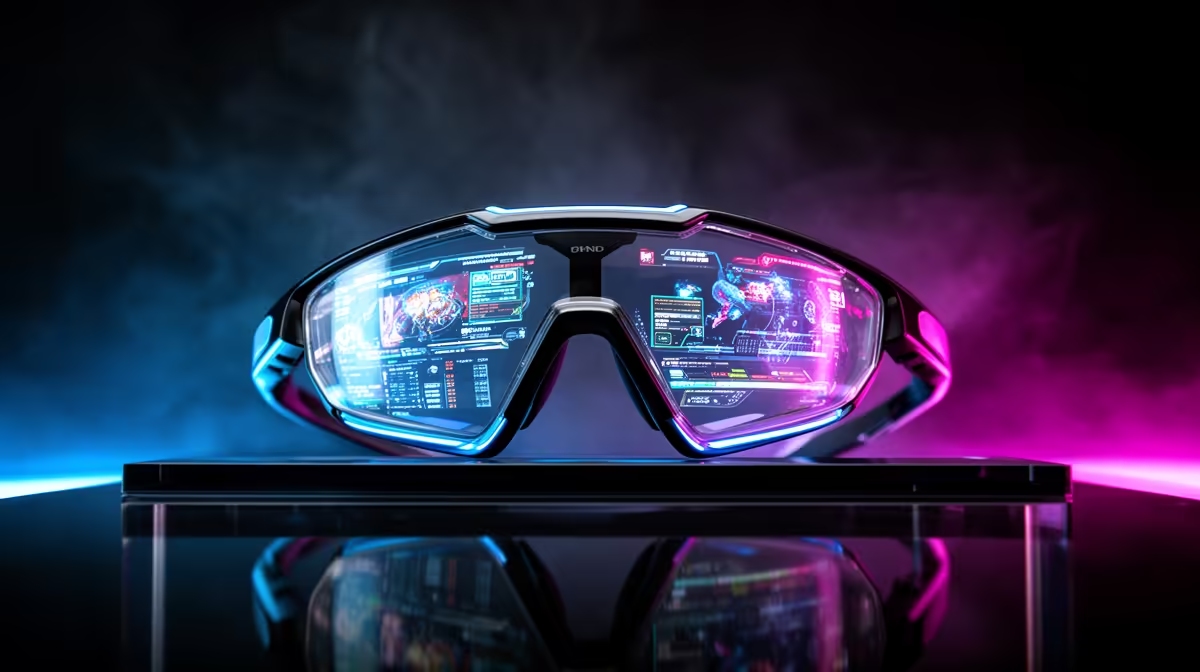
Switching from console to PC opens up far more ways to use a display, and AR glasses are flexible enough that your specific use cases should drive the purchase. The same pair behaves very differently depending on whether you game, work or watch with them.
Quick Answer
Yes, use cases matter a lot for console-to-PC switchers buying AR glasses. A gaming-first buyer wants 90Hz and low latency; a media-and-work buyer wants brightness and a sharp 1080p-per-eye panel. Decide your main use before you spend R6,500 to R9,500, because the priority spec changes with the job.
Map The Spec To The Use Case
For fast PC games, prioritise a 90Hz or higher refresh and low input lag so the move from console feels responsive. For films and a virtual work monitor, brightness and resolution matter more than refresh. For travel, weight and a foldable design lead. One pair rarely tops every list.
Why This Matters More Off Console
Consoles channel you into gaming on a TV, but a PC plus AR glasses can be your monitor, cinema and portable office. That breadth means a mismatched pair disappoints. Naming your top two use cases first stops you paying for specs your routine never touches.
FAQ
Should gamers prioritise refresh rate in AR glasses?
Yes, if fast titles are your focus. A 90Hz or higher panel keeps motion smooth and responsive, which matters most when moving from a console to competitive PC play.
Are AR glasses good for both work and gaming?
They can do both, but the ideal specs differ. A balanced 1080p, 90Hz pair handles each reasonably; pick based on which use you do more often.
Does my PC's power affect which glasses suit me?
It affects the frame rate you can feed them. A stronger PC justifies a higher-refresh pair; a modest build pairs fine with a standard 1080p, 90Hz model.
your top two uses before buying. The leading spec for gaming differs from the one for work or film.