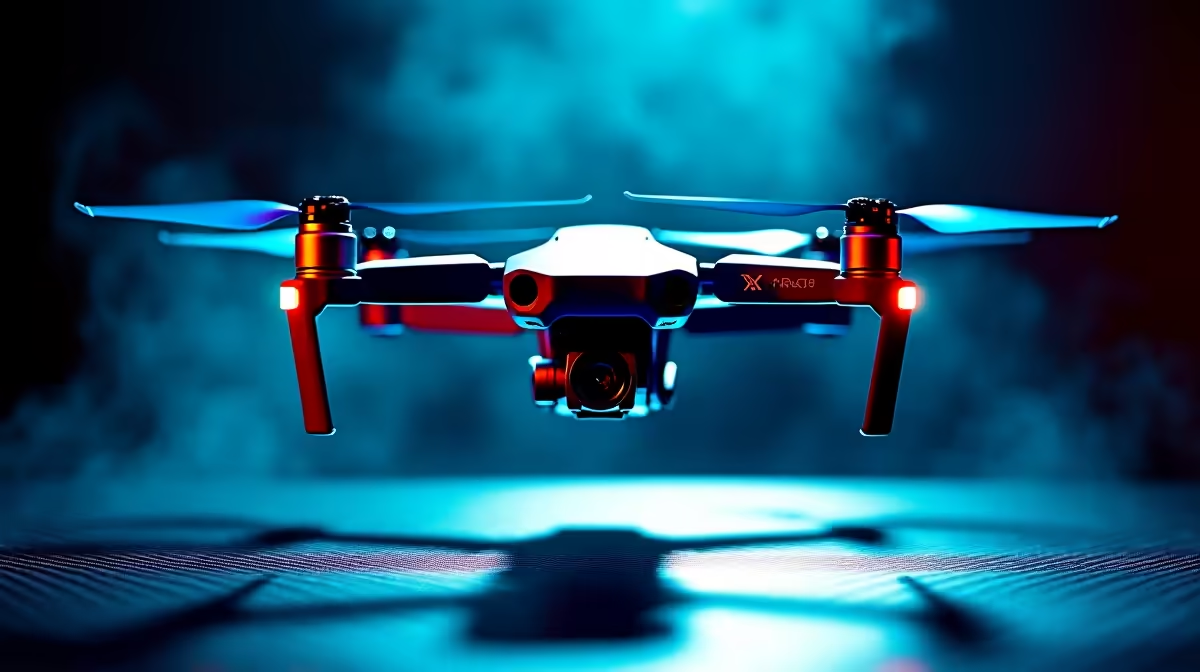
Few things kill a flight faster than the screen freezing and the controller buzzing a warning. Drone signal loss almost always traces back to three things: something solid between you and the aircraft, an antenna pointed the wrong way, or a crowded Wi-Fi band fighting your control link. The good news is that all three have straightforward fixes, and most drones will fly themselves home the moment the link drops.
Quick Answer
Drone signal dropouts are most often caused by physical obstructions, poor antenna orientation, and congested 2.4 GHz or 5.8 GHz channels shared with Wi-Fi. Clear the line of sight, angle your antennas correctly, and fly away from crowded radio environments. Most drones trigger Return-to-Home automatically when the signal is lost.
Obstructions Break the Line of Sight
Drone control links work best with a clear, unbroken line of sight between the controller and the aircraft. Buildings, trees, hills and even your own body blocking the antennas will weaken or cut the signal. Flying behind a wall or over the far side of a building is a classic way to lose the link entirely.
The fix is to keep the drone within sight and avoid putting solid objects in the path. If you must fly near structures, stay aware of where the controller is pointing and do not let the aircraft slip behind something large.
Antenna Orientation Matters More Than You Think
Controller antennas are directional. They radiate strongest out to the sides, not off the tips, so pointing the antenna tips straight at your drone actually weakens the link. The common mistake is aiming the antennas like a gun barrel at the aircraft.
Instead, keep the flat sides of the antennas facing the drone. Raising the controller and angling the antennas so their broad face tracks the aircraft keeps signal strong as the drone moves around you. Small adjustments here often clear up dropouts that looked like a hardware fault.
Wi-Fi Congestion Steals Your Channel
Many drones share the 2.4 GHz and 5.8 GHz bands with household and public Wi-Fi. In a busy suburb or near a shopping centre, those bands are crowded, and the interference shows up as stutter, lag and dropped frames in your video feed. Built-up areas in Joburg, Cape Town and Durban are particularly noisy.
Flying in open spaces away from dense Wi-Fi clears most of this. Some drones let you switch bands or channels manually, so if one band is congested, moving to the other can restore a clean link. Early morning or quieter locations also help simply because fewer networks are competing for the airwaves. Checking the drone and smart gadget range at Evetech gives you a read on which current models come with more capable transmission technology built in.
Return-to-Home Has Your Back
When the link does drop, most modern drones do not just fall out of the sky. They trigger Return-to-Home, flying back to their take-off point automatically using GPS. Setting a sensible return altitude before you fly, high enough to clear nearby obstacles, means this safety feature works cleanly even in an area with buildings or trees. For spare propellers, batteries and cases, browsing the top accessories at Evetech shows you exactly which items other pilots keep in their kit bag.
Frequently Asked Questions
Why does my drone signal keep dropping?
The usual causes are obstructions breaking the line of sight, antennas pointed incorrectly, or Wi-Fi congestion on the 2.4 GHz or 5.8 GHz bands. Check all three before assuming a hardware fault.
How should I hold the controller antennas?
Keep the flat, broad sides of the antennas facing the drone, not the tips. Antennas radiate strongest out to the sides, so pointing the tips at the aircraft weakens the link.
Does Wi-Fi really interfere with drones?
Yes. Many drones use the same 2.4 GHz and 5.8 GHz bands as household and public Wi-Fi. In crowded areas this causes stutter and dropouts, so fly in open spaces away from dense networks.
What happens when my drone loses signal completely?
Most drones trigger Return-to-Home, flying back to the take-off point using GPS. Set a return altitude that clears nearby obstacles before you fly so the feature works safely.