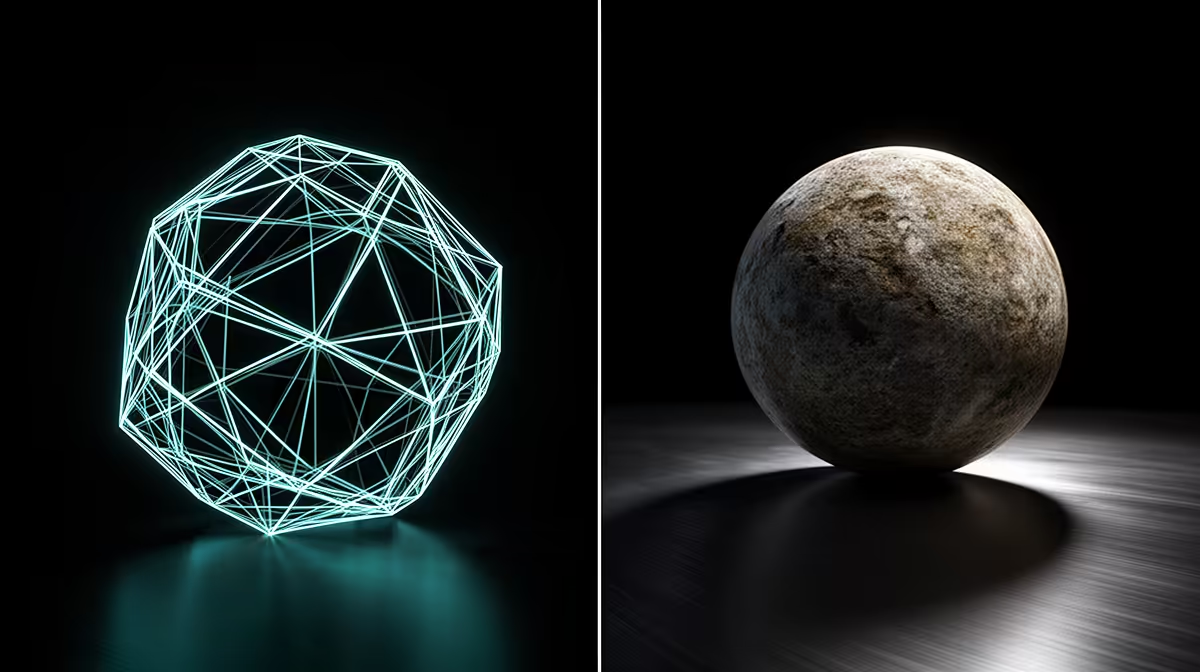
Open a scene in Blender and you face a fork in the road at the top of the render settings: EEVEE or Cycles. One gives you near-instant feedback, the other gives you photo-real output, and knowing which belongs at which stage of your work saves hours of waiting and a lot of frustration.
Quick Answer
EEVEE is a real-time rasteriser built for fast previews and quick output; Cycles is a path tracer built for physically accurate, photo-real final renders. Most artists work in EEVEE while building and animating, then switch to Cycles only for the final high-quality render. Speed versus accuracy is the whole trade.
How they actually differ
The core difference is the rendering method. EEVEE rasterises, the same broad technique games use, approximating light and reflections quickly so the viewport updates in close to real time. Cycles path-traces, simulating individual light rays bouncing through the scene, which produces accurate reflections, refraction, soft shadows, and global illumination at the cost of far longer render times.
That difference cascades into everything. EEVEE fakes some effects (reflections, shadows, ambient occlusion) with screen-space tricks that look great most of the time but break in edge cases. Cycles computes them for real, so glass, caustics, and bounced light behave correctly without manual cheats. You pay for that accuracy in render minutes.
When to use EEVEE
Reach for EEVEE when speed matters more than perfect physics. It is ideal for previewing your scene as you build, blocking out animation, look-development passes where you need fast iteration, stylised or motion-graphics work, and any project where near-real-time feedback keeps you productive. Many artists do the bulk of their work in EEVEE precisely because the fast viewport lets them make decisions quickly instead of waiting on every change.
When to use Cycles
Switch to Cycles when final image quality is the goal: product renders, architectural visualisation, realistic lighting, and hero shots where accurate reflections and global illumination sell the result. Cycles is GPU-accelerated, so a strong graphics card cuts render times substantially, which is exactly why workstation and high-end GPUs matter for serious Cycles work. If your output has to look real, Cycles is the engine that gets you there.
The GPU connection
Both engines lean on your graphics card, but Cycles especially rewards GPU power, since path tracing is heavily parallel and scales well across more cores and more VRAM. More VRAM also lets you render larger, more complex scenes without running out of memory. If you render in Cycles regularly, the GPU is the component that decides how long you wait, and a capable workstation graphics card is the upgrade that pays back the most. For a sense of which machines South African creators are buying for this kind of work, the PC best sellers list is a quick reference.
Frequently Asked Questions
What is the main difference between EEVEE and Cycles?
EEVEE is a real-time rasteriser for fast previews, while Cycles is a path tracer for physically accurate, photo-real output. EEVEE prioritises speed; Cycles prioritises accuracy at the cost of render time.
Is EEVEE or Cycles better for final renders?
Cycles is better for photo-real final renders because it simulates real light behaviour, giving accurate reflections, refraction, and global illumination. EEVEE is better for the fast iteration leading up to that final render.
Does Cycles need a powerful GPU?
It benefits greatly from one. Cycles is GPU-accelerated and path tracing scales with GPU power and VRAM, so a stronger card cuts render times and handles bigger scenes. EEVEE is lighter on hardware by comparison.
Can I use both EEVEE and Cycles in one project?
Yes, and many artists do. They build and animate in EEVEE for speed, then switch to Cycles for the final high-quality render. Blender lets you swap the render engine without rebuilding the scene.
Is EEVEE accurate enough for professional work?
For stylised work, motion graphics, and many previews, yes. For photo-real product or architectural renders where accurate light matters, Cycles is the professional choice. The right engine depends on whether the project needs speed or physical accuracy.