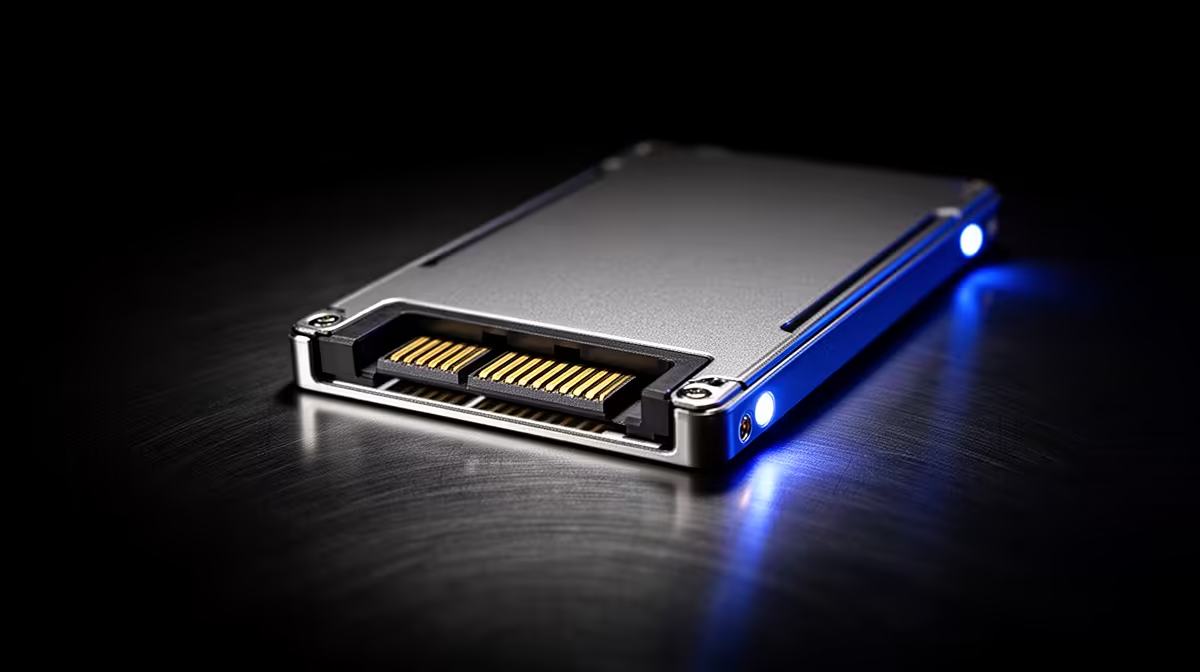
eMMC is built-in flash storage used in some low-cost laptops. It can handle light device use, but a small eMMC drive is a poor foundation for a Windows degree machine because capacity, speed and upgrade options are limited.
Quick Answer
Choose a laptop with a named SSD where the budget allows. A 256GB NVMe or SATA SSD gives Windows updates, applications and course files more room. A 512GB SSD suits students who keep media, datasets or several years of work on the machine.
Check popular laptop specifications and current laptop listings, then read the storage line on the exact model. "Flash storage" is too vague.
Why 64GB Fills So Fast
Windows, recovery files and updates consume part of the advertised capacity before the student adds Office, Teams or course software. A nearly full system drive can struggle to install updates and create temporary files.
Cloud storage moves documents away from the device, but it cannot relocate every application or operating-system component. An external drive helps with archives, yet Windows still needs working space on its internal drive.
Can You Upgrade eMMC?
The eMMC chips are often soldered to the motherboard. Some laptops include a separate SSD slot, but you must confirm that on the exact model and manual. Do not assume a similar-looking version has the same slot.
An SSD can also be replaced on many laptops, giving the student a future path to more capacity. Ask about supported drive size and whether installation affects the warranty process.
The ASUS Vivobook Go 15 included a 256GB SSD in its named configuration and was R7,999 as of July 2026. Use that as a dated new-market reference, not a universal minimum.
How to Spot the Trap
Search the specification for "eMMC", "UFS", "SATA SSD" or "NVMe SSD". Ask the seller to confirm the storage technology and capacity in writing. Record the full model code.
Do not confuse 4GB RAM with 64GB storage. Memory handles active work; storage keeps Windows, applications and files. A student needs enough of both.
Leave free space after setup. Keeping roughly 15 to 20 percent of the SSD unused gives updates and temporary files working room. Move finished projects to a backed-up archive instead of filling the system drive.
When comparing two laptops, favour the one that names the SSD and shows a supported upgrade route. A larger number means little if the listing hides the storage technology or the course requires more local space than it provides.
FAQ
Is every eMMC laptop useless?
No. It can suit a light ChromeOS device or a secondary machine. For a primary Windows study laptop, small eMMC capacity creates a serious constraint.
Does eMMC affect boot time?
Storage speed can affect startup, updates and application loading. Processor, memory and software condition also matter.
What storage should I target?
Aim for at least a 256GB SSD for general Windows study, then choose 512GB where the course produces large files.
Check the exact storage technology before checkout, and choose an SSD-based student laptop with enough capacity for Windows and course files.