Quick Answer
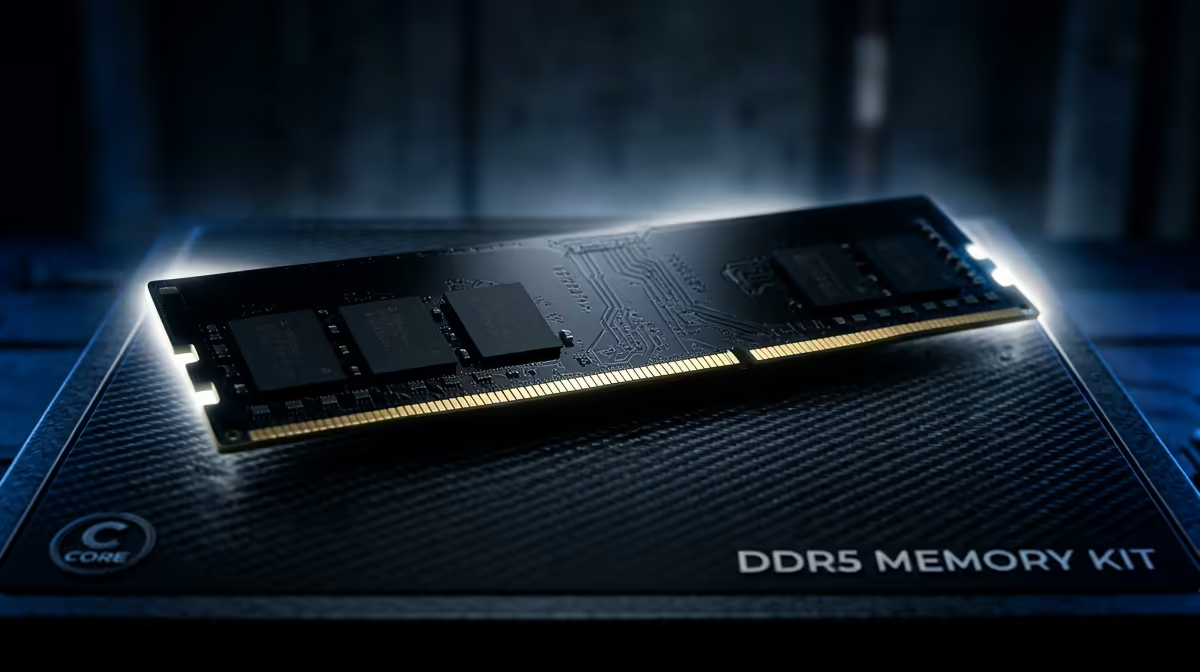
For a 2025 SA gaming build, a 2x16GB DDR5-6000 CL30 kit is the right 32GB choice; it hits the AM5 and Intel sweet spot and leaves room for streaming. Steer clear of single 32GB sticks and four-module sets, since dual-channel two-stick kits are faster and more stable.
Reading 32GB DDR5 Spec Sheets
Three numbers decide a kit: capacity, speed and CAS latency. At 32GB you want 2x16GB so the system runs dual-channel cleanly. Speed of 6000 MT/s with a CL30 latency is the tuned target on AM5 and works well on Intel boards too. A slower CL36 6000 kit still performs well if the price gap is large.
Skip a single 32GB stick because it runs single-channel, which can cost 10-15% in memory-bound games. Skip 4x8GB sets because four sticks often cannot hold rated speed, forcing a downclock that erases the value.
Compatibility Checks Before You Buy
Confirm the kit appears on your motherboard's QVL, and make sure your board and CPU support DDR5 at all, since AM5 and current Intel sockets do but older platforms do not. If you run a large air cooler, choose a low-profile kit so the heatspreaders clear the fan. Finally, plan to enable EXPO or XMP so the kit reaches its rated speed.
FAQ
Should I buy DDR5-6000 or faster RAM?
For most builds 6000 CL30 is the value sweet spot. Faster kits cost more for small gains and can be harder to stabilise, especially on AM5 where 6000 aligns with the Infinity Fabric.
Is a single 32GB stick okay?
Avoid it for gaming. One stick runs single-channel and can cost 10-15% in memory-sensitive games. A 2x16GB pair restores full dual-channel bandwidth.
Does RAM speed actually affect frame rates?
Yes, especially 1% lows in CPU-bound games. Moving from default 4800 to a tuned 6000 CL30 profile can add several frames in those titles.
Pick a 2x16GB DDR5-6000 kit from Evetech that sits on your board's QVL, then enable EXPO or XMP after installing.