Quick Answer
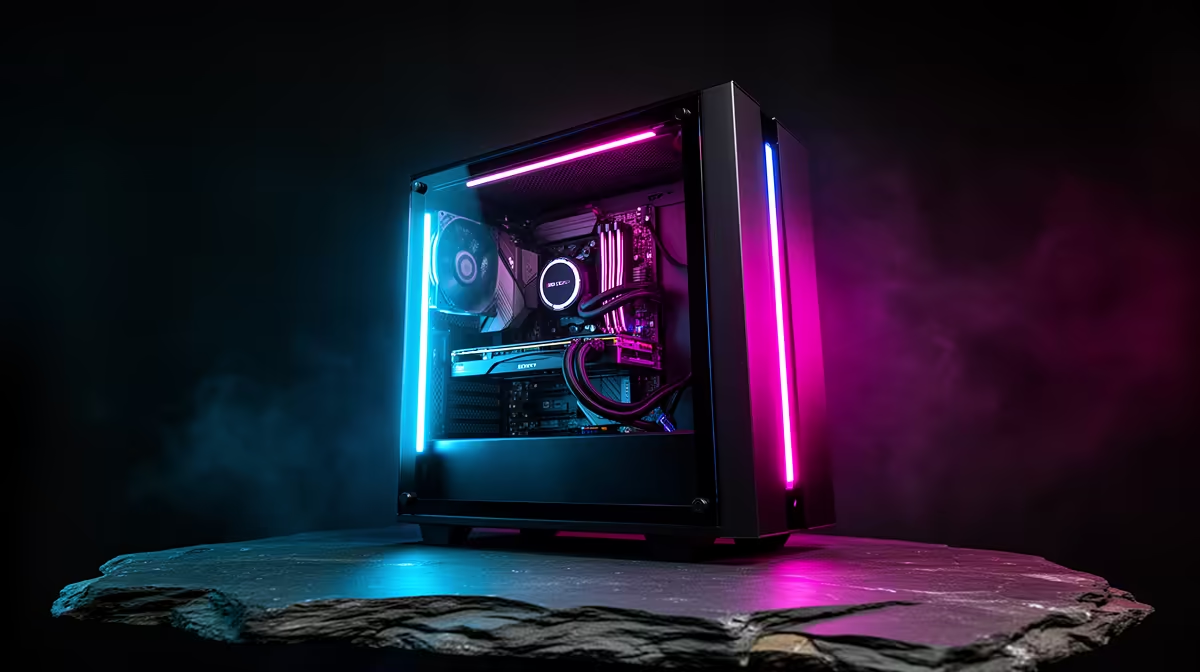
The Ryzen 7 8700F is an 8-core, 16-thread processor on AMD's Zen 4 architecture. A complete gaming PC around this CPU costs between R12,000 and R18,000 depending on GPU choice, and it handles 1080p and 1440p gaming confidently across most modern titles.
Breaking Down the Ryzen 7 8700F CPU Specs 🔧
The "F" suffix means this chip ships without integrated graphics, making it a pure discrete-GPU pairing. You get 8 cores and 16 threads, a base clock around 4.1GHz, and a boost ceiling of 5.1GHz. The 65W TDP keeps thermals manageable with a quality air cooler or a 240mm AIO. L3 cache sits at 16MB on the Zen 4 die, which is smaller than the X3D variants but still fast enough that most games see no CPU bottleneck. For first-time buyers, the practical translation is this: the CPU will not slow down an RTX 50-series or RX 9000-series GPU in any mainstream gaming scenario at 1080p or 1440p.
RAM, Storage, and Motherboard Specs Decoded 💾
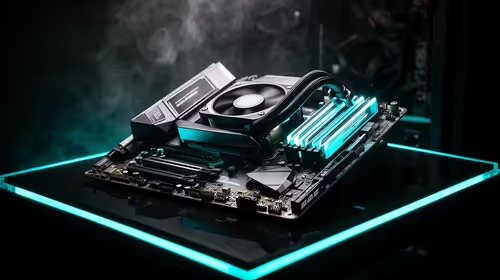
The 8700F runs on an AM5 socket motherboard, AMD's long-term platform commitment through at least 2027, so you can upgrade the CPU later without swapping the board. DDR5 RAM is the standard pairing: 16GB DDR5 5600MHz is the sweet spot for 1080p gaming, while 32GB suits content creation. A620 or B650 chipset boards keep costs efficient. For storage, a 1TB NVMe SSD is the minimum you should accept: Windows 11 consumes around 30GB, major titles like Call of Duty: Black Ops 6 exceed 100GB, and a smaller drive fills quickly. PCIe Gen 4 NVMe drives reach around 7,000MB/s sequential read for near-instant game loads.
GPU and PSU Choices for an 8700F Build 🎮
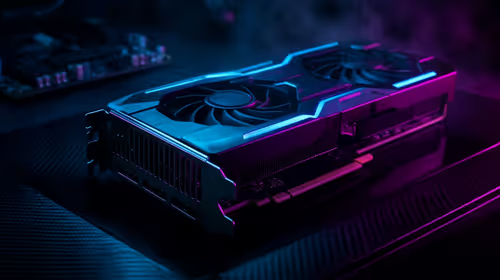
Because the 8700F has no integrated graphics, a discrete GPU is non-negotiable. At 1080p high settings an RTX 5060 pairs cleanly and delivers over 100fps in Cyberpunk 2077. For 1440p, step up to an RTX 5060 Ti or RX 9060 XT. GPU pairings in this class push total build pricing from around R15,000 upward when bought as a pre-built locally. The 8700F pulls 65W under load, but a mid-range GPU draws 150W to 200W, so a quality 650W 80+ Bronze PSU is the safe minimum and a 750W unit provides upgrade headroom.
Check Your AM5 Board BIOS Before Installing ⚡
Many AM5 boards ship with an older BIOS that needs a flash before recognising Ryzen 7000 8000-series CPUs. Check the manufacturer's CPU support list and look for a BIOS flashback button on the rear I O panel so you can update without a working CPU already installed. Pre-built systems from local retailers ship with this already sorted.
FAQ
Is the Ryzen 7 8700F worth choosing over the Ryzen 5 7600X?
For gaming alone the fps difference is small, but the 8700F's two extra physical cores matter for streaming or running background apps while gaming. If your budget allows, the 8700F is the stronger multi-year investment.
What graphics card makes sense with the Ryzen 7 8700F in 2026?
At 1080p an RTX 5060 is well matched. At 1440p the RTX 5060 Ti or RX 9060 XT keeps the CPU from being the limiting factor. Both options are stocked locally so you get a local warranty.
Does the Ryzen 7 8700F support PCIe 5.0?
Yes, the AM5 platform supports PCIe 5.0 for the primary x16 GPU slot, meaning this system is ready for next-generation GPUs without a motherboard swap.
Ready to build around the Ryzen 7 8700F?
Browse Evetech's range of Ryzen 7 gaming PCs for pre-built options that combine the 8700F with current-gen GPUs and local warranty support.