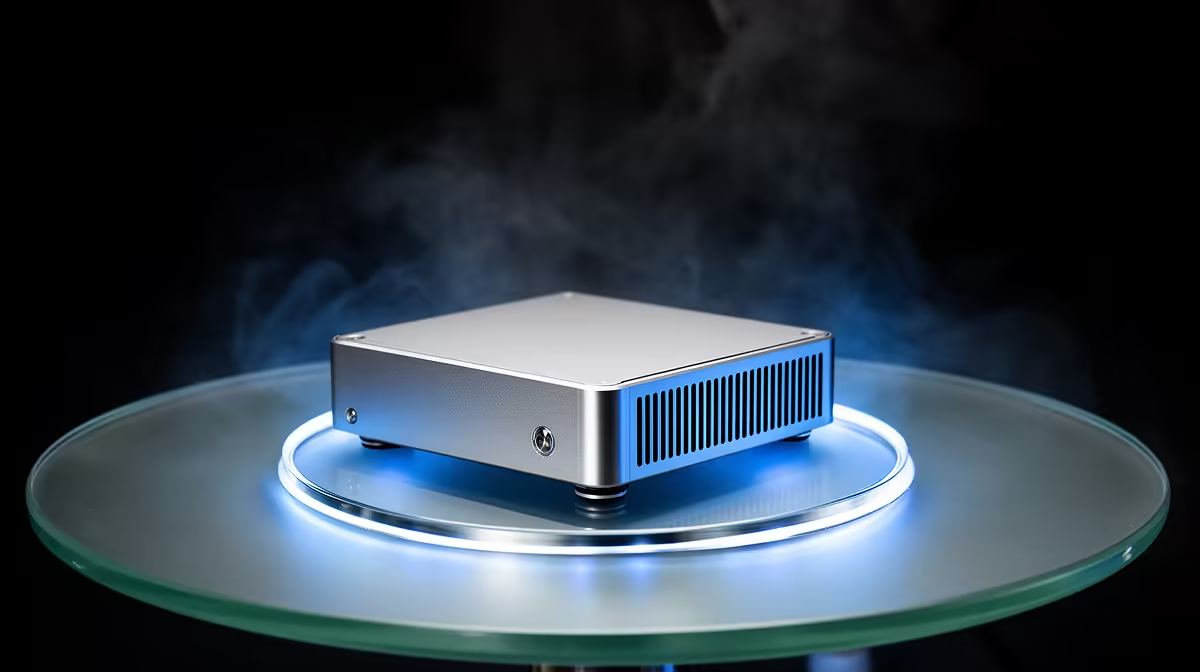
Minisforum NAB6 Lite i5 8GB/512GB at R4,150 suits a beginner home lab user who wants to run one or two light virtual machines without filling a desk with a tower. A fanless-style mini pc setup is enough for small Linux servers, test Windows installs, DNS tools, and learning environments, but heavier VM stacks need more memory and storage from the start.
Best mini PC picks for VM learning
The UM750L 16GB/1TB at R4,600 is the stronger value pick for that workload because its 16GB memory gives you more room to split resources between the host system and a few guest machines. The 1TB storage also makes snapshots, ISO files, and test databases less cramped than on a smaller drive.
The NINKEAR M7 16GB/512GB at R4,650 is better when the desk setup needs enough memory for virtual machines but storage demands are modest. It makes sense for students or junior admins testing one web server, one database VM, and a clean client environment without keeping large image libraries locally.
Home server shelf in South Africa
On a home server shelf beside a fibre router, the NINKEAR M8 16GB/1TB at R8,350 gives a cleaner always-on lab feel because it combines 16GB memory with 1TB storage. The GEEKOM A8 Max 32GB/1TB at R12,900 is the practical upgrade when you want several virtual machines open at once, especially if each one needs enough memory to stay responsive.
Ready to choose the right mini pc?
Use Minisforum NAB6 Lite i5 8GB/512GB at R4,150 as the mini pc shortlist benchmark, then check whether its listed spec matches the space, workload, and upgrade path.