


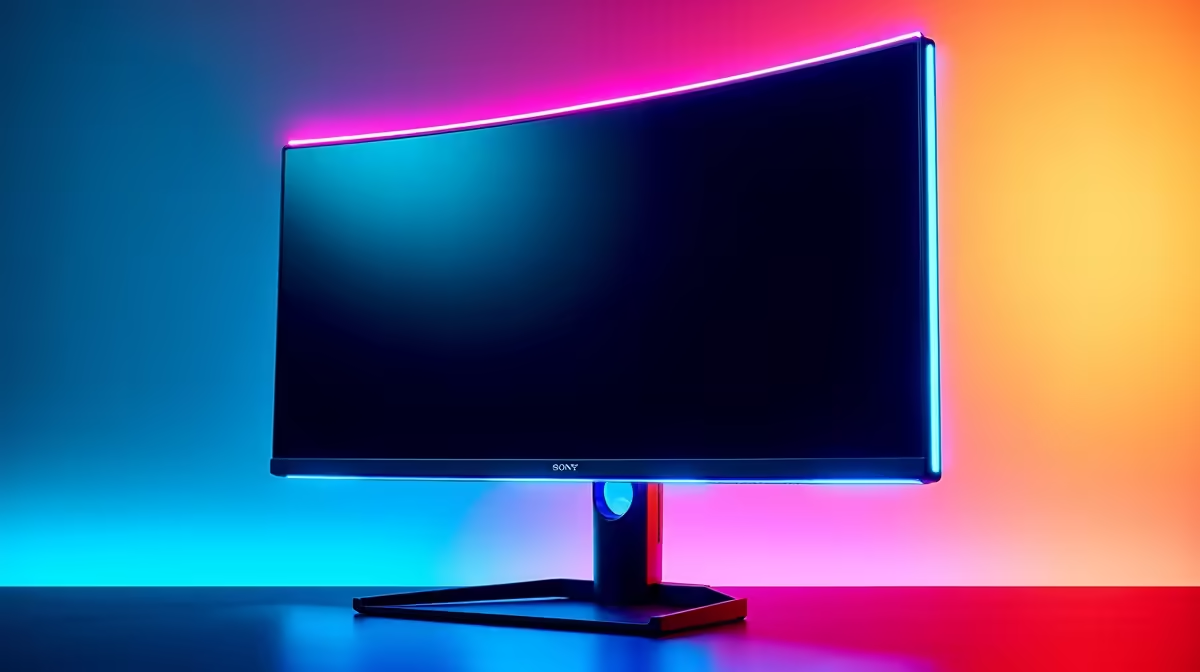
Pixel transitions that drag behind a moving target are not just ugly. In a game where a flick-shot decides a round, that trailing smear is hiding information exactly when you need it most. 0.5ms IPS response time is the spec that closed the gap between panel colour quality and the raw pixel speed that competitive shooters demand, and understanding what it actually does explains why fast-paced players care so much.
Quick Answer
A 0.5ms IPS panel clears each pixel fast enough to prevent ghosting during quick aim movements, keeping enemy edges sharp through flicks. Fast IPS technology now reaches this speed while retaining wide viewing angles and the colour accuracy older TN screens could never offer.
🔧 What Response Time Is Actually Measuring
Response time is how long a single pixel takes to change from one colour to another. At 8ms, a target moving across the screen during a fast aim leaves a blur trail roughly 8 frames wide before each pixel settles. At 0.5ms, that trail collapses to near nothing, so the silhouette you are tracking stays clean through the arc.
Two figures often appear on spec sheets: GtG and MPRT. GtG measures the pixel transition itself, grey to grey, and a Fast IPS panel typically sits between 1ms and 2ms on this metric. MPRT includes backlight strobing, which artificially tightens the perceived blur window to around 0.5ms by flashing the backlight in sync with frame output. Both matter, but knowing which figure you are reading stops you comparing the wrong numbers between panels.
⚡ Why IPS Panels Were Slow and What Changed
Traditional IPS liquid-crystal cells required more voltage swing to rotate between states than the twisted-nematic cells in TN panels. That overhead pushed typical IPS response times to 4ms to 8ms, fine for productivity but noticeable in competitive shooters. TN panels at 1ms to 2ms had the speed edge, even if their colour and viewing-angle quality were genuinely poor.
Fast IPS redesigned the cell geometry and overdrive algorithms so the cells switch with less resistance while modern circuits push voltage hard at the leading edge of each transition and back off before overshoot appears. The result is a panel that settles at 1ms GtG or below while keeping the wide viewing cone and colour depth competitive players also need.
🎯 The Practical Edge in Fast-Paced Games
During a strafe-peek in a tactical shooter, your crosshair sweeps across many pixels in a single frame. On a slow panel, the pixel at the start of that sweep is still mid-transition while your aim has already moved, leaving the enemy's shoulder clipping through a blur zone. A 0.5ms panel completes each transition before the next frame paints, so every pixel in the sweep is resolved.
The gain compounds with refresh rate. Pairing a fast-response panel with 240Hz or 165Hz means both frame delivery and pixel settling are tight. A high-refresh, slow-response combination wastes the refresh ceiling. Even on a 144Hz display, a 0.5ms panel is a clear upgrade over the 4ms IPS screens most competitive players are replacing.
Frequently Asked Questions
Why does motion blur specifically affect competitive outcomes?
When a pixel transitions slowly, a moving edge smears across several pixel positions simultaneously, making the target appear wider or softer than it really is. During fast tracking, a blurred edge is harder to centre your aim on precisely, particularly in titles where hitboxes are tight. Sharper transitions give you accurate edge information to aim against.
Is 0.5ms always a MPRT figure rather than GtG?
Usually yes. Manufacturers publishing 0.5ms are measuring MPRT with backlight strobing active. GtG on the same Fast IPS panel typically sits between 1ms and 2ms. Neither figure is misleading if you know which you are reading, but strobing-based MPRT requires the feature to be enabled to reach that number.
Does Fast IPS colour quality hold up against older TN panels?
Clearly better. TN panels offer narrow vertical angles that shift colour with small head movements and limited colour gamuts. Fast IPS panels hold accurate colour across wide angles and cover a broader gamut, which matters for distinguishing terrain and player skins in lower-contrast scenes.
Should overdrive always be set to maximum?
Setting overdrive too high introduces inverse ghosting, a bright halo that appears on the trailing edge of moving objects. This overshoot can be just as distracting as a slow-response blur. Most Fast IPS panels offer three or four overdrive levels; a medium setting usually delivers the fastest clean transition without adding visible halos. Test at your actual game frame rate and pick the cleanest result.
Do all Fast IPS panels achieve 0.5ms or only premium models?
The 0.5ms figure has moved down the price range as the technology matures. Entry-level Fast IPS monitors in the R3,500 to R5,500 range now commonly quote this figure, whereas it was limited to flagship gaming panels a few years ago. Check that the spec sheet specifies Fast IPS or IPS-level response rather than a standard IPS variant, which may still sit at 4ms.
Ready to eliminate the blur that is costing you shots? Browse the range of Fast IPS gaming monitors built for competitive play and find the response time and refresh rate combination that matches your GPU.











