


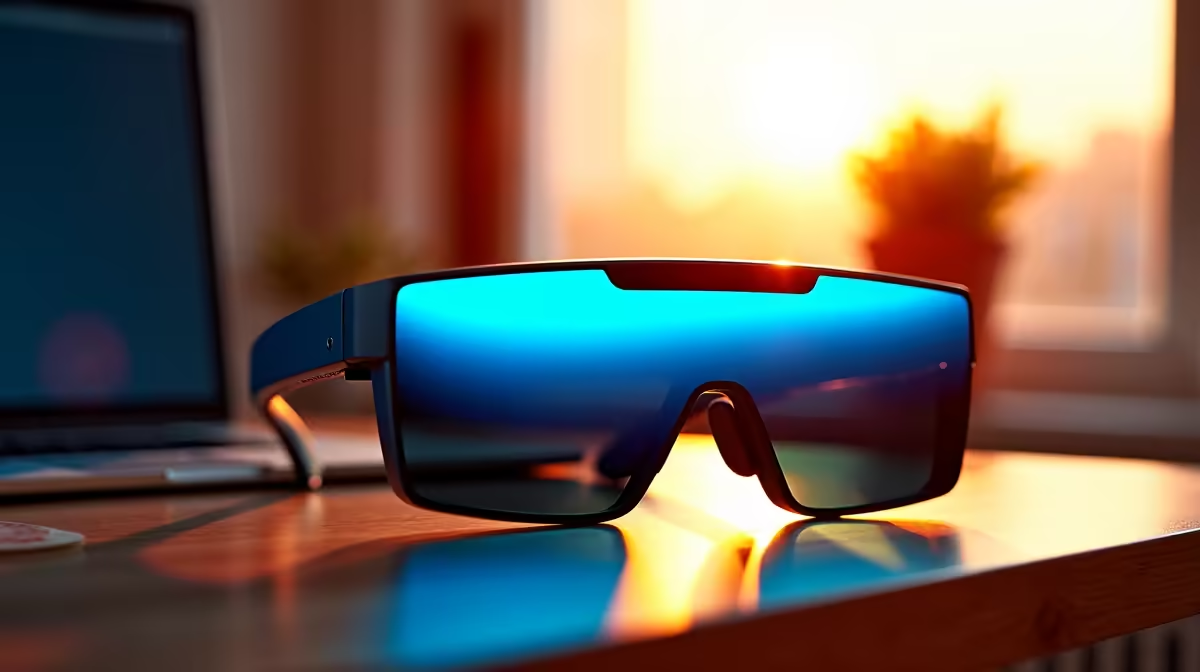
For a first-year SA student, AR glasses are an intriguing but optional purchase. Knowing when they help and when they distract keeps your setup budget focused.
Quick Answer
AR glasses matter for a first-year when you want a large private screen for study on the move and your laptop supports USB-C video; they do not matter if a standard monitor at your desk covers your needs. Display glasses are stocked locally from around R6,000.
When They Help a First-Year
If you commute or move between res, library and home, AR glasses give a big virtual screen from a laptop or phone without carrying a monitor. For reviewing notes, readings or slides in transit, they replace a second screen you could never pack.
When They're a Distraction
At a fixed desk, a normal 24-inch monitor is cheaper, sharper for long sessions, and easier on the eyes. If you study mostly in one place, that money is better spent on a stronger laptop or storage.
Check Before You Buy
Confirm your laptop has USB-C with DisplayPort Alt Mode, since many budget machines under R10,000 output only power or data over USB-C. Choose glasses with 1080p per eye so text and slides stay readable.
FAQ
Do first-year students need AR glasses?
No, they are optional. They help students who study on the move by replacing a second screen, but a normal monitor at a fixed desk is cheaper and easier on the eyes.
Will AR glasses work with a budget laptop?
Only if the laptop's USB-C port supports DisplayPort Alt Mode video. Many budget machines provide USB-C for power or data only, so confirm the spec before buying.
Are AR glasses better than a monitor?
For portability, yes; for long fixed-desk study, no. A 24-inch monitor is sharper and more comfortable over hours, while glasses win only when you cannot carry a screen.
Confirm your laptop outputs video over USB-C before buying AR glasses, and stick to a normal monitor if you study mostly at a fixed desk.











