Why Your RGB Setup is Acting Up
Nothing kills the vibe of a late-night session in Jozi like a dead RGB strip. You have spent hours cable-managing your setup, but now your smart lights will not sync. Whether it is a flickering strip or a hub that refuses to show up in your software, you need to Fix Smart RGB Lighting Connection: Troubleshoot Common Issues before the next match starts. Let’s get your battlestation glowing again with these simple troubleshooting steps. 🔧
Check the Physical Connections First
Before diving into complex software fixes, start with the basics. Loose cables are the primary cause of intermittent lighting. Ensure that your 4-pin or 3-pin ARGB headers are seated firmly on the motherboard. If you use external controllers, check that the SATA or Molex power cable is fully plugged in. When you buy gaming accessories, always ensure the connectors are compatible with your existing hub to avoid voltage mismatches that can lead to hardware failure.
Signal Strength Pro Tip ⚡
Most smart RGB controllers only support 2.4GHz Wi-Fi bands. If your router uses a combined SSID for 5GHz and 2.4GHz, your lights might struggle to pair. Try creating a guest network specifically for your smart gear to ensure a stable, dedicated connection without interference from your high-speed devices.
Solve Software Conflicts and Driver Errors
Software bloat is a common enemy for South African gamers. If you have multiple programs like iCUE, Armoury Crate, and Razer Synapse running simultaneously, they might fight for control over the same hardware. This conflict often prevents your lights from responding to commands. Try disabling "Fast Startup" in Windows settings... this often forces a clean refresh of your USB controllers upon rebooting. If you are looking for more reliable gear, keep an eye on our gaming accessories deals for kits known for stable software ecosystems. 🚀
Reset Your Smart Lighting Controller
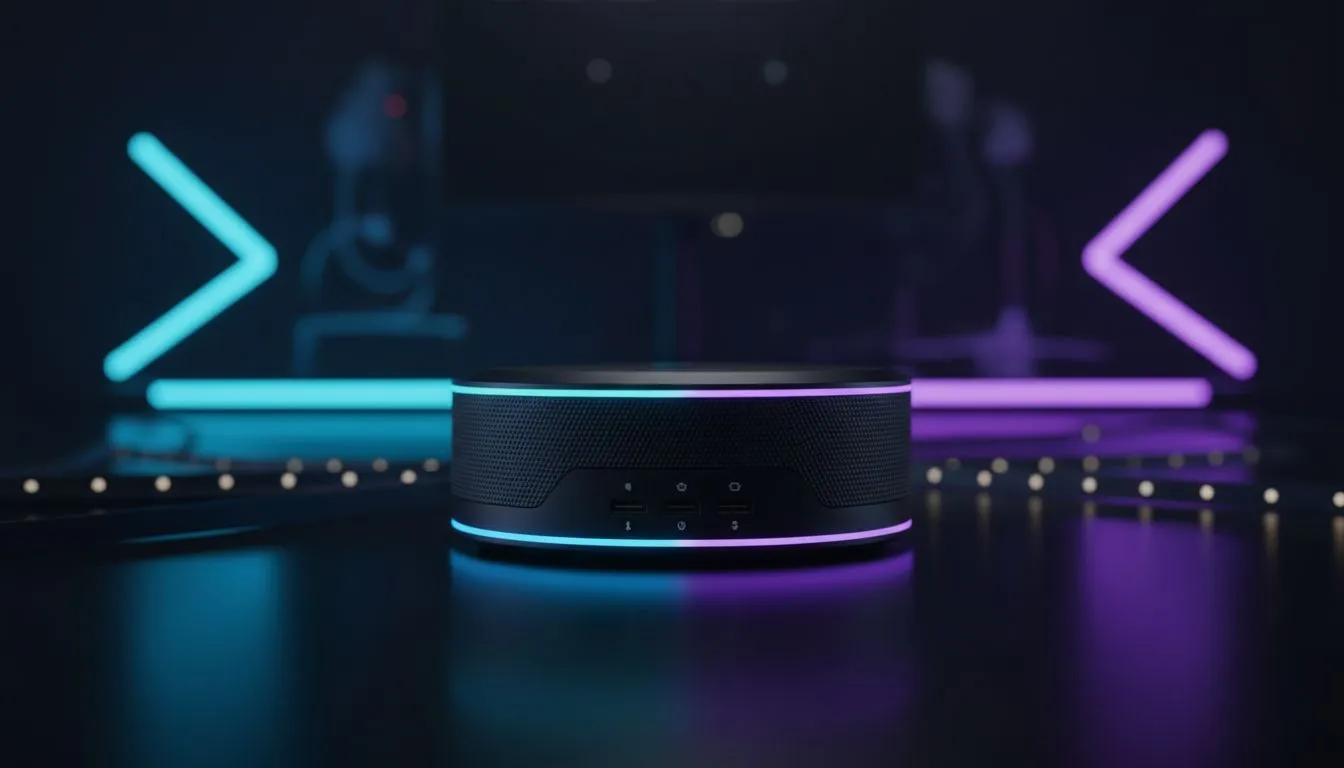
Sometimes the internal firmware of your RGB controller hangs. To fix this, perform a hard reset. Unplug the power source from your hub for at least thirty seconds. While it is unplugged, hold down the physical pairing button if your device has one. Reconnect the power and check if the device appears in your pairing app. If the hardware continues to fail, it might be time for an upgrade. You can find a wide variety of controllers and hubs in our Gaming Accessories category to ensure your lighting stays consistent. ✨
Optimise Your Wireless Environment
Interference is a silent killer for smart lighting. Devices like microwaves or even cordless phones can disrupt the signal between your router and your RGB strips. Ensure your smart hub is not tucked behind a metal PC case or hidden deep inside a desk drawer. Keeping the line of sight clear helps maintain a steady connection. If you have followed these steps and still face issues, the problem might be a faulty controller or a burnt-out LED segment. Replacing these components early prevents further damage to your motherboard headers. ⚡
Ready to Find Your Perfect Match?
Troubleshooting can only take you so far if the hardware is dated. For the most reliable lighting kits and premium peripherals in South Africa, we have you covered. Explore our massive range of gaming accessory specials and find the perfect gear to light up your victory.