



550W PSU Planning for RTX 5080 Super Builds in SA
550W for RTX 5080 Super needs a full-build check, not a simple yes. Review GPU guidance, CPU draw, transient load, connectors, PSU quality, and upgrade plans before deciding.
Read moreApex Legends in South Africa makes a flight stick a specialised choice, with value tied to fast control feel, comfort, and whether it suits your setup. Real ladder options listed include GAMDIAS Hermes P2A R130, Logitech G305 R525, and Promate Baton R280, with flagship picks including Logitech Pro X2 Superstrike R2,708 and G Pro.
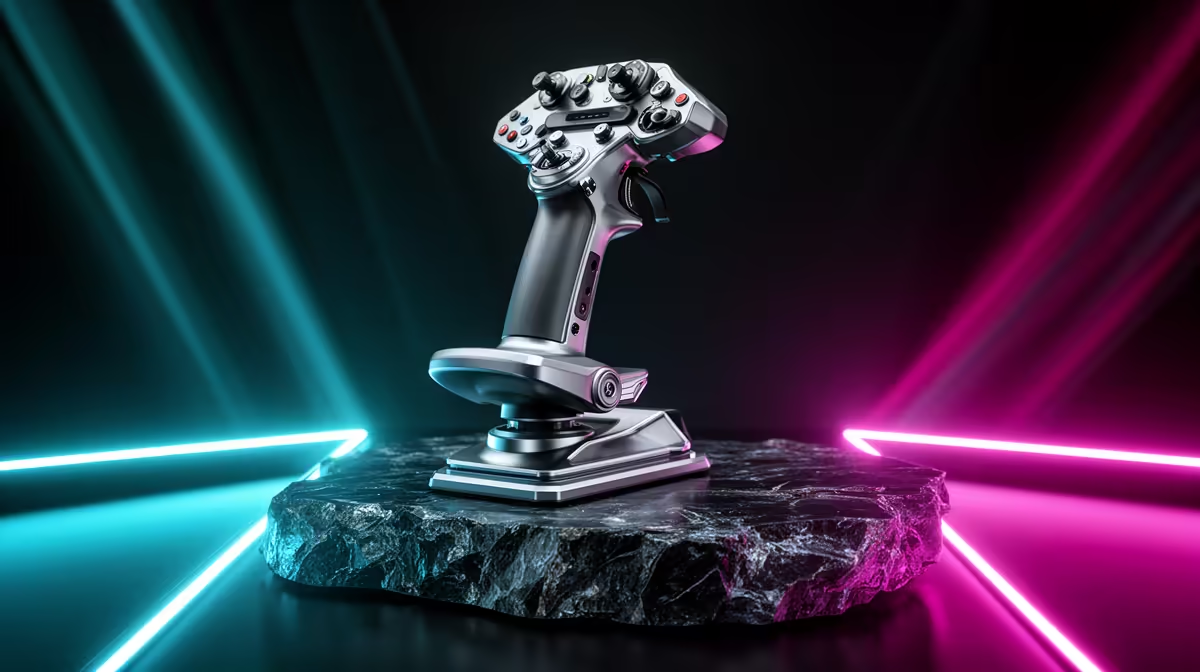
A flight stick for Apex Legends is a poor match because the game is built around supported gamepad or mouse-and-keyboard controls. No verified flight controller appears in the supplied catalogue. Put the budget into stable frame rate, a responsive display and a suitable standard input setup.
The Lenovo LOQ 83GS at R9,500 provides confirmed Core i5-12600HX and RTX 3050 laptop hardware with 8GB and 512GB for an entry portable route.
The Palit RTX 5060 Infinity 2 OC 8GB at R4,800 offers verified dedicated graphics for a compatible desktop seeking stronger high-refresh performance.
The AOC QHD IPS 200Hz monitor at R3,200 gives a confirmed high-refresh display, subject to the computer producing enough frames at the selected settings.
Check key layout, mouse space and sensitivity in the actual game. A specialised flight device sourced elsewhere makes sense for a compatible simulator, not this shooter. Keep network latency and frame pacing under observation during a full match.
Tuning an Apex Legends setup? > Tell Evetech the current PC, display resolution and frame-rate target.
Yes, only if the flight stick suits your Apex Legends control preference, available space, and upgrade plan better than your current input gear.
Begin with GAMDIAS Hermes P2A R130, Logitech G305 R525, and Promate Baton R280, then compare live availability for your preferred tier.
Confirm the port, size, and performance tier against the device you already use so Apex Legends input gear works cleanly.
Choose a budget option for short casual sessions, but raise the spend if comfort and response matter across longer Apex Legends play.
For Apex Legends, the main concern is whether the controller feel helps aiming confidence without creating setup or compatibility friction.
Upgrade the main device when the accessory cannot address storage, Wi-Fi, port, or broader performance limitations.
550W for RTX 5080 Super needs a full-build check, not a simple yes. Review GPU guidance, CPU draw, transient load, connectors, PSU quality, and upgrade plans before deciding.
Read more
8000Hz polling is overrated for most SA gamers because gains can be tiny next to battery drain and monitor limits. Mbombela players should weigh mouse feel, game support, and system stability before chasing the number.
Read more
Magnetic switches are taking over SA gaming keyboards because actuation can be tuned. For Sandton gamers, rapid trigger, reset control, and profile depth can help, but layout, key feel, and software quality still matter.
Read more
Polokwane oled monitor value questions need cautious SA context because pricing can move with availability, exchange rates, specs, and warranty support. Treat the trend as a planning signal, not a fixed price promise.
Read more
Arc B580 budget builds for Midrand gamers can shift with exchange rates, supply, specs, and model tier. Treat the title as a buying prompt, then compare SA warranty, timing, and build priorities.
Read more
ROG Ally X may beat the LCD Steam Deck for SA gamers who value stronger handheld performance, more memory, and Windows flexibility. Compare battery life, controls, game libraries, and Polokwane support needs before deciding.
Read more
Minisforum's M2 Pro pairs Core Ultra X7, Arc B390 graphics and 32GB onboard memory in 1.8 litres. SA buyers should weigh its fixed memory and $1,439 launch offer against local mini PCs.

Lenovo says Legion Go failures linked to BIOS N3CN42WW are not user error. Affected SA owners should stop retrying the update, preserve proof and open a support case.

Smart monitors can add apps and convenience, but they also add privacy settings and unwanted-software risk. SA buyers should audit the operating system before paying for extras.

A fake 113GB GTA VI ISO reportedly used empty padding around a small malware payload. SA gamers should delete unofficial builds, keep Windows security active and wait for official channels.

ASUS calls the ROG GT-BN98 the first Wi-Fi 8 gaming router. SA buyers should fix coverage and client limits before paying for a future wireless standard.

Apple's M6 Mac mini adds faster AI, graphics and networking in the same compact format. SA buyers should wait for a rand listing before comparing value.

The Vulcan II XP adds hot-swappable switches, sound damping and gaming controls to a full-size wired board. SA buyers should compare feel before features.

Microsoft says Windows on Arm now has over 7,000 verified apps and games. SA buyers should still check each driver, game and work tool before switching.

Xbox Insiders can test disc-to-digital from 31 August 2026. Supported Xbox One and Series X discs gain a digital entitlement, but older discs, regions and title coverage still need exact checks.

ViewSonic's XG2738 pairs QHD QD-OLED with 240Hz and automatic panel care. SA buyers should compare warranty, brightness, ports and burn-in protection against today's R9,999-plus OLED shelf.

NVIDIA's final Windows 10 Game Ready driver is due in October 2026. SA gamers can keep using their GPU, but new game optimisations move on while critical security fixes continue quarterly.

JBL's new Quantum 520, 520X and 120 headsets cover wireless, Xbox-certified and wired use. SA buyers should compare connection, comfort and microphone needs before paying for a new badge.