



550W PSU Planning for RTX 5080 Super Builds in SA
550W for RTX 5080 Super needs a full-build check, not a simple yes. Review GPU guidance, CPU draw, transient load, connectors, PSU quality, and upgrade plans before deciding.
Read moreFSR 4 replaces FSR 3.1's algorithmic upscaling with a machine learning model, improving stability in motion, and at launch runs exclusively on AMD's RDNA 4 cards. Evetech stocks RX 9000 series graphics cards that support FSR 4 out of the box.
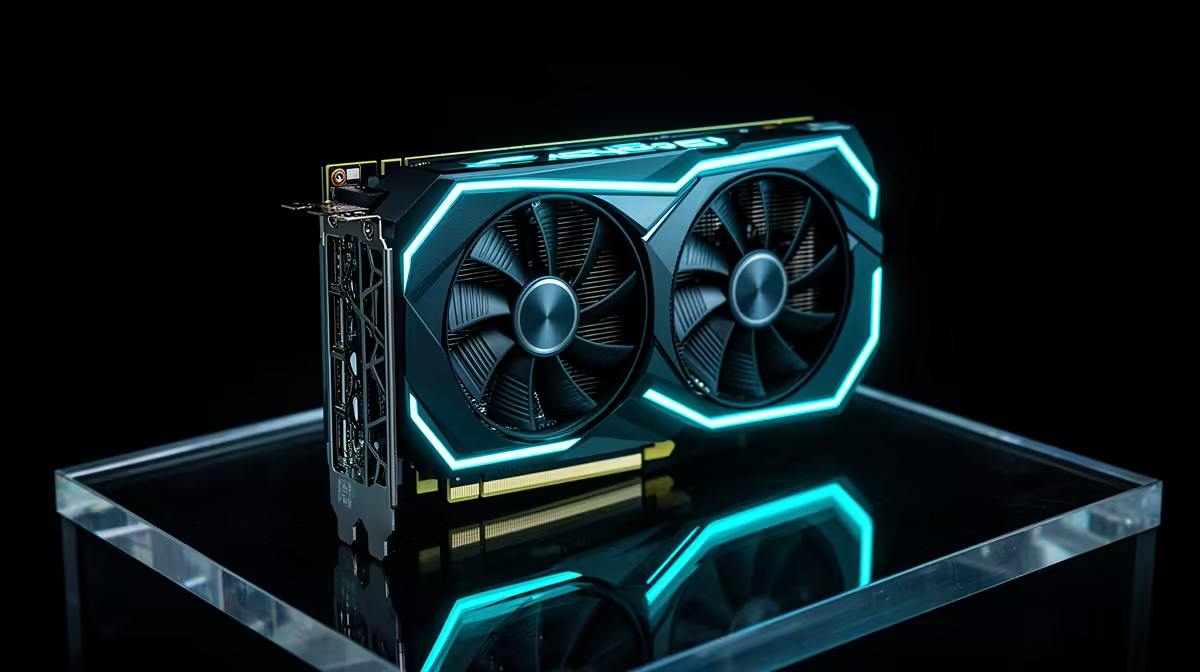
The biggest FSR 4 change happens in motion. AMD moved from FSR 3.1's algorithmic upscaling to a machine-learning model for RDNA 4 hardware, aiming for steadier fine detail as the camera moves. That hardware requirement is the part to check before you hunt through a game's menu.
FSR 4 is AMD's machine-learning upscaler for RX 9000-series RDNA 4 graphics cards. It improves image stability over FSR 3.1 in supported games and can work beside frame generation, but support depends on the card, driver and game. As of July 2026, the Evetech card snapshot centred on R13,299, a useful local marker when comparing an RDNA 4 upgrade.
Upscaling renders the game below the display resolution and reconstructs a higher-resolution image. FSR 4 uses a trained model to make that reconstruction, which helps it understand patterns that often break up in motion.
Look at fences, hair, thin cables and distant signs while moving the camera. Those details reveal more than a still screenshot. Image quality also depends on the internal resolution, so start with the Quality preset before trying more aggressive modes.
At launch, FSR 4 support is tied to AMD's RDNA 4 RX 9000-series cards. Older Radeon hardware can still use the upscaling versions supported by each game, but you should not assume that an FSR 3.1 menu option becomes FSR 4 on every card.
Compare the wider field in Evetech's graphics card range. The GPU best-seller page adds a useful view of the tiers South African builders are weighing.
FSR 4 cannot create detail that disappears at a very low internal resolution. Quality mode is the sensible starting point at 1440p or 4K. Balanced can recover more performance, while Performance mode asks the reconstruction model to do much more work.
Frame generation is a separate step. It can make displayed motion smoother, but input response follows the underlying rendered frame rate. Get the base game comfortable first, then decide whether generated frames improve the experience.
Sharpening can alter the final picture too. Set it after choosing the FSR preset and judge it in motion, since an aggressive value can turn fine detail into shimmer.
FSR 4 uses a machine-learning reconstruction model, while FSR 3.1 relies on an algorithmic approach.
FSR 4 launched for AMD RDNA 4 hardware in the RX 9000 series. Check current driver and game support for the exact card.
They can use older FSR paths where games support them, but native FSR 4 support is tied to RDNA 4 at launch.
It can be used alongside supported frame generation. They remain separate controls with different effects.
Ready to compare cards built for AMD's newer upscaling path? Explore Evetech's graphics card range and match an RX 9000 option to your resolution, game support and frame-rate target.
FSR 4 uses a machine-learning reconstruction model, while FSR 3.1 relies on an algorithmic approach.
FSR 4 launched for AMD RDNA 4 hardware in the RX 9000 series. Check current driver and game support for the exact card.
They can use older FSR paths where games support them, but native FSR 4 support is tied to RDNA 4 at launch.
It can be used alongside supported frame generation. They remain separate controls with different effects.
550W for RTX 5080 Super needs a full-build check, not a simple yes. Review GPU guidance, CPU draw, transient load, connectors, PSU quality, and upgrade plans before deciding.
Read more
8000Hz polling is overrated for most SA gamers because gains can be tiny next to battery drain and monitor limits. Mbombela players should weigh mouse feel, game support, and system stability before chasing the number.
Read more
Magnetic switches are taking over SA gaming keyboards because actuation can be tuned. For Sandton gamers, rapid trigger, reset control, and profile depth can help, but layout, key feel, and software quality still matter.
Read more
Polokwane oled monitor value questions need cautious SA context because pricing can move with availability, exchange rates, specs, and warranty support. Treat the trend as a planning signal, not a fixed price promise.
Read more
Arc B580 budget builds for Midrand gamers can shift with exchange rates, supply, specs, and model tier. Treat the title as a buying prompt, then compare SA warranty, timing, and build priorities.
Read more
ROG Ally X may beat the LCD Steam Deck for SA gamers who value stronger handheld performance, more memory, and Windows flexibility. Compare battery life, controls, game libraries, and Polokwane support needs before deciding.
Read more
Minisforum's M2 Pro pairs Core Ultra X7, Arc B390 graphics and 32GB onboard memory in 1.8 litres. SA buyers should weigh its fixed memory and $1,439 launch offer against local mini PCs.

Lenovo says Legion Go failures linked to BIOS N3CN42WW are not user error. Affected SA owners should stop retrying the update, preserve proof and open a support case.

Smart monitors can add apps and convenience, but they also add privacy settings and unwanted-software risk. SA buyers should audit the operating system before paying for extras.

A fake 113GB GTA VI ISO reportedly used empty padding around a small malware payload. SA gamers should delete unofficial builds, keep Windows security active and wait for official channels.

ASUS calls the ROG GT-BN98 the first Wi-Fi 8 gaming router. SA buyers should fix coverage and client limits before paying for a future wireless standard.

Apple's M6 Mac mini adds faster AI, graphics and networking in the same compact format. SA buyers should wait for a rand listing before comparing value.

The Vulcan II XP adds hot-swappable switches, sound damping and gaming controls to a full-size wired board. SA buyers should compare feel before features.

Microsoft says Windows on Arm now has over 7,000 verified apps and games. SA buyers should still check each driver, game and work tool before switching.

Xbox Insiders can test disc-to-digital from 31 August 2026. Supported Xbox One and Series X discs gain a digital entitlement, but older discs, regions and title coverage still need exact checks.

ViewSonic's XG2738 pairs QHD QD-OLED with 240Hz and automatic panel care. SA buyers should compare warranty, brightness, ports and burn-in protection against today's R9,999-plus OLED shelf.

NVIDIA's final Windows 10 Game Ready driver is due in October 2026. SA gamers can keep using their GPU, but new game optimisations move on while critical security fixes continue quarterly.

JBL's new Quantum 520, 520X and 120 headsets cover wireless, Xbox-certified and wired use. SA buyers should compare connection, comfort and microphone needs before paying for a new badge.