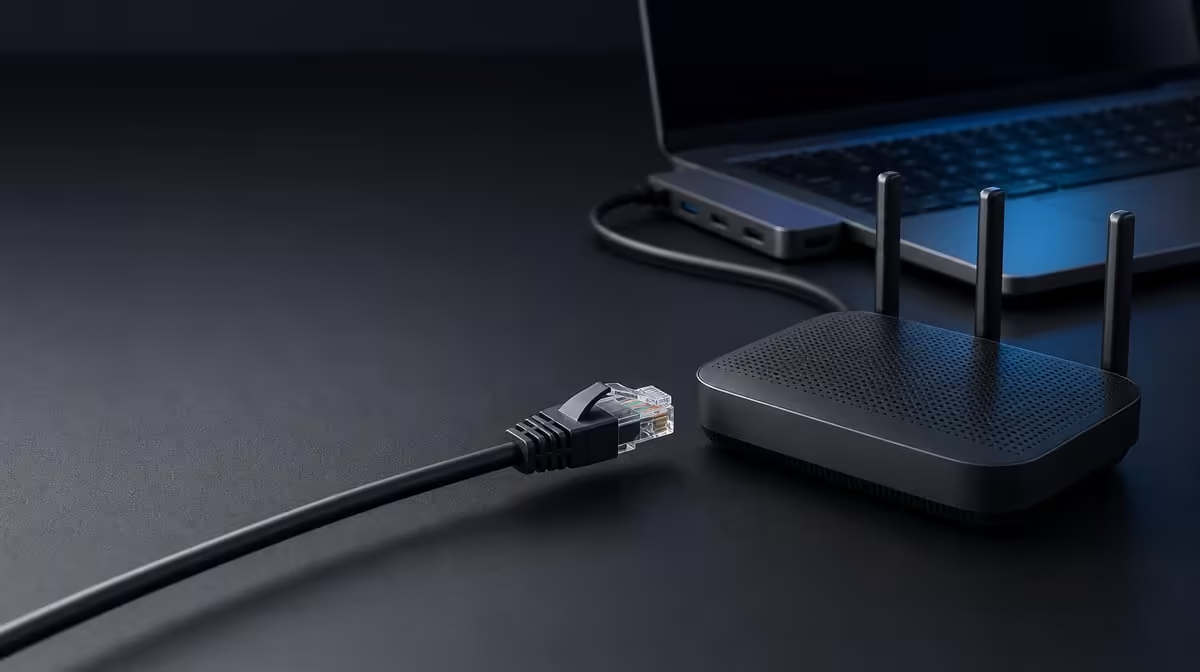
A network cable trades some movement for a defined physical path, while wireless keeps the laptop free to roam. The useful Gigabit Ethernet vs Wi-Fi choice depends on desk stability, network equipment, service speed, and whether a cable is practical in the working location.
Quick Answer
Use wired Ethernet when a stable desk connection matters; keep Wi-Fi for movement and spaces where cabling is inconvenient. The R399 UPERFECT UExtend adds a 1000Mbps Ethernet port through a compatible USB-C host, but it cannot make an internet service or remote server faster than its own limit.
🌐 Read 1000Mbps correctly
The UExtend's numeric network rating applies to its Ethernet connection. Real transfers can be lower because the cable, router or switch, host path, destination, and competing traffic all contribute. An internet speed test also measures the service beyond the local link.
Browse Evetech's USB hubs when a laptop lacks a built-in wired port. Confirm the host connection and network cable rather than assuming the hub alone creates Gigabit results.
📶 Keep wireless where it wins
Wi-Fi avoids a tether and lets the user move between rooms. It can be the better practical option for short sessions, shared spaces, or a desk far from the network equipment. Signal conditions and congestion can change, so compare both routes during the actual workload.
Do not frame the decision as a universal speed contest. A strong wireless path can be more useful than poorly routed Ethernet, while a wired link can remove radio variability at a fixed desk.
🧪 Test stability, not a headline
Use the same laptop, task, destination, and time window for a fair comparison. Check link status, complete a representative transfer or call, and note interruptions. Then change only the connection.
A fixed workstation may also benefit from Evetech's docking-station range. The choice should reflect its entire port map, not the network socket by itself.
🔌 Include the rest of the hub workload
The UExtend can also handle 4K output, SD access, two USB data devices, and up to 60W passthrough. Test Ethernet again during the ordinary combined session so the result reflects real use.
Evetech's gaming-accessories category helps identify the peripherals sharing the station. At R399, the hub adds value when wired networking and those other roles recur together. Check current availability at purchase time.
Test a working day, not one burst
Run a call, local transfer, or network application for the length of a typical session on Ethernet, then repeat under comparable Wi-Fi conditions. Note disconnects, pauses, and freedom of movement rather than recording only a peak speed.
Location matters. A laptop used beside the router may see little practical difference, while a desk behind obstacles or in a busy radio environment may benefit more from a cable. Conversely, a network lead stretched across a walkway can make the wired option unsuitable even if the link itself is stable.
Include reconnection and travel
Measure how long it takes to attach the UExtend, network cable, and laptop after arriving at the desk. Save the wired and wireless network profiles and confirm the system returns to the preferred route after restart. A connection that requires frequent manual recovery loses value.
For travel, decide whether a suitable network socket will exist at the destination. Carrying a cable only helps where the wired infrastructure is accessible. Wi-Fi remains the fallback that preserves movement.
The final verdict can be mixed: Ethernet for long fixed sessions, Wi-Fi for short mobile work. The R399 hub adds the wired option without requiring it to replace wireless everywhere.
Check recovery after the laptop leaves range of Wi-Fi, returns to the desk, or wakes with Ethernet attached. Confirm that the intended route becomes active and that applications do not remain on an unusable connection. Save a short recovery step if the operating system prefers the wrong profile.
For the final choice, score mobility, cable safety, local transfer stability, call quality, and service limits separately. Ethernet can win stability without winning mobility, while Wi-Fi can win convenience without proving a faster route. The UExtend is valuable because it lets the same laptop choose according to location.
Frequently Asked Questions
Does 1000Mbps equal guaranteed download speed?
No. It is the Ethernet-port rating, while the internet service and wider route still impose limits.
When does Wi-Fi remain preferable?
It suits movement, quick connections, and locations where a network cable creates friction.
Can a hub repair a weak broadband service?
No. It can provide a wired path but cannot raise the service beyond what the provider and route deliver.
Should the comparison use different tasks?
No. Keep the laptop, destination, and workload stable so the connection is the meaningful variable.
Ready to add a wired network route to your laptop desk?
Compare Evetech USB hubs with Ethernet against your router, cable path, host, and everyday mobility needs.