


Quick Answer
HDR (High Dynamic Range) expands the monitor's brightness and colour range for more lifelike images. ELMB Sync is ASUS's backlight strobing technology that sharpens moving images by reducing perceived motion blur. Aura Sync is ASUS's RGB lighting ecosystem that synchronises LED effects across compatible devices. All three can coexist on a single premium ASUS monitor.
Understanding HDR Tiers on Gaming Monitors 🌟
HDR on monitors is tiered. DisplayHDR 400 is the entry level and requires 400 nits peak brightness; it improves colour volume but its impact on local dimming is minimal since most DisplayHDR 400 panels use edge-lit backlights with no zone dimming. DisplayHDR 600 and DisplayHDR 1000 certifications require full-array local dimming (FALD) and genuine peak brightness for convincing HDR highlights. On QD-OLED panels, DisplayHDR True Black 400 is the relevant tier, delivering infinite contrast rather than raw brightness, with peaks around 1,000 nits on highlights. Monitors like the ASUS ROG Swift OLED PG32UCDM sit in this bracket and retail locally in the R18,000 to R24,000 range.
How ELMB Sync Sharpens Fast Motion 🎮
ELMB stands for Extreme Low Motion Blur. Traditional LCD backlights stay illuminated for the full duration of each frame, so fast-moving elements smear across the display due to the eye tracking the motion during that hold period. ELMB Sync pulses the backlight in sync with the adaptive refresh signal, briefly switching the backlight off between frames. This strobe effect reduces MPRT to as low as 0.5ms on compatible ASUS panels, making fast objects appear sharper. Critically, ASUS's ELMB Sync allows the feature to run simultaneously with G-Sync Compatible or FreeSync, which older strobing implementations could not do.
Aura Sync and the RGB Ecosystem 💡
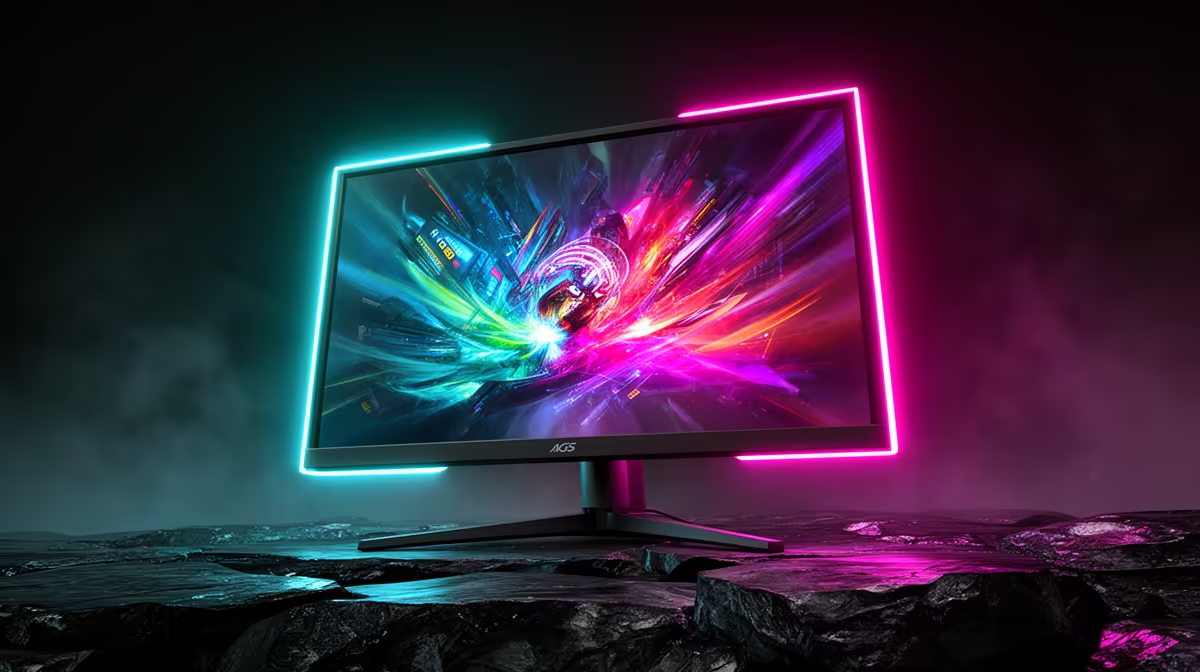
Aura Sync is ASUS's software platform for synchronising RGB lighting across ROG and TUF Gaming peripherals, motherboards, graphics cards, and monitors. Through the Armoury Crate application, users can set uniform lighting effects, including breathing, colour cycling, or reactive modes tied to in-game events, across every Aura Sync-compatible device simultaneously. For a premium SA gaming setup, coordinating a ROG monitor with a ROG keyboard, mouse, and motherboard via Aura Sync creates a cohesive aesthetic without manual per-device configuration. The software is free and installed alongside Armoury Crate.
HDR Windows Calibration ⚡
Enable Windows HD Colour in Display Settings before running any HDR game or content. Without this toggle, Windows sends an SDR signal to the monitor even when HDR is enabled in-game, robbing you of the actual HDR output. Many SA gamers miss this step and assume their monitor's HDR is broken when it is simply not active at the OS level.
FAQ
Can ELMB Sync and HDR be used at the same time?
On most ASUS OLED models, HDR and ELMB Sync cannot run simultaneously because OLED panels self-emit and the strobing mechanism works differently to LCD backlight strobing. On IPS ASUS monitors, ELMB Sync and HDR can sometimes coexist, though brightness is reduced when strobing is active.
Does Aura Sync work with non-ASUS peripherals?
Aura Sync natively supports ASUS ROG and TUF Gaming branded products. Limited compatibility exists with select third-party devices through ASUS's open SDK, but for full reliable synchronisation, sticking to the ASUS ecosystem delivers the most consistent results.
Is DisplayHDR 400 worth enabling on a gaming monitor?
DisplayHDR 400 provides a mild improvement in colour saturation and brightness headroom in supported titles, but it does not deliver the dramatic HDR contrast that DisplayHDR 1000 or True Black 400 OLED panels offer. It is worth enabling in compatible games but should not be the primary purchasing criterion for a monitor.
Want a monitor that does HDR, ELMB Sync and Aura Sync? Evetech stocks ASUS ROG and TUF Gaming monitors with the full suite of premium display technologies. Head to the Evetech monitor section to explore your options.











