The high-speed vs standard FDM printing decision is a balance between attempted time reduction and the tuning margin needed for an accepted result. A maximum motion rate matters only when extrusion, geometry and finish remain suitable for the job.
Quick Answer
The Neptune 4 Plus supports 250mm/s standard printing and up to 500mm/s high-speed motion, with acceleration reaching 12,000mm/s2.
At R7,799, the Klipper-based Neptune 4 Plus reaches up to 500mm/s. Establish a quality baseline at a controlled rate, increase speed in labelled steps and compare completed part time and finish. The maximum does not guarantee identical quality or shorter every job.
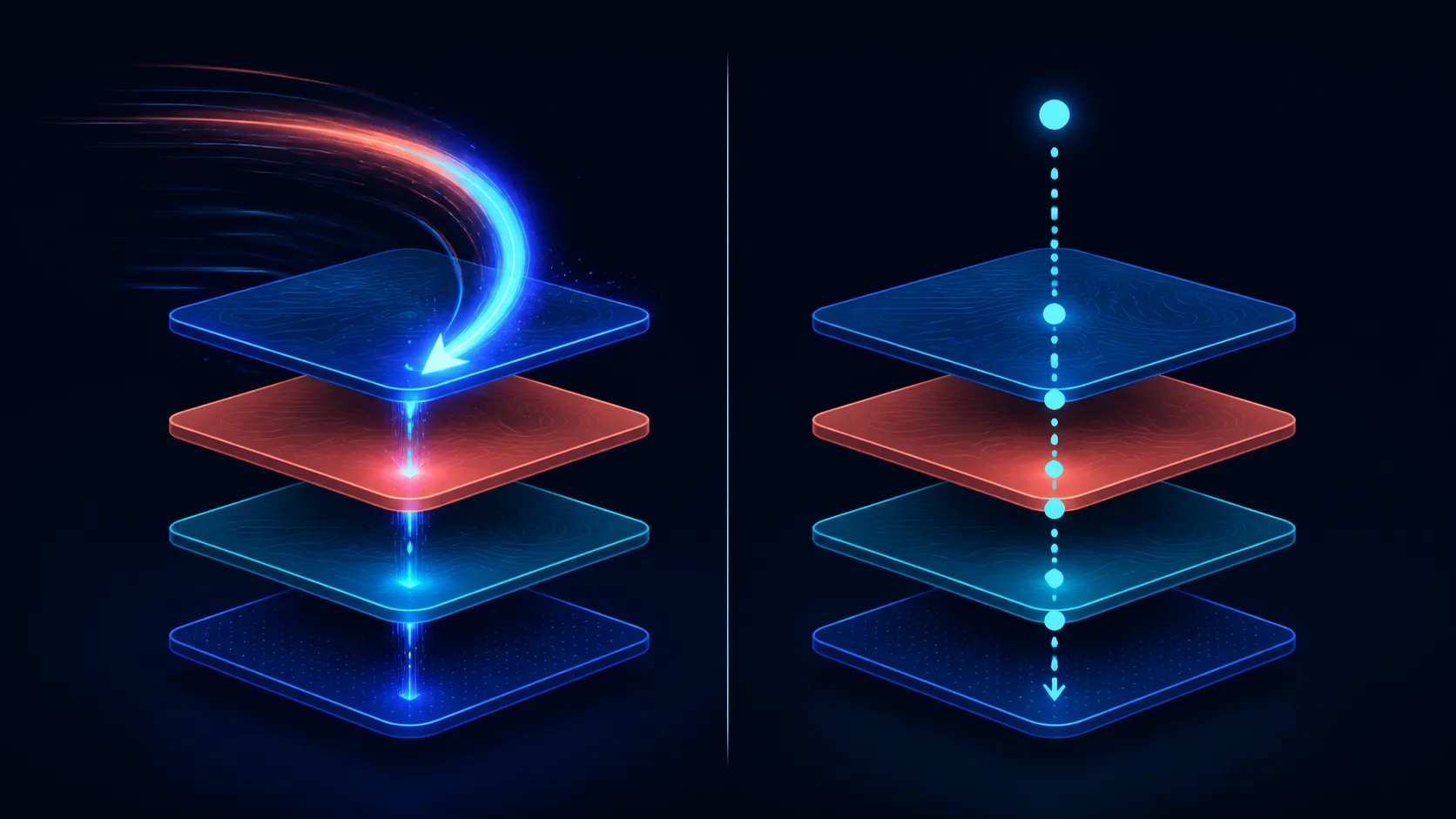
⏱️ Define the Time Target
Record total job duration, not just one motion setting. Heating, first layers, slower feature moves and other stages can reduce the effect of a higher ceiling on the final clock.
Choose a representative part rather than a tiny speed demonstration. Include the corners, surfaces and details the real work must reproduce. Define acceptance before printing so a faster but rejected part does not count as a saving.
The Neptune 4 Plus offers a 320 x 320 x 385mm volume. Keep the test smaller initially to reduce material and time while the profile remains experimental.
🎛️ Increase Motion in Stages
Klipper supplies the printer's firmware platform. Begin with a sound first layer after automatic levelling, then alter one relevant speed or motion variable at a time.
Label each sample and preserve the standard-rate baseline. If ringing, incomplete lines or detail loss appears, return to the last accepted step and diagnose the visible change.
Compare motion capabilities across Evetech's large 3D printers with complete output criteria included.
🧵 Match Extrusion to Motion
Direct drive feeds the Neptune's 300C-capable nozzle. Those specifications describe hardware without proving that every filament can sustain the same motion rate or temperature.
Follow the chosen material's full requirements and observe whether flow remains consistent as speed rises. Avoid compensating for poor delivery by applying an arbitrary thermal increase.
Browse filament at Evetech, then confirm the complete printer-material profile before testing.
📊 Choose the Usable Rate
Compare accepted surface, dimensions and complete duration at every step. Standard speed may suit a detail-focused job, while a higher tested profile may benefit a different geometry.
See Evetech's 3D printer collection when weighing firmware, volume and setup features against motion.
Save profiles by material and job class. The practical rate is the fastest verified setting that still meets the defined result, not automatically the 500mm/s capability.
Run the comparison again on a second geometry before promoting a high-speed profile to routine use. A model dominated by straight walls can hide behaviour that appears around small holes, direction changes or thin sections.
Keep replacement prints in the timing record. If a faster setting produces one failure for every several accepted parts, its effective throughput may be worse than the slower baseline. This calculation connects motion tuning to material use and operator time instead of a single best-case result.
Use the same acceptance threshold for every sample.
Klipper adds input shaping and pressure advance, while X/Y sensors automatically calibrate vibration compensation. Compare the same model at standard and raised profiles, measuring complete time as well as corners, ringing, stringing and layer registration. Maximum speed is a tuning ceiling, not the correct value for every feature.
Cooling capacity becomes more important as layer time falls. Two thickened 4015 fans, a 3010 blower and dual rear 6025 blowers direct air around fresh extrusion. High speed can still be inappropriate for a tiny feature or heat-sensitive material, so use the cooling result rather than the advertised ceiling to select pace.
Frequently Asked Questions
What distinguishes high-speed from standard printing?
High-speed profiles pursue greater motion rates, while a standard baseline usually provides more room for controlled tuning and comparison.
How fast can the Neptune 4 Plus run?
Its supported maximum reaches 500mm/s through a Klipper-based high-speed platform.
What does 500mm/s prove about output?
No fixed quality outcome follows from the ceiling; verify the chosen model, material and profile with a printed sample.
Should tuning change with speed?
Introduce controlled adjustments as motion rises and preserve the last accepted profile instead of changing several values together.
Does a higher ceiling always save time?
No. Total duration includes stages and movements that may not run at the maximum, and rejected output saves nothing.
Which extrusion features support the print process?
The printer combines a direct drive extruder with a nozzle capable of reaching 300C.
How large can the test model be?
It must fit within 320 x 320 x 385mm, though smaller representative tests reduce waste during tuning.
Need a speed profile judged by accepted output?
Explore high-speed FDM printers at Evetech with one representative model and a complete time-and-quality scorecard ready.