Quick Answer
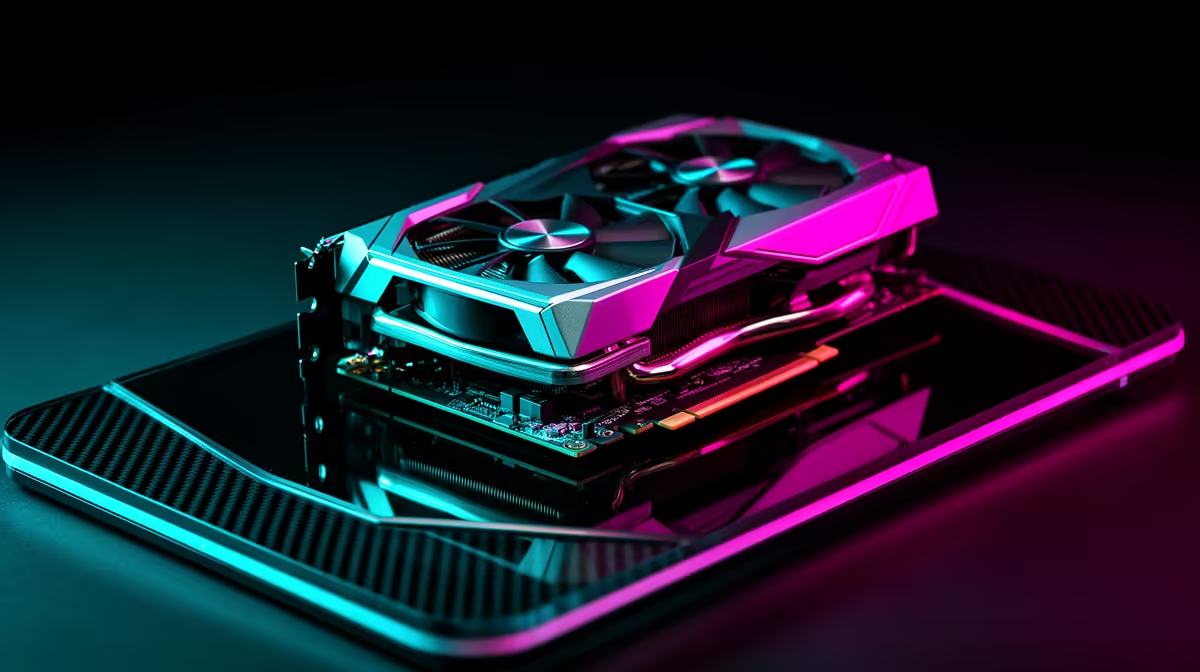
RTX 5090 is a high-end match for Honkai: Star Rail if the target is 1440p ultra, 4K high settings, or ray tracing with upscaling. Expect a practical planning range of 90 to 160 fps at 1440p and 60 to 120 fps at 4K depending on the final preset, CPU, and patch version. Pair it with a Ryzen 7 9800X3D-class CPU, 32GB DDR5, and a 1000W quality PSU.
Settings that matter first
Start with native 1440p high or ultra, then add ray tracing only after checking minimum fps. DLSS or frame generation can make 4K feel smoother, but input feel still depends on base frame rate. For SA buyers, the best benchmark is not the peak number; it is whether the game holds stable frame pacing through heavy combat, city scenes, or streaming capture.
Hardware pairing
A RTX 5090 build should not be dragged down by 16GB RAM, an old 6-core CPU, or poor case airflow. Use 32GB DDR5 as the minimum, 2TB NVMe storage for large game installs, and a case with room for a long triple-slot card. Broad local pricing can move quickly, so treat R35,000 to R55,000 for the GPU tier as a planning band, not a live price.
What SA gamers should test
Use a repeatable scene, record average fps and 1 percent lows, and test with the same resolution each time. A 144Hz or 165Hz monitor is a better partner than a basic 60Hz screen because it shows the extra frames. If the room is warm or the case is cramped, check GPU temperature before blaming the game.
FAQ
Is RTX 5090 overkill for Honkai: Star Rail?
It is overkill for 1080p casual play, but sensible for 1440p high refresh, 4K, ray tracing, or streaming. The value depends on the monitor and the rest of the PC.
How much RAM should I use with RTX 5090?
Use 32GB DDR5 as the minimum for this tier. Move to 64GB only if you also edit video, stream heavily, or run large background tools.
Should I trust one benchmark result?
No, use several runs from the same scene and compare average fps with 1 percent lows. A smooth 90 fps with good lows is usually better than a spiky 140 fps result.
Buying check
Before paying for this GPU tier, confirm case clearance, PSU wattage, monitor refresh rate, and whether your target game supports the upscaling mode you plan to use.