


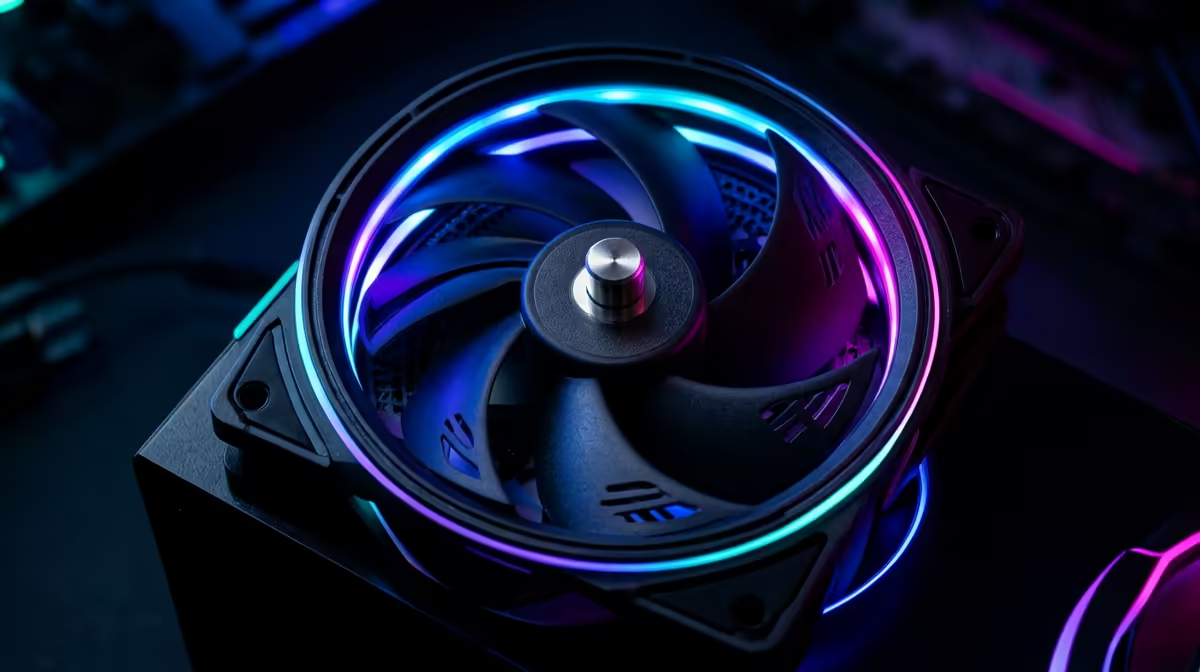
Quick Answer
Quality case fans typically last 40,000 to 60,000 hours under 24/7 operation, roughly 5 to 7 years, with fluid dynamic bearing models reaching the top of that range. A good 120mm fan near R250 with an FDB or magnetic bearing is the durable choice for an always-on PC.
Why Bearing Type Decides Fan Life
A fan's lifespan is set mostly by its bearing. Cheap sleeve-bearing fans rated near 30,000 hours wear faster, especially mounted vertically. Fluid dynamic bearing (FDB) and magnetic-levitation fans rated 50,000-60,000 hours or more run quieter and last far longer under continuous use. For a 24/7 machine, paying a little more for an FDB fan near R250-R400 each pays back in years of quiet, reliable airflow.
Spotting and Preventing Fan Failure
A failing fan announces itself with a ticking or grinding noise, a rising whine, or slowing RPM that your motherboard software will show. Dust is the main enemy, so a quick clean every few months keeps bearings happy and airflow high. Running fans through a quiet curve rather than full tilt also extends life and keeps noise under about 30 dBA at idle. A quality 120mm fluid dynamic bearing fan near R350, or a three-fan kit near R1,050, moves strong airflow while staying quiet, so you gain longevity without the whine of a cheaper sleeve-bearing unit.
FAQ
How long do case fans last running 24/7?
Roughly 5 to 7 years, or 40,000-60,000 hours, for quality fans. Fluid dynamic bearing models last longest; cheap sleeve-bearing fans wear out sooner.
Which fan bearing is best for an always-on PC?
A fluid dynamic bearing or magnetic-levitation fan. Both are rated for far more hours than sleeve bearings and run quieter under continuous operation.
How do I know a case fan is failing?
Listen for ticking, grinding or a rising whine, and watch the RPM in your motherboard software. A fan that no longer hits its set speed is on the way out.
24 7 build, fit fluid dynamic bearing 120mm fans and dust them every few months; they will run quiet and reliable for years.











