Quick Answer
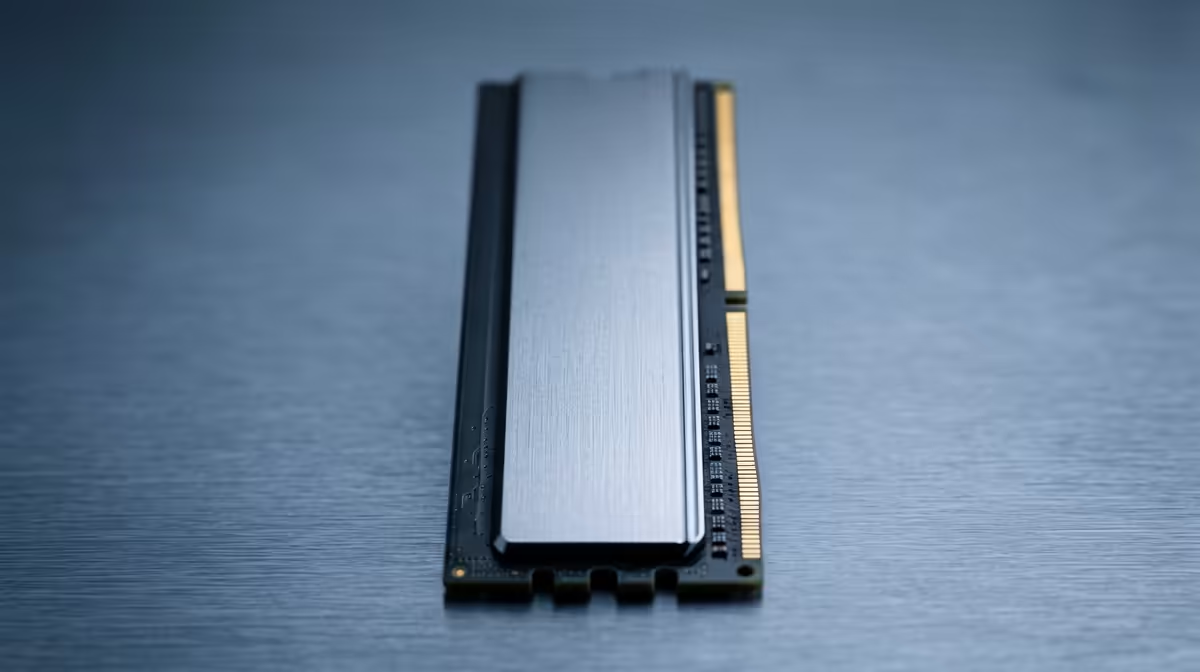
DDR5 RAM in a daily-driver PC realistically lasts 10 years or more, usually outliving the CPU and GPU. With on-die ECC and lifetime warranties from Corsair, G.Skill and Kingston, the practical limit is obsolescence, not wear, so a kit bought today should never need replacing on its own.
What Determines RAM Lifespan
Memory has no moving parts and writes leave no wear the way an SSD's flash cells do. DDR5 runs at safe voltages under its EXPO or XMP profile, and on-die ECC quietly fixes minor bit errors. The few kits that fail usually do so early, within the first weeks, which is exactly what the warranty covers. After that, a DDR5-6000 CL30 kit just keeps working.
Buying RAM That Lasts in SA
A 32GB DDR5-6000 CL30 kit near R2,200 from Corsair, Kingston or G.Skill ships with a lifetime warranty through local distribution. That cover, plus DDR5's low failure rate, makes memory one of the safest long-term parts of any build. Choose a kit on your board's QVL, enable the profile once, and it should outlast several GPU upgrades. If you do see crashes, run a memory test overnight before assuming a bad stick, since loose seating or an unstable EXPO profile mimics failure and is fixed by reseating or a BIOS update.
FAQ
Will DDR5 RAM wear out from daily gaming?
No. Unlike an SSD, RAM does not wear from writes. Daily gaming has effectively no impact on its lifespan, which is measured in many years.
How do I know if a RAM stick is failing?
Random crashes, blue screens or failed boots can signal a bad stick. Running a memory test overnight will flag errors; a lifetime warranty makes replacement simple.
Should I replace RAM when upgrading my CPU?
Only if you change platform, for example moving from DDR4 to DDR5. A healthy DDR5 kit carries over to a new compatible CPU with no need to replace it.
Pick a lifetime-warranty DDR5-6000 CL30 kit at Evetech, confirm it on your board's QVL, and it should serve you across multiple builds.